6 Best WordPress Booking Plugins to Accept Online Bookings (2026)

6 Best WordPress Booking Plugins to Accept Online Bookings (2026)

Someone decides to book your service at 10:30 PM. Your business is closed, your phone is silent, and by morning they’ve already booked with someone else.

I’ve seen this happen way more often than most business owners realize. The problem isn’t mostly the service, but the booking experience. If customers have to call, email or wait for a reply, many simply move on. No one had time to wait. 

That’s exactly why I tested some of the most popular WordPress booking plugins. I looked beyond feature lists to see which ones actually make booking effortless, lower admin work and fit different types of businesses.

In this guide, I’ll walk through six best WordPress booking plugins, and tell you where each one shines, where it falls short and who should actually use it.

Let’s get into the list without any fluff !

Quick Comparison: Top Best WordPress Booking Plugins in 2026

In a hurry? No worries! Here are the best booking plugins for WordPress to accept online bookings with ease: 

PluginBest ForFree VersionStarting PricePayment SupportOur Rating
BookingPressAll-in-one appointment booking$89/year21+ gateways + POS⭐⭐⭐⭐⭐
Hydra BookingSmall businesses & Gutenberg users$39/yearPayPal, Stripe, WooCommerce⭐⭐⭐⭐☆
Appointment Hour BookingHourly appointments & consultants€59/yearPayPal, Stripe & more⭐⭐⭐⭐☆
Easy AppointmentsMulti-location service businesses$39/yearPayPal, WooCommerce⭐⭐⭐⭐☆
Gravity BookingGravity Forms users & agencies$79/year(+ $59/Year for Gravity Forms) Stripe, Square, Mollie⭐⭐⭐⭐☆
MotoPress Appointment BookingGrowing businesses & teams$49/yearPayPal, Stripe, Square⭐⭐⭐⭐☆

6 Best WordPress Booking Plugins We Tested in 2026

1. BookingPress 

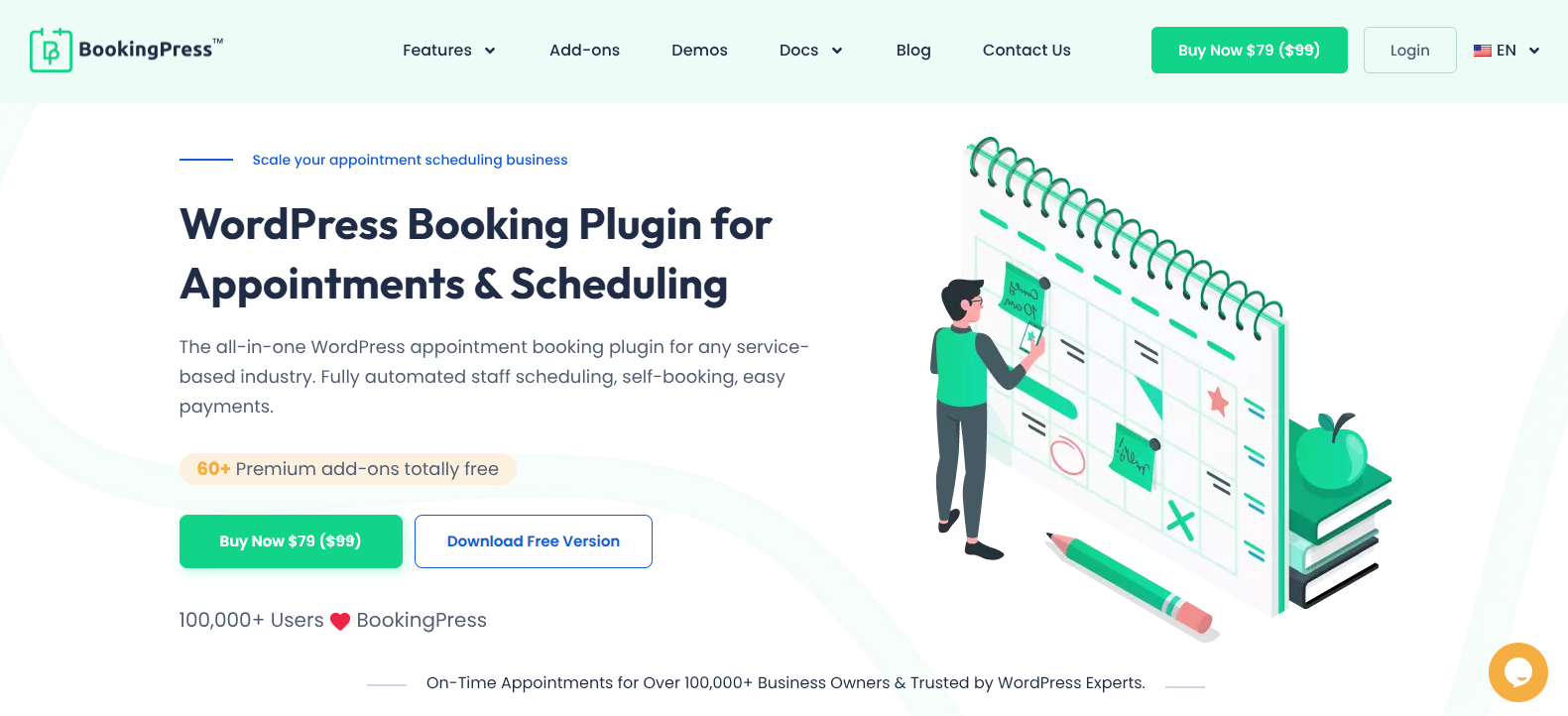
BookingPress is one of the most feature-rich WordPress appointment booking plugins I tested. Its dashboard feels modern, the booking form is fully branded and the plugin is definitely built for service businesses that need a complete online scheduling system. 

A big advantage is its set of 60+ premium addons. Features like Service Extras, packages, tax, coupon and invoice management, and two-way calendar sync can be easily set up in less than 10 minutes. Since these are all in-built addons, your user interface stays always clean and easy to go around. 

All these makes BookingPress a best-fit for growing service businesses that want an all-in-one booking experience at a money worth value. 

key Feature  

  • Fully customizable booking form 
  • 21+ payment gateways + POS System
  • SMS, WhatsApp, Email and Telegram reminders 
  • Syncs with all popular calendars 
  • Centralized analytics dashboard 
  • Coupons and special pricing 
  • Advanced staff member and multi-location management 

Pros 

  • User friendly interface 
  • Dedicated customer and staff portals 
  • Wide range of payment gateways 
  • Money worth 

Cons 

  • No dedicated iOS or Android app 
  • Needs premium version for advanced features like group or recurring appointments 

Pricing: 

  • Free version available 
  • The premium plan starts at $89/Year. 

2. Hydra Booking

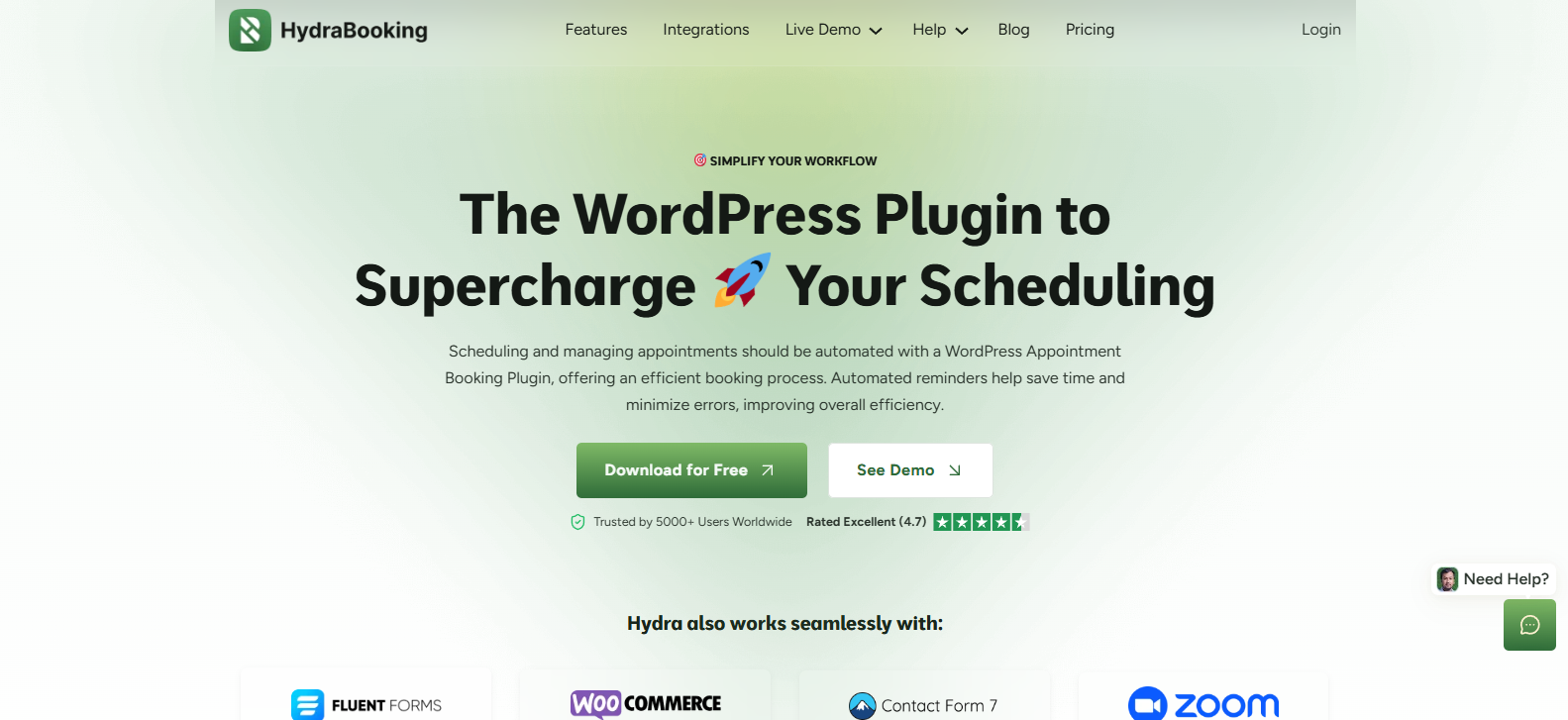
After testing Hydra Booking, I found it to be one of the cleanest booking plugins for WordPress. Its block based interface blends naturally with the WordPress editor so if you wanna build booking pages, no need for extra page builders or complicated settings.

Setting up services, staff members and availability was good I guess. The plugin also includes useful automation features like email notifications, Google Calendar sync and online payments. Although it doesn’t have as many advanced capabilities as BookingPress, it covers everything most small businesses need to start accepting appointments online.

Thus if you want a lightweight plugin with simple features, Hydra Booking is a good place to start. 

key Feature  

  • Two way calendar syncs 
  • Automated WhatsApp, SMS, Telegram or slack notifications 
  • Integrates with Zoom 
  • Online payment via PayPal, Stripe or WooCommerce 
  • Custom booking pages 
  • Employee management 
  • Custom email template builder

Pros 

  • Flexible meeting types 
  • Deep integration with calendars and video conferencing tools
  • Cost effective alternative

Cons 

  • Steep learning curve; takes a lot of time to set up
  • Limited native payment options compared to BookingPress 
  • User interface is clean, yet may feel outdated compared to modern SaaS like plugins

Pricing: 

  • Free version available 
  • The premium plan starts at $39/Year (May renew at $69/Year)

3. Appointment Hour Booking

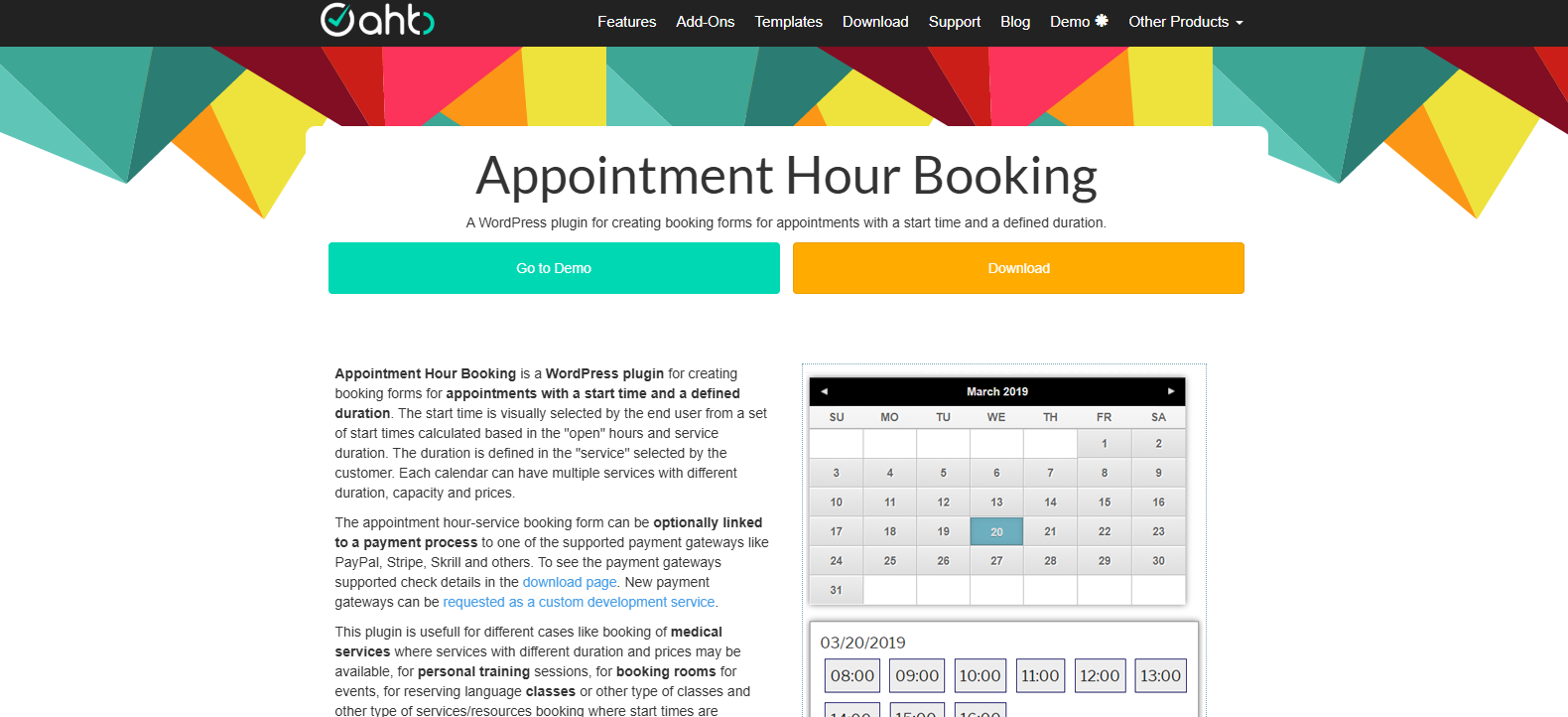
Appointment Hour Booking takes a different approach compared to most modern booking plugins. The interface feels a little dated, but don’t let that fool you. It offers a surprisingly flexible appointment system, especially for businesses that charge based on time slots or appointment duration.

During testing, I found the scheduling options highly customizable. You can define available hours, holidays, booking limits, and pricing with good precision. It also supports PayPal payments and integrates with Google Calendar, making it suitable for professionals who need detailed scheduling controls.

It isn’t the most polished plugin on this list, but if functionality matters more than appearance, Appointment Hour Booking is worth considering.

Key Feature  

  • Visual Calendar configurations 
  • Online payment via PayPal, Stripe, Skill and more 
  • Multi-capacity scheduling 
  • Visual form builder 
  • Printable appointment list
  • Integrates with Zoom, reCAPTCHA, MailChimp and more
  • Each service can have its own price and duration

Pros 

  • Generous free version 
  • Dynamic time slot calculation 
  • Flawless slot locking 

Cons 

  • Outdated interface 
  • Weak multi-staff features 

Pricing: 

  • Free version available 
  • The premium plan starts at €59.00/Year (Approx. $67.56/year)

4. Easy Appointment

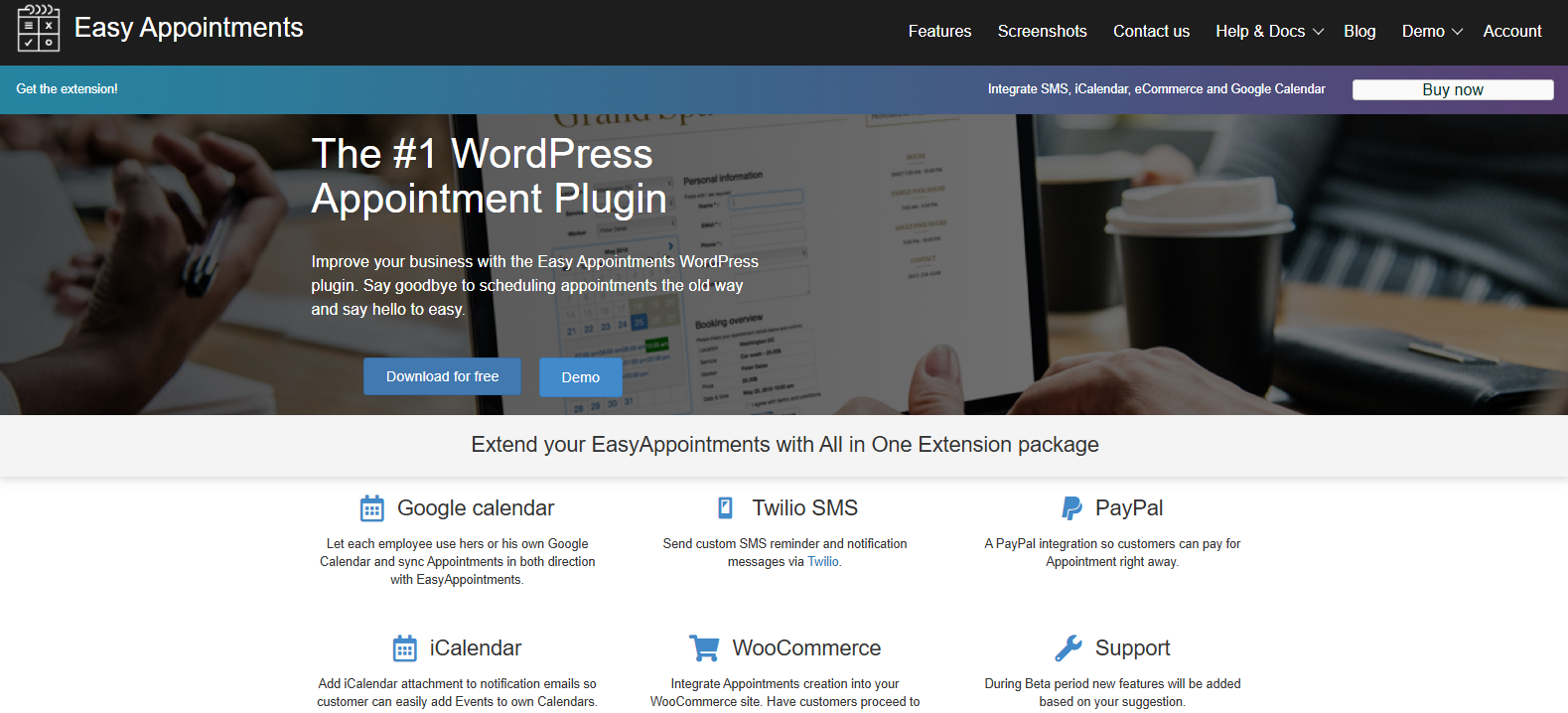
Easy Appointments stood out for its flexibility rather than its appearance. During testing, I found it to be a good fit for businesses that need to manage multiple services, employees, and locations without paying for features they may never use.

The setup takes a little longer than some newer booking plugins because there are more configuration options. However, once everything is in place, it handles appointment scheduling reliably. I also liked its customizable booking forms and the ability to create detailed availability rules for different staff members.

If you’re comfortable spending a little extra time configuring your booking system, Easy Appointments gives you plenty of control without being overly complicated.

Key Feature  

  • Syncs with Google Calendar and iCal
  • Automatic SMS and Email messages
  • Integrates with WooCommerce 
  • Online payment via PayPal
  • Multiple locations, services and workers 
  • Custom form fields 
  • Google reCAPTHCA v2

Pros 

  • Excellent location, staff and service model 
  • Mobile friendly interface
  • Free core plugin 

Cons 

  • Outdated interface 
  • No payments in free version

Pricing: 

  • Free version available 
  • The premium plan starts at $39/Year 

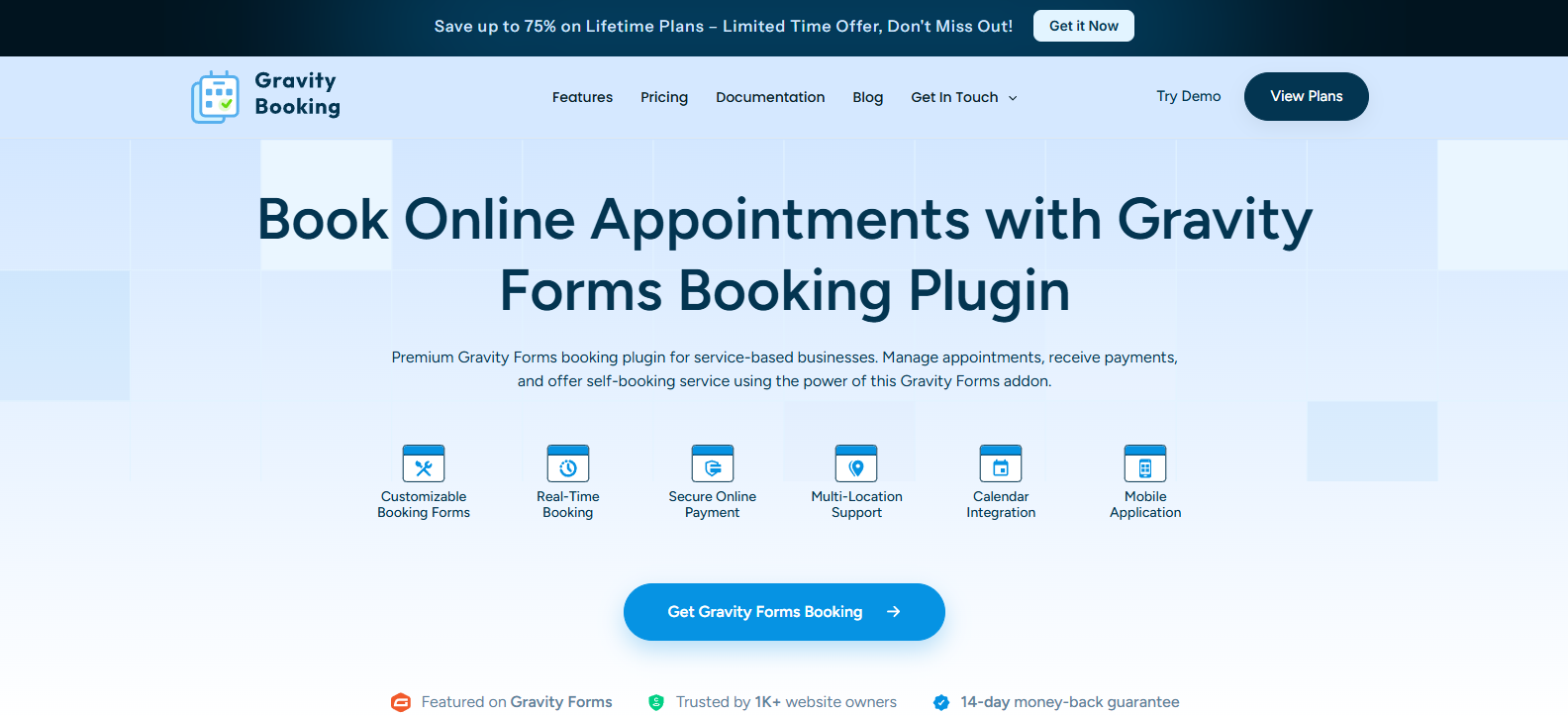
5. Gravity Booking

If your website already runs on Gravity Forms, Gravity Booking feels like a natural extension. 

The best part is it transforms them into a complete appointment scheduling system. While testing, I liked how much control it gives over booking workflows. You can create custom booking forms, manage staff availability, sync calendars, and accept online payments—all while continuing to use Gravity Forms’ powerful conditional logic.

That flexibility does come with a learning curve, so it’s better suited for agencies, developers or businesses already invested in the Gravity Forms ecosystem rather than complete beginners.

Key Features

  • Built on Gravity Forms Only 
  • Staff and service management
  • Google Calendar and Outlook synchronization
  • Stripe, Square, and Mollie payments
  • Reminder emails
  • Holiday and availability management
  • Unlimited bookings and services

Pros

  • Extremely flexible booking workflows
  • Ideal for Gravity Forms users
  • Powerful conditional logic support
  • Multiple payment gateway options

Cons

  • Must need Gravity Forms
  • Higher learning curve than standalone booking plugins

Pricing

  • Premium plugin (Needs a Gravity Forms license)
  • Plans start from $79/year + Gravity Forms starting from $59/Year.

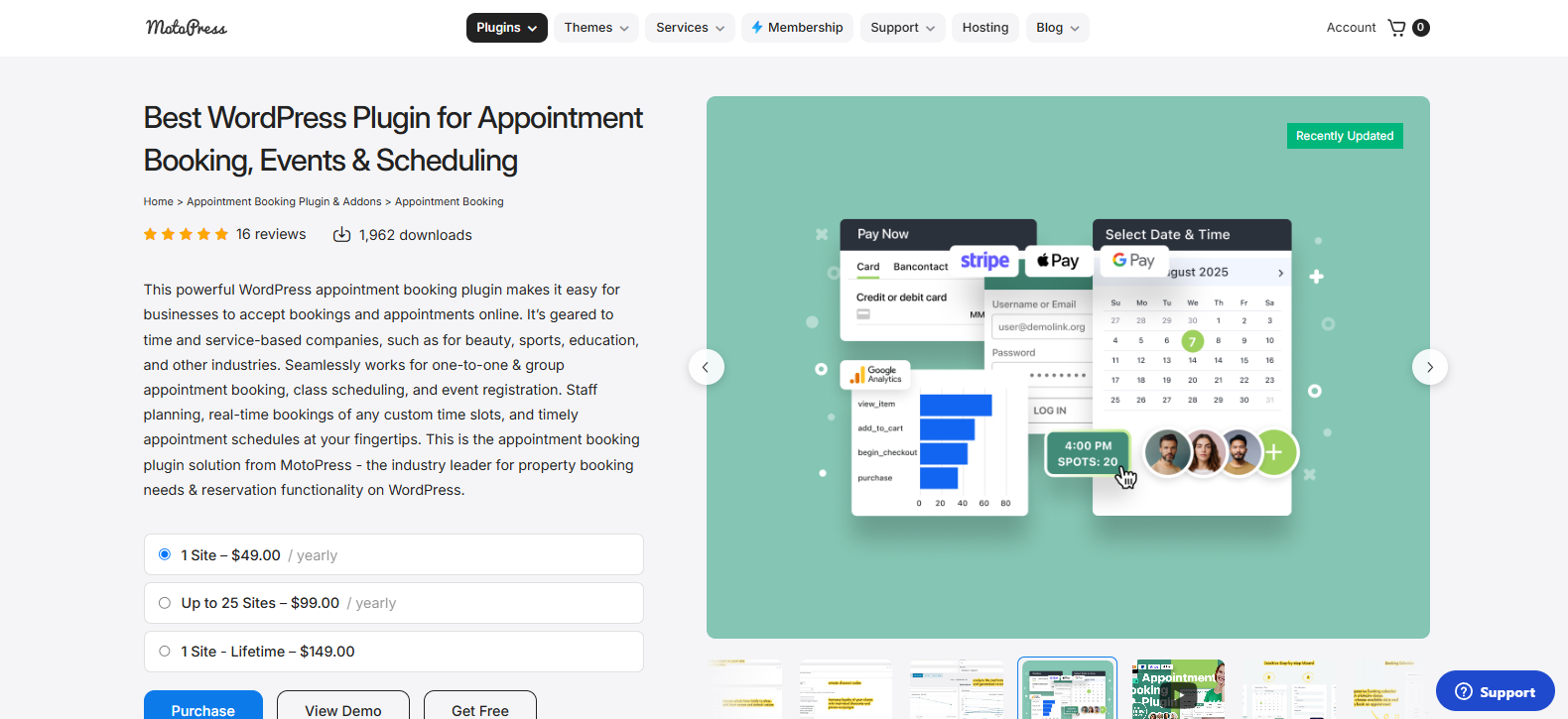
6. MotoPress Appointment Booking

MotoPress Appointment Booking impressed me with how well it balances beginner-friendly setup and advanced scheduling features. The setup wizard gets you started quickly, while features like employee schedules, group bookings, online payments, and appointment analytics make it capable of handling much larger businesses as well.

During testing, the booking workflow felt smooth, and I especially liked its support for multiple locations, appointment capacity, customer accounts, and detailed reporting. It also integrates well with Gutenberg, Elementor, and Divi. 

Overall, it’s one of the most complete booking solutions for businesses that expect to grow beyond simple one to one appointments.

Key Features

  • Step by step setup wizard,
  • Individual and group bookings.
  • Multiple employees and locations.
  • PayPal, Stripe, Square and other payment gateways.
  • Google Calendar Sync.
  • Google Analytics Integrations.
  • Built in analytics dashboard.
  • Coupons and recurring customer management.

Pros

  • Excellent balance of simplicity and advanced features.
  • Built-in analytics and reporting.
  • Supports group appointments and classes.
  • Works with Gutenberg, Elementor, and Divi.

Cons

  • Some advanced features need premium addons. 
  • SMS notifications require a separate extension.

Pricing

  • Free version available 
  • The premium pro plan starts at $49/year for one website. But if you want features like SMS, WooCommerce, Google Analytics, and more, the Bundle plan starts at $99/Year. 

Our Final Recommendation

If you’re looking for the best WordPress booking plugin that makes it easy for clients to make appointments online, then BookingPress, Hydra Booking, and Easy Appointment plugin are the best ones. 

But if you’re looking for the most complete and reliable WordPress appointment booking plugin, BookingPress is our top recommendation. 

Trusted by over 100,000+ businesses, BookingPress comes packed with a set of 60+ premium addons including 21+ payment gateways, which makes your client’s booking experience a breeze. 

Further into this, you can easily manage all unlimited appointments, services, staff members and locations, and get a centralised analytics dashboard to track everything in real time. Best of all, you can lower your no-show rates by using its multi-channel automatic notifications via Email, SMS, WhatsApp and  Telegram. 

So what are you waiting for? Get BookingPress today and start accepting bookings online! 

Animations in One Click

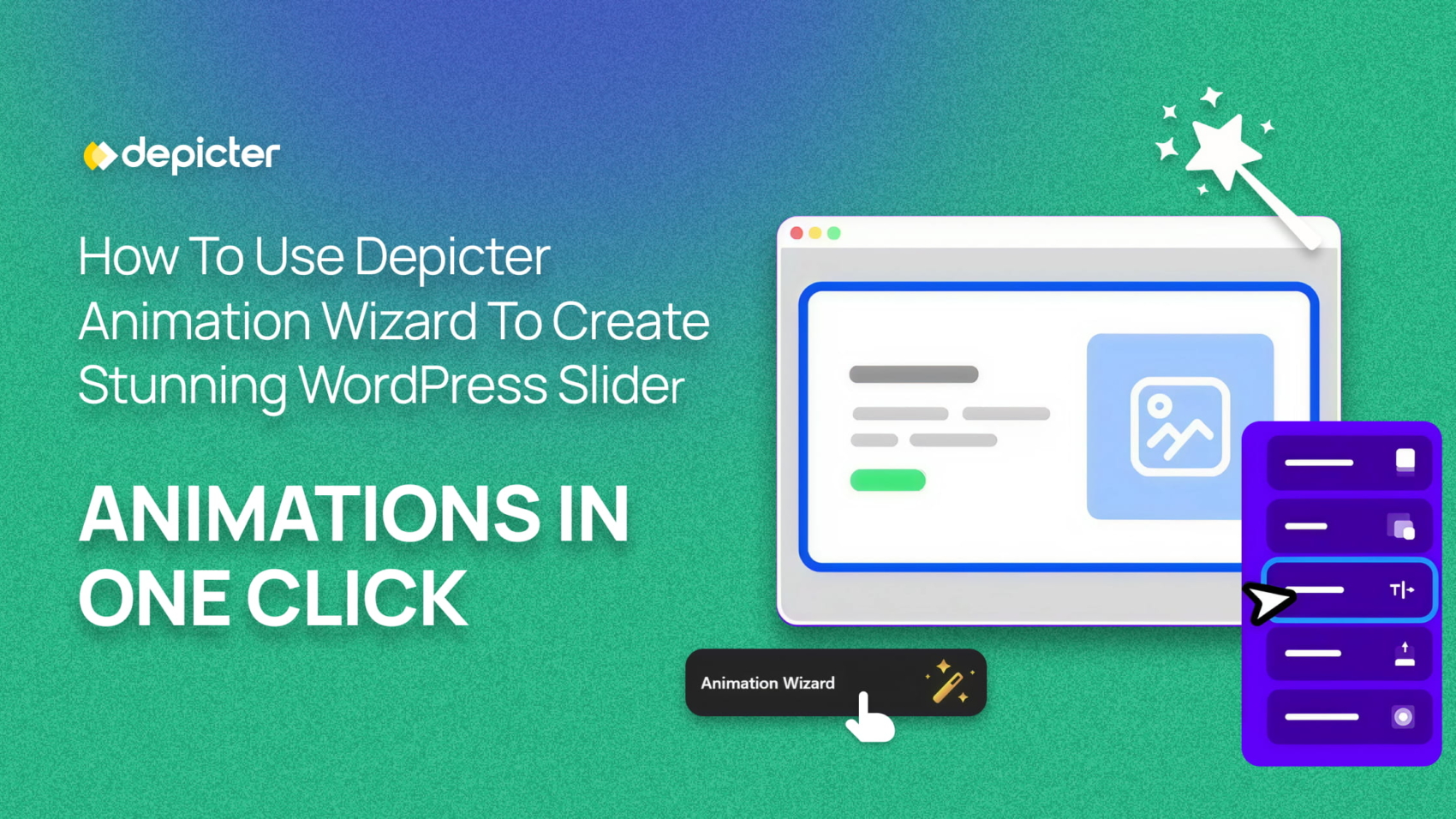
How to Use Depicter Animation Wizard to Create Stunning WordPress Slider Animations in One Click

Creating eye-catching motion design for websites used to be a luxury reserved for professional developers with hours of free time. You either had to write complex CSS keyframes from scratch or spend half your afternoon tweaking timeline tracks inside a plugin. Even with modern drag-and-drop tools, animating a single slide or popup can quickly become a workflow killer. Imagine having to manually click Element A, set a fade-in, click Element B, add a 200ms delay, slide in Element C, and then realize the timing looks completely out of sync.

This is exactly where the Depicter Animation Wizard changes the game. This smart feature allows you to instantly apply beautifully coordinated WordPress slider animation styles to your entire design layout with a single click.

If you are looking for a way to build highly engaging, dynamic layouts without drowning in manual settings, this guide will show you how to animate website elements effortlessly while drastically choosing to speed up web design workflow routines.

What is the Depicter Animation Wizard?

The Animation Wizard is a revolutionary, smart feature built directly into Depicter, the best WordPress Slider plugin. Instead of making you animate every single layer like text blocks, buttons, images, and shapes one by one, the Wizard acts as an automated design assistant.

When you click the “Animate” button, the engine analyzes your entire canvas, understands the hierarchy of your layers, and applies a professional motion sequence automatically. It represents a massive leap forward for automated web design tools, transforming a multi-step design task into a simple, one-click solution.

Why Manual Animation is Slowing Down Your Workflow

Before smart tools like Depicter came along, adding motion to an interactive WordPress plugin layout was a frustrating balancing act:

  • The Ultimate Time Sink: Animating a standard slide with a background, two headlines, a decorative shape, and a call-to-action (CTA) button means configuring at least five different timelines. Multiply that by a 5-slide carousel, and you have wasted an hour on basic adjustments.
  • The Chaotic Output Trap: Professional motion design for websites relies heavily on physics, easing curves, and logical sequencing. When non-designers try to animate elements manually, they often end up with a chaotic mess where objects fly in from random directions at jarring speeds, destroying the user experience.
  • Performance Bloat: Traditional methods often load massive JavaScript libraries to handle complex timelines, slowing down your page speeds and hurting your Core Web Vitals.

The Benefits of One-Click Automated Animation

Using an intelligent system like the Depicter Animation Wizard offers massive advantages for freelancers, agency owners, and DIY WordPress users alike:

1. Flawless Structural Cohesion

The Wizard doesn’t just toss random effects onto your screen. It groups your elements into a unified sequence. Everything moves in harmony.

2. High-Velocity Project Turnaround

When you can animate an entire landing page hero section or promotional popup in three seconds instead of thirty minutes, your capacity to finish client projects skyrockets. You can focus your energy on copywriting and strategy rather than pixel-pushing.

3. Built-In Performance Optimization

Depicter is widely recognized not only as a slider plugin but as the best WordPress Popup plugin for speed because its animation engine is built on lightweight, modern web standards. The Wizard generates clean, highly optimized CSS and hardware-accelerated code, ensuring your animations run at a buttery-smooth 60 frames per second on any device.

How to Animate Website Elements in Seconds (Step-by-Step)

Ready to see it in action? Follow this simple workflow to bring your static layouts to life using Depicter animation wizard presets:

Step 1: Arrange Your Static Content

Open your project inside Depicter and design your layout exactly how you want it to look at rest. Add your background graphic, type out your headings, insert your product shots, and position your buttons.

Step 2: Launch the Wizard

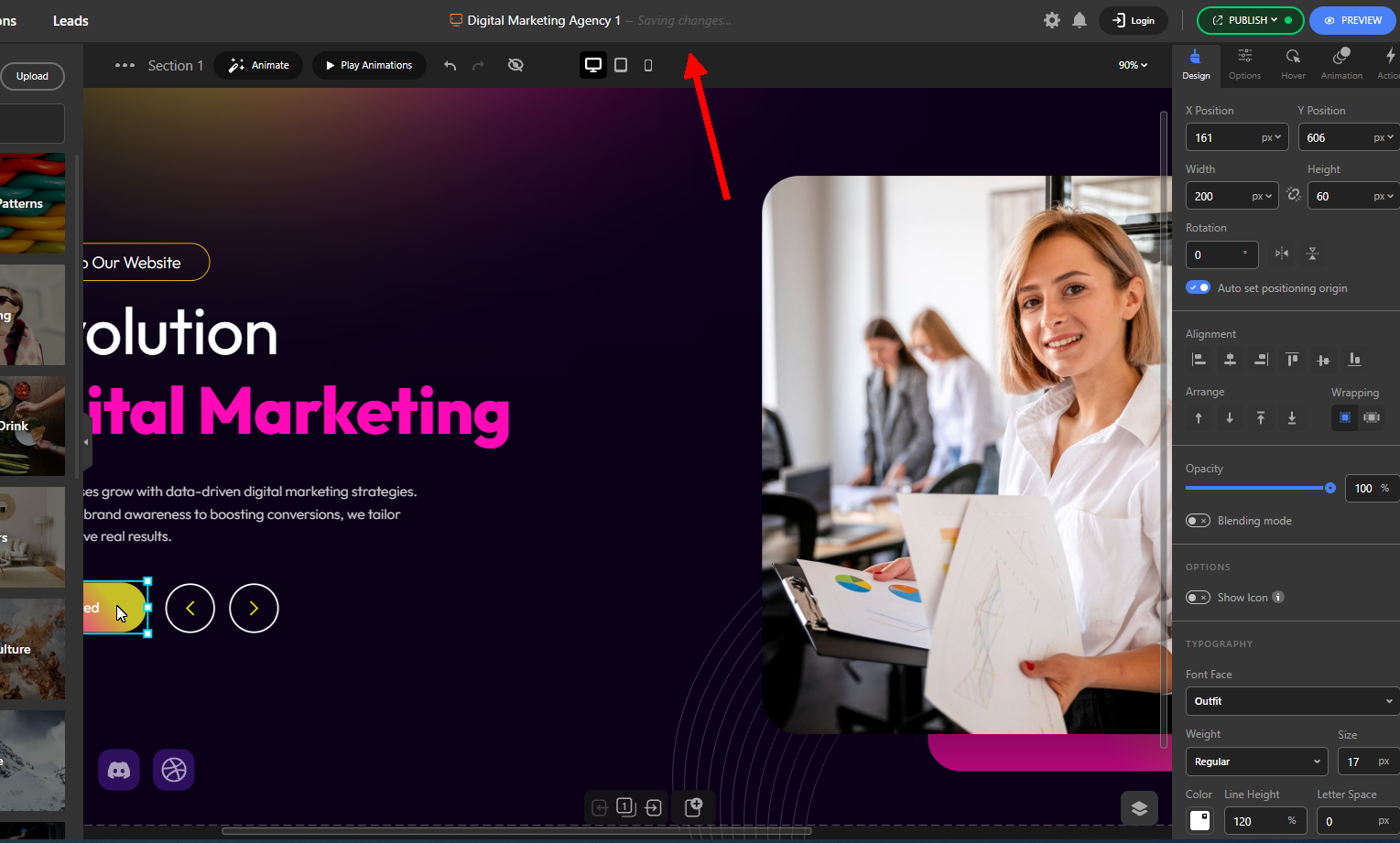
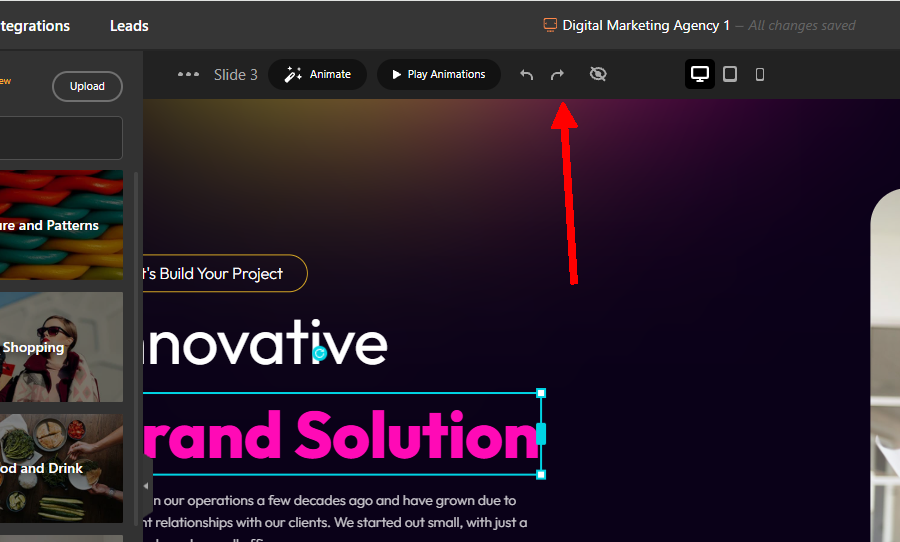
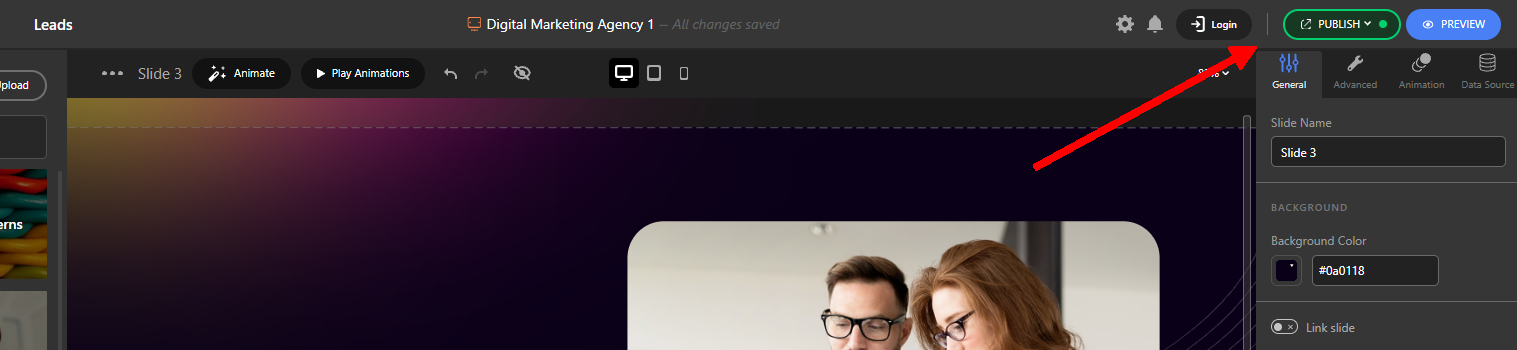
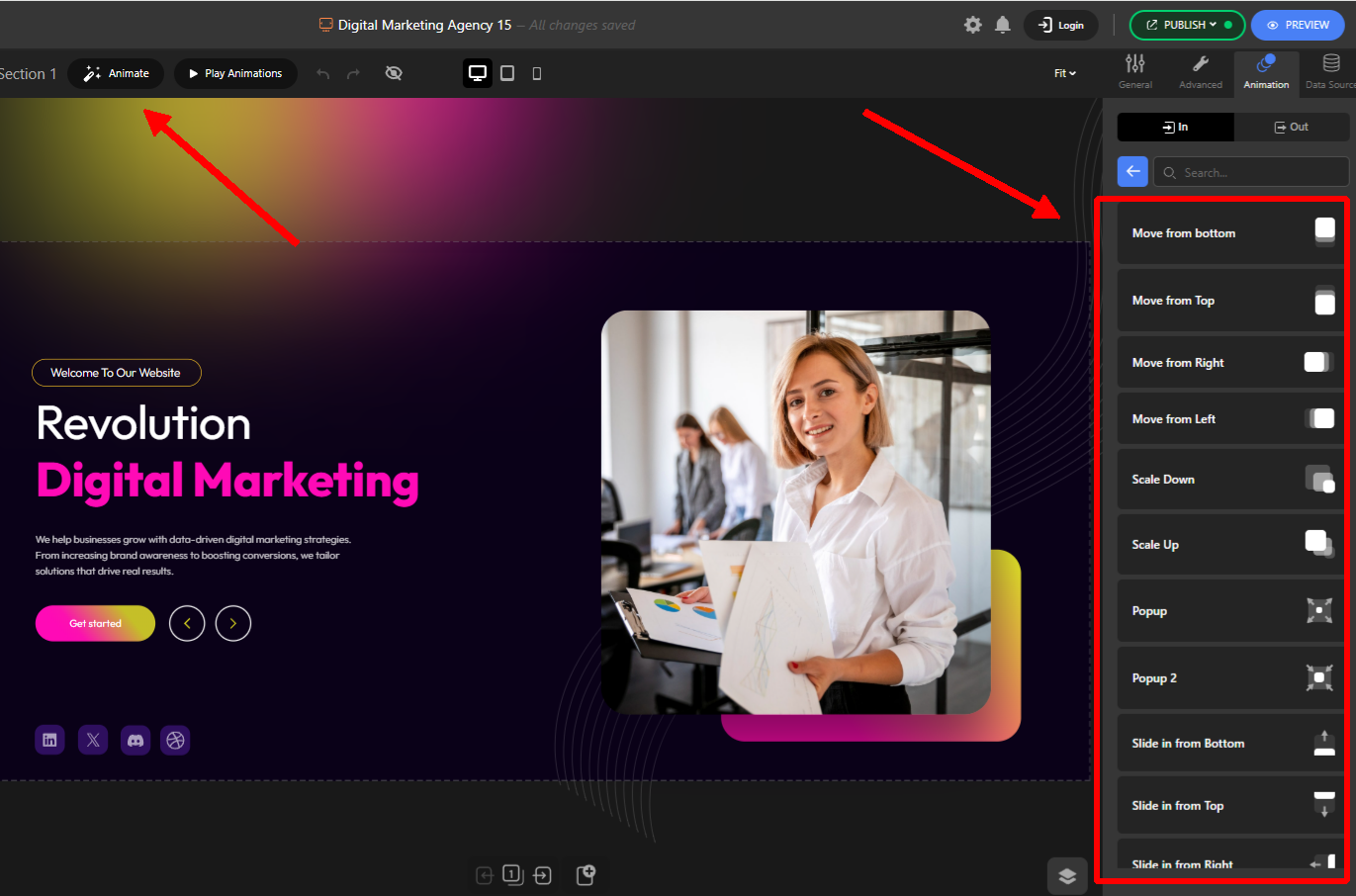
Look at the top configuration panel or layer menu and locate the magic Animate button. Clicking this button opens up the dedicated Animation options on the right-side panel.

Step 3: Select Your Animation Vibe

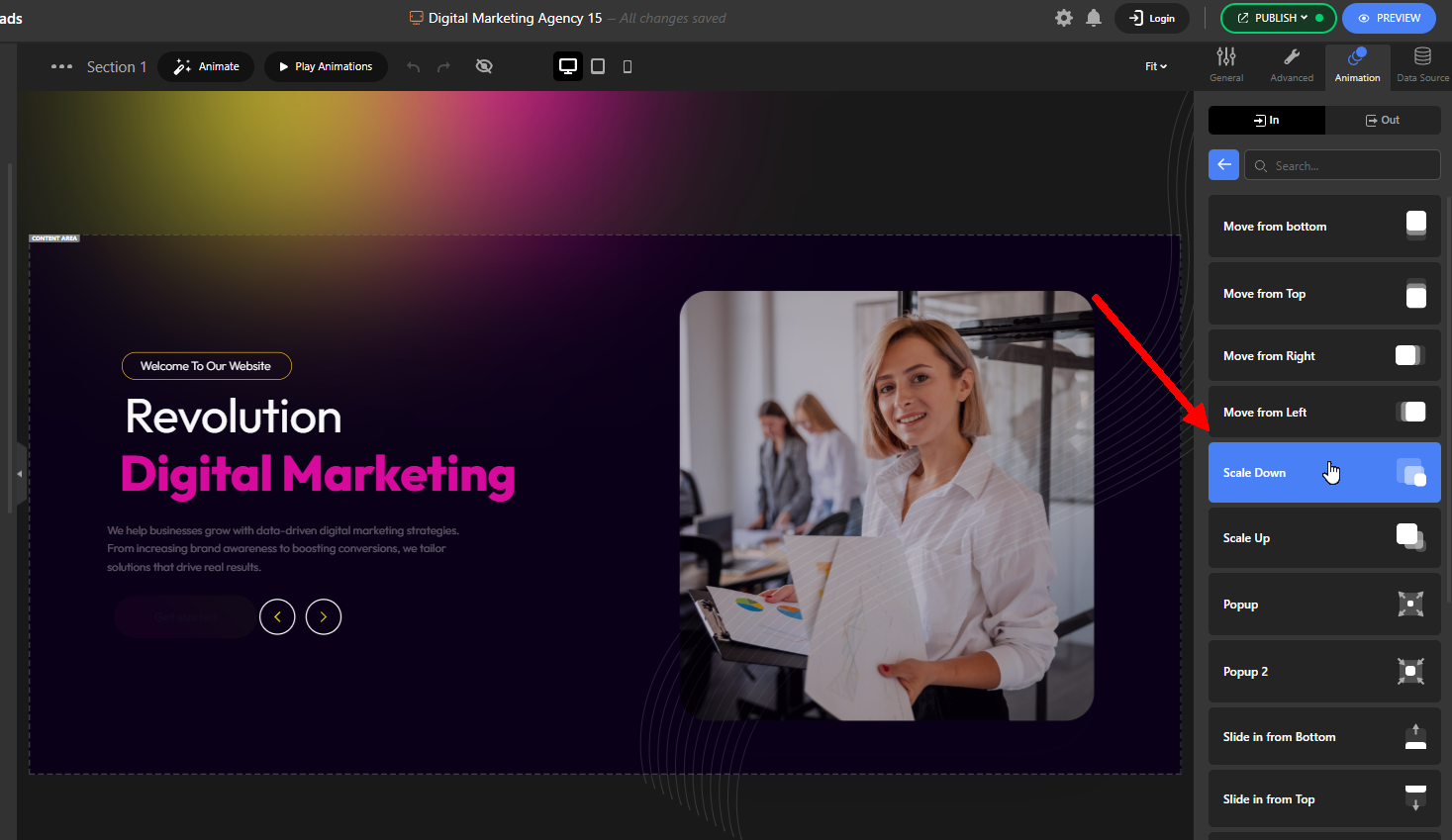
Hover on any of the pre-defined animation sets to see the effect on your layers in real time inside the editor.

Step 4: Customize Your Global Variables

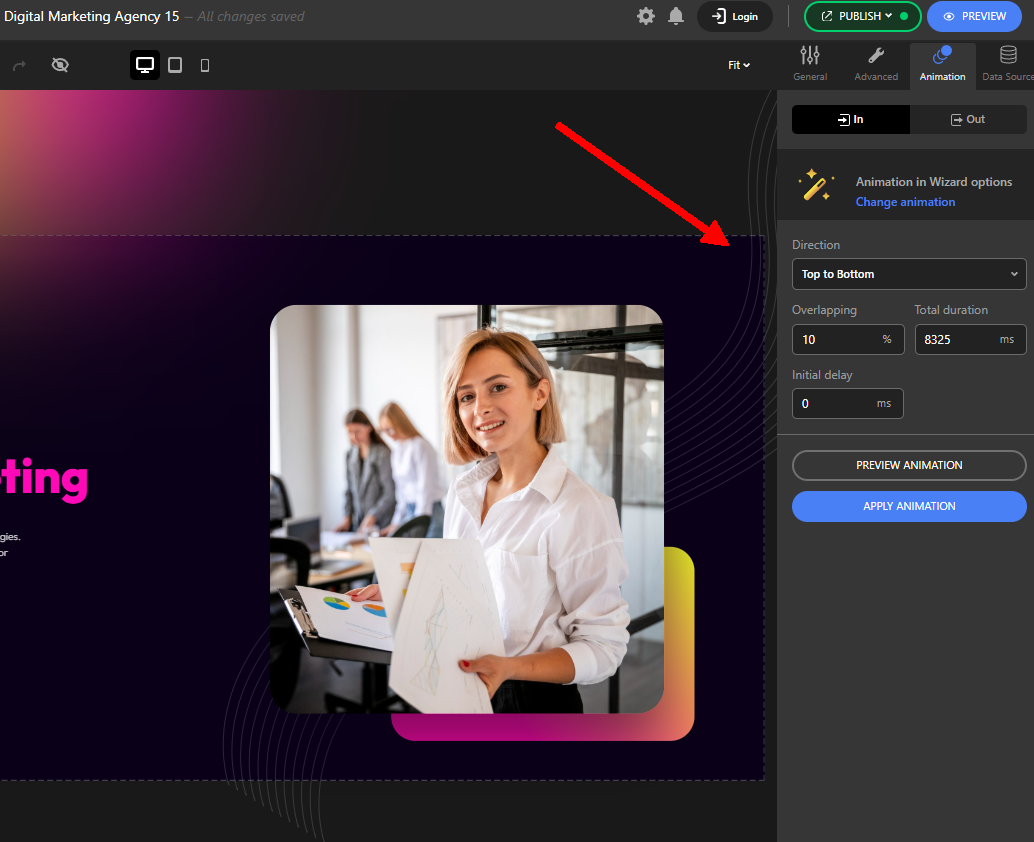
Once you pick a baseline style, you can use the intuitive adjustments to fine-tune the behavior across the entire slide:

Step 5: Preview and Publish

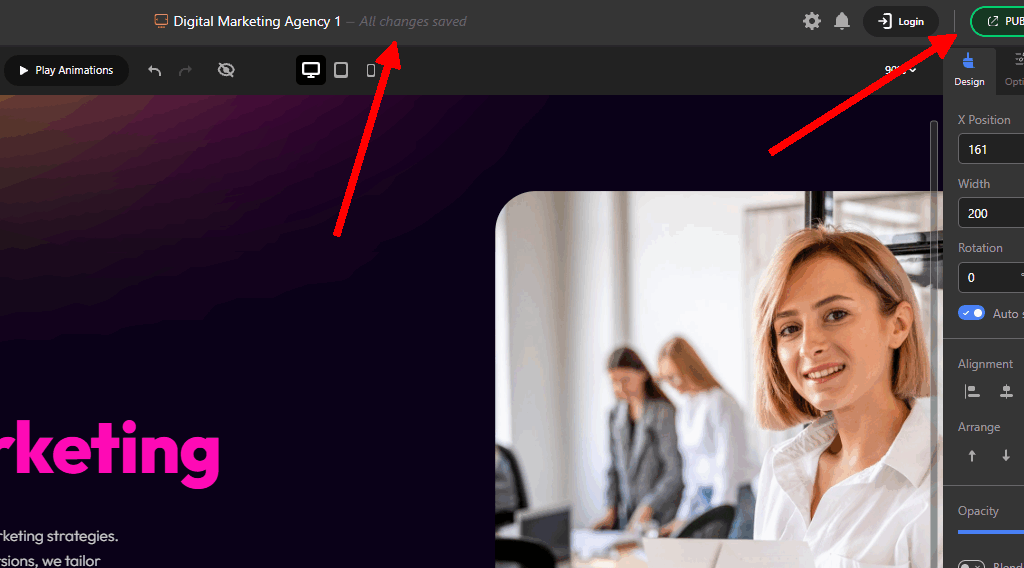
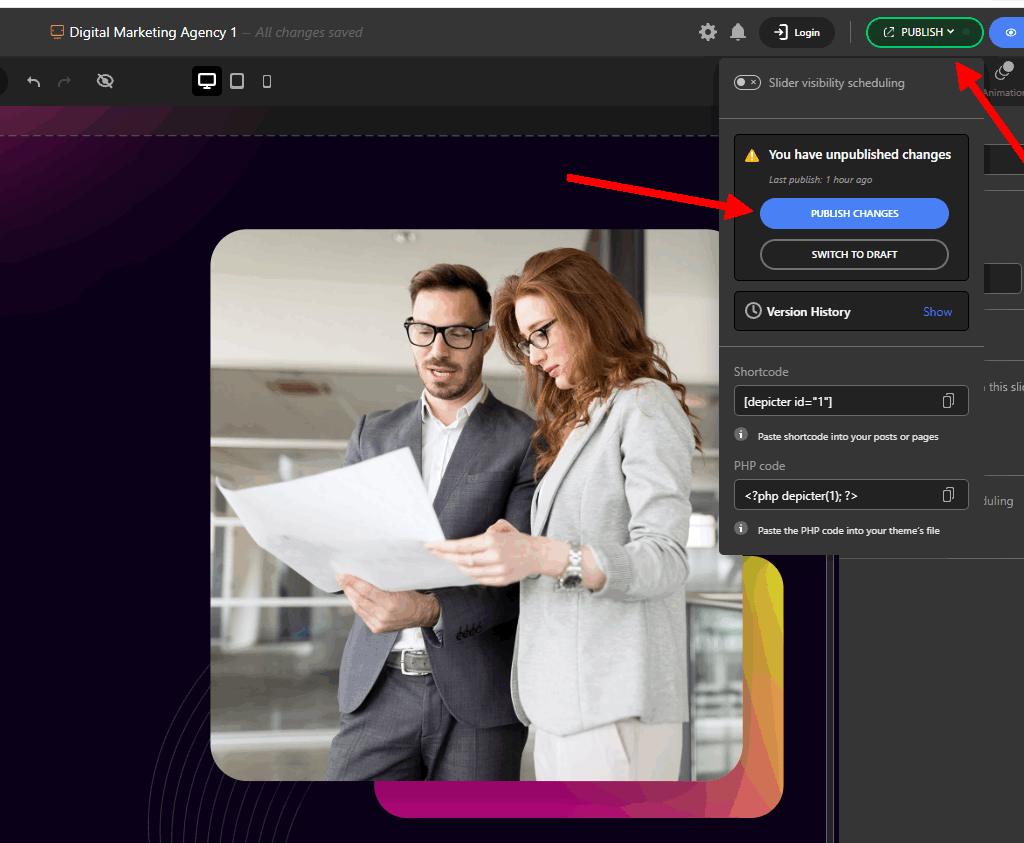
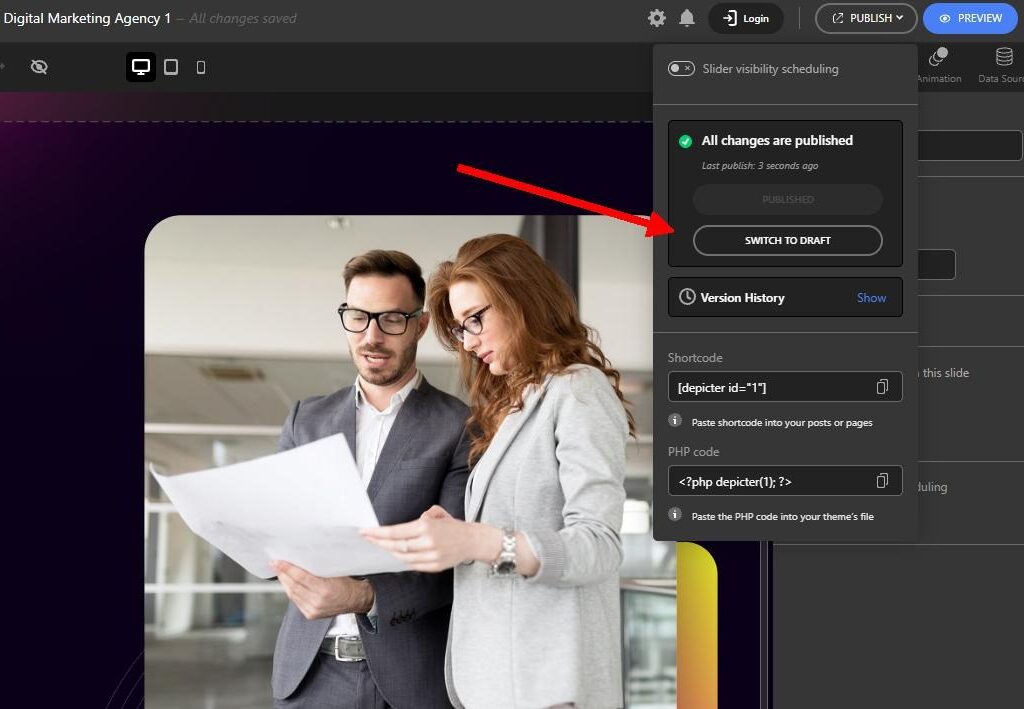
Hit the preview button to see your masterpiece flash to life. If you love the result, close the wizard and publish your project. Depicter takes care of the rest behind the scenes.

Best Practices for Balanced Website Motion

While the Wizard makes adding motion incredibly simple, keep these strategic principles in mind to maintain a great user experience:

  • Let Content Dictate the Motion: Animation should always serve a functional purpose, guiding the reader’s eyes directly toward your most important information or CTA. Don’t let elements move so fast or wildly that they distract from the actual copy.
  • Respect Responsive Breakpoints: A grand, sweeping animation that looks epic on a 27-inch desktop monitor can easily feel overwhelming or slow down older hardware on mobile viewports. Always test your animations across all screen sizes.
  • Keep Eased Intros Subtle: Fast, clean entrance animations with a slight bounce look modern and snappy. Avoid long, drawn-out fade-ins that force your visitors to sit and wait for text to become readable.

Conclusion

You don’t need a degree in motion graphics or an expensive budget to build a highly interactive, modern website. By moving away from tedious manual keyframing and embracing smart automation, you can create professional-grade visual sequences effortlessly.

The Depicter Animation Wizard strikes the ideal balance between high-end design aesthetics and hyper-efficient execution. It solidifies Depicter’s position as a truly innovative WordPress slider animation plugin that works hard to save you time.

Ready to see how fast you can transform your static web pages? Download Depicter today, fire up the wizard, and watch your layouts come alive with a single click!

Best Shopify Testimonial Slider Apps in 2026

Best Shopify Testimonial Slider Apps in 2026: Tools to Showcase Customer Reviews and Social Proof

Trust is one of the biggest factors influencing online purchases. No matter how attractive your products are, many visitors won’t buy until they see proof that other customers had a positive experience.

That’s why testimonials, reviews, and customer stories play such a critical role in ecommerce success.

While static review sections can be effective, many Shopify merchants prefer a testimonial slider that showcases multiple reviews in a compact and engaging format. A well-designed Shopify testimonial slider can highlight customer feedback, build credibility, and strengthen social proof without taking up excessive space on the page.

In this guide, we’ll compare the best testimonial slider Shopify apps available today and help you find the right solution for displaying reviews, testimonials, and customer success stories.

A testimonial slider is only one piece of a successful ecommerce stack. Check out our roundup of the best Shopify apps for additional tools that help drive sales and improve store performance.

Why Testimonial Sliders Matter for Shopify Stores

Reviews influence purchasing decisions because they reduce uncertainty.

When visitors see positive feedback from real customers, they become more confident in your products and brand.

A Shopify testimonial slider helps merchants display multiple customer stories without overwhelming the page. Instead of forcing visitors to scroll through dozens of reviews, sliders allow merchants to present social proof in a clean and engaging format.

Many brands also use a testimonial carousel Shopify layout to showcase customer experiences alongside product images, ratings, and purchase outcomes.

The result is a more persuasive storefront experience that supports higher conversion rates.

1. Depicter

Best for Interactive Testimonial Sliders and Customer Stories

Depicter is a flexible visual design platform that allows Shopify merchants to build highly customized testimonial sections, review showcases, and social proof experiences.

Unlike many traditional review apps, Depicter focuses on presentation and design flexibility. Merchants can create fully responsive testimonial sliders with custom layouts, animations, images, ratings, and calls to action.

For merchants searching for a Shopify testimonial slider that looks unique and matches their brand identity, Depicter offers significantly more creative freedom than most alternatives.

Key Features

  • Canva-like drag-and-drop editor
  • Testimonial slider templates
  • Custom animations
  • Responsive layouts
  • Review showcase sections
  • CTA integration
  • Advanced styling controls
  • Mobile optimization

Pros

  • Highly customizable
  • Easy visual editing
  • Works with existing reviews
  • No coding required
  • Excellent mobile experience

Cons

  • No lifetime deal

Best For

  • Premium brands
  • Design-focused stores
  • Homepage testimonials
  • Landing pages
  • Customer success stories

Depicter can function as a Shopify testimonial slider, a testimonial carousel Shopify solution, or even a customer review slider Shopify merchants can use across product pages, landing pages, and homepages.

Many merchants also use Depicter as a testimonial widget Shopify solution because it allows complete control over how reviews are displayed and integrated into the customer journey.

2. Judge.me

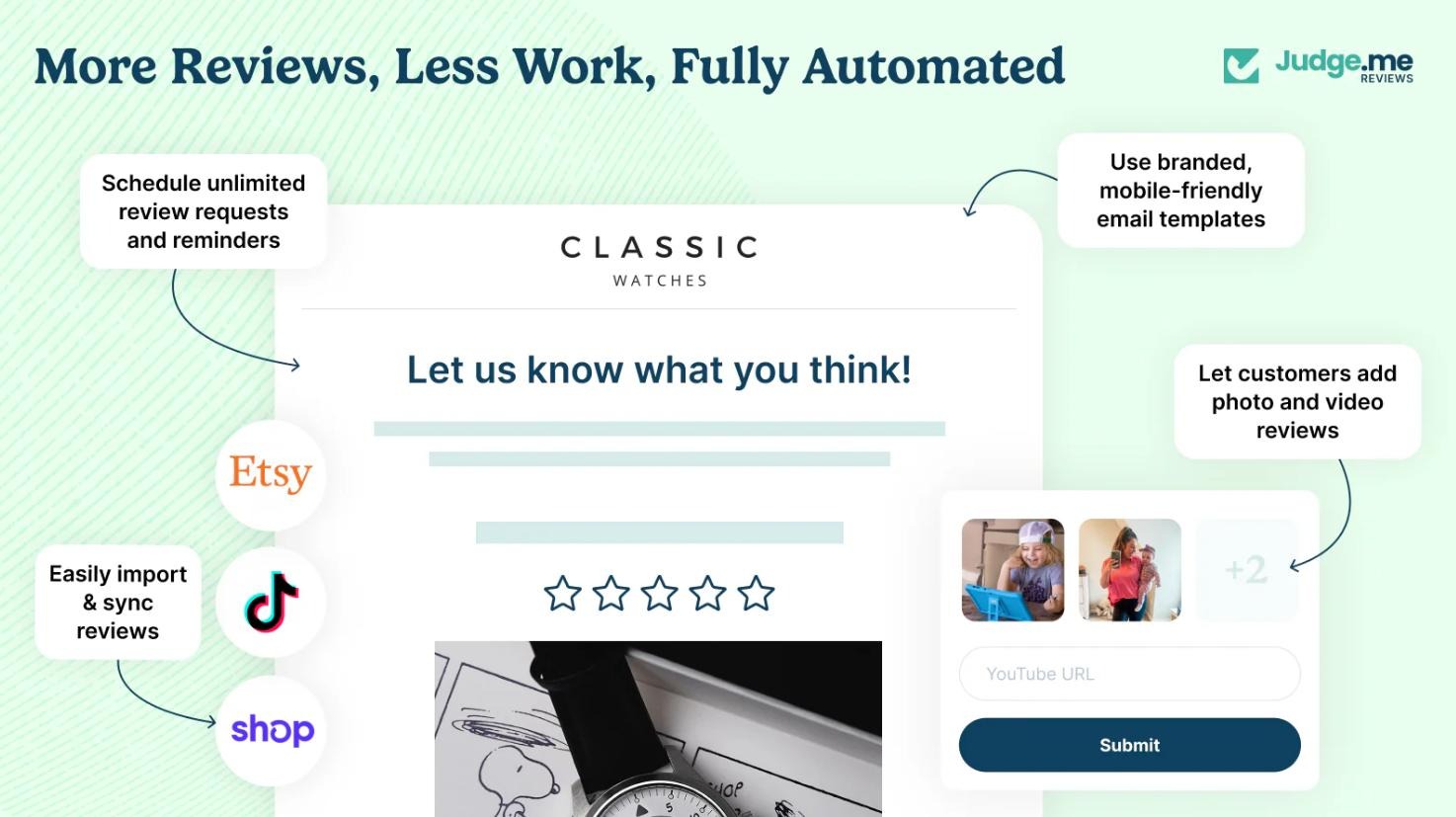
Judge.me app

Judge.me is one of the most popular Shopify review platforms available today.

Its primary strength lies in collecting, managing, and displaying customer reviews at scale.

Key Features

  • Automated review requests
  • Star ratings
  • Product reviews
  • Rich snippets
  • Basic review displays

Pros

  • Strong review collection tools
  • Affordable pricing
  • SEO-friendly review features

Cons

  • Limited design flexibility
  • Testimonial slider layouts are basic

3. Loox

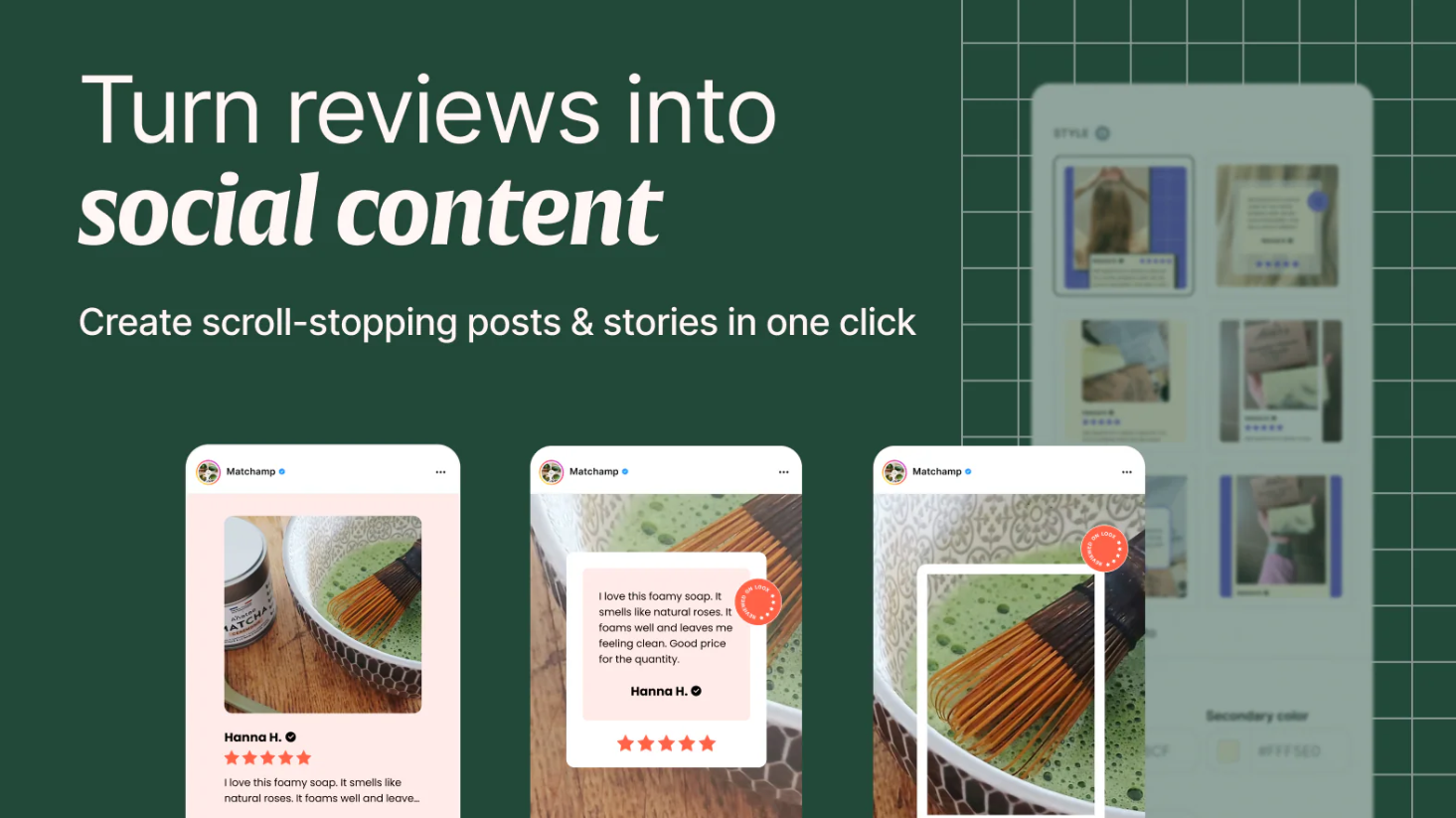
Loox app

Loox specializes in visual reviews that include customer photos.

For products where appearance strongly influences purchasing decisions, photo reviews can significantly improve trust.

Key Features

  • Photo reviews
  • Review request automation
  • Review widgets
  • Visual galleries

Pros

  • Strong visual appeal
  • Excellent for lifestyle brands
  • Easy implementation

Cons

  • Limited customization compared to dedicated design tools

4. Fera

Fera combines review management with various social proof elements such as purchase notifications and customer activity displays.

For merchants looking for a Shopify social proof app, Fera offers a broad feature set.

Key Features

  • Reviews
  • Testimonials
  • Purchase notifications
  • Social proof widgets
  • Conversion tools

Pros

  • Multiple social proof formats
  • Easy setup
  • Conversion-focused

Cons

  • Design customization is somewhat limited

5. TrustWILL(formerly Trustoo)

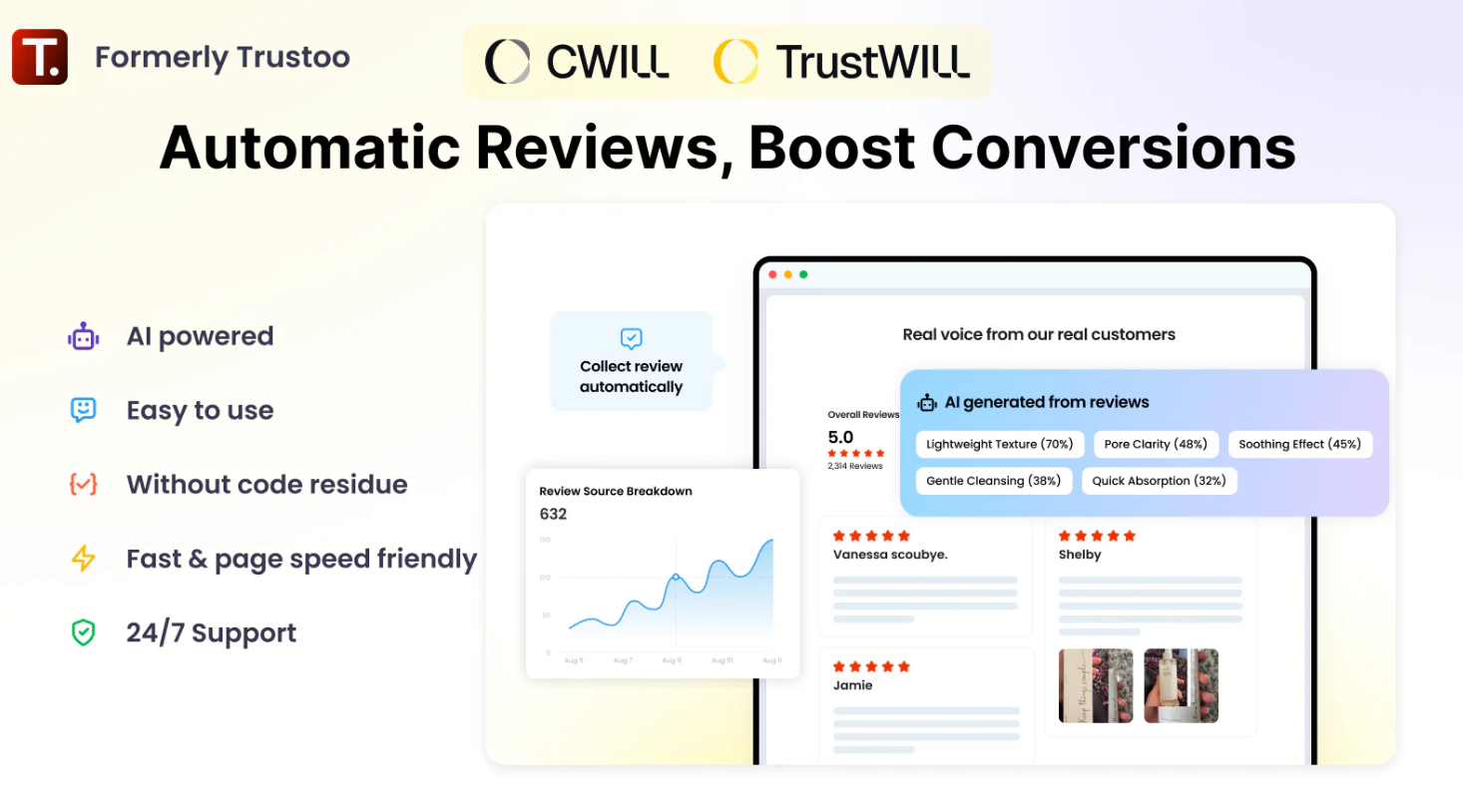
TrustWILL(formerly Trustoo) app

Trustoo combines review collection, testimonials, and social proof tools into a single platform.

It offers merchants a balanced approach to review management and presentation.

Key Features

  • Product reviews
  • Testimonials
  • Photo reviews
  • Social proof elements

Pros

  • Well-rounded feature set
  • Easy implementation

Cons

  • Less specialized than some competitors

Why Use a Testimonial Slider Instead of Static Reviews?

Static review sections often become long and difficult to navigate.

A Shopify testimonial carousel creates a more engaging experience by displaying reviews one at a time while preserving valuable page space.

Benefits include:

  • Better visual organization
  • Improved engagement
  • More efficient use of screen space
  • Cleaner mobile experience
  • Greater emphasis on individual customer stories

Many merchants also use a Shopify review carousel to highlight their strongest testimonials rather than displaying every review equally.

When implemented correctly, a social proof slider Shopify strategy can increase trust while maintaining a modern storefront design.

How to Choose the Best Shopify Testimonial Slider App

The right testimonial slider app should do more than display customer reviews. It should help you present social proof in a way that builds trust, matches your brand, and supports conversions.

Many solutions focus mainly on collecting reviews or displaying them through pre-built templates. While that may be enough for some stores, brands that want testimonials to play a bigger role in their marketing often need greater design flexibility and customization.

Why Depicter Is a Strong Choice

Depicter gives merchants full control over how testimonials are presented, making it a great option for stores that want more than a basic review widget.

With Depicter, you can:

  • Create fully responsive testimonial sliders and carousels.
  • Customize layouts, colors, typography, and spacing.
  • Combine reviews with images, ratings, videos, and CTAs.
  • Add animations and transitions to increase engagement.
  • Display testimonials on homepages, landing pages, and product pages.
  • Use the same tool for hero sections, promotional sliders, and testimonial showcases.

Unlike many review-focused solutions that rely on fixed layouts, Depicter allows you to create testimonial experiences that align with your brand and conversion goals. Whether you’re highlighting customer success stories, product feedback, or featured reviews, it provides the flexibility to turn testimonials into a powerful trust-building element.

Best Practices for Testimonial Sliders

Keep Testimonials Authentic

Genuine customer experiences are significantly more persuasive than generic marketing copy.

Include Customer Photos

Visual proof often increases trust and engagement.

Limit the Number of Slides

Too many slides can reduce effectiveness.

Focus on your strongest reviews and success stories.

Optimize for Mobile Devices

A customer review slider Shopify users view on mobile should remain readable and easy to navigate.

Place Testimonials Near CTAs

Testimonials are most effective when they support a conversion opportunity.

Displaying customer feedback close to a purchase button can reinforce confidence and reduce hesitation.

Internal Link Opportunity: The Anatomy of a High-Converting CTA

Prioritize Performance

Heavy sliders can negatively affect site speed.

Follow proper slider optimization practices to ensure smooth performance across devices.

Internal Link Opportunity: The Technical Guide to Shopify Slider Optimization

Frequently Asked Questions

What is a Shopify testimonial slider?

A Shopify testimonial slider is a section that rotates customer reviews, testimonials, or success stories in a slideshow or carousel format.

Are testimonial sliders effective?

Yes. When used strategically, testimonial sliders help strengthen social proof, improve trust, and support conversion goals.

What’s the difference between a testimonial slider and a review app?

A Shopify testimonial app typically focuses on collecting and managing reviews.

A testimonial slider focuses on how those reviews are presented visually.

Many merchants use both together.

What is a testimonial carousel Shopify merchants use?

A testimonial carousel Shopify layout displays multiple customer reviews in a rotating carousel format that helps save space while maintaining visibility.

Which testimonial slider app is best for Shopify?

For merchants prioritizing visual design, branding, and presentation flexibility, Depicter is one of the strongest options available.

Final Thoughts

Customer reviews remain one of the most powerful forms of social proof in ecommerce.

Whether you’re looking for a Shopify testimonial slider, a Shopify reviews slider, a customer review slider Shopify solution, or a complete Shopify social proof app, the right tool can help turn customer feedback into a conversion asset.

For merchants who want complete creative control over testimonial presentation, animations, layouts, and branding, Depicter offers one of the most flexible solutions available.

And while testimonials can improve trust on their own, they deliver even better results when integrated into a broader conversion strategy.

Best Shopify Hero Header Apps in 2026

Best Shopify Hero Header Apps in 2026

Your homepage has only a few seconds to make a strong first impression. For many Shopify stores, that responsibility falls on the hero header.

A well-designed Shopify hero section can introduce your brand, showcase products, highlight promotions, and guide visitors toward conversion. Yet many merchants quickly discover that the default options included with Shopify themes aren’t enough for modern ecommerce marketing.

Many store owners start searching for the best Shopify hero header app when they need more flexibility than a standard theme can provide. Whether you’re looking for a Shopify hero banner app for seasonal promotions, a Shopify hero section app for product launches, or a Shopify banner slider app to showcase multiple offers, choosing the right tool can dramatically improve your storefront experience.

In this guide, we’ll compare the best Shopify hero header apps available today and help you find the right solution for your store.

If you’re not sure what makes an effective hero section, start with our Ultimate Guide to Shopify Hero Sections before choosing an app.

What Makes a Great Shopify Hero Header?

The best hero headers do more than display attractive visuals.

They communicate your value proposition immediately, direct visitors toward a desired action, and support your overall conversion strategy.

A successful hero section often includes:

  • A clear headline
  • Supporting copy
  • A compelling CTA
  • High-quality imagery
  • Mobile-friendly layouts
  • Fast loading performance

Whether you’re building a promotional banner, featured collection showcase, or product launch campaign, selecting the right app is an important decision.

1. Depicter

Depicter is one of the most flexible tools available for merchants who want complete creative control over their homepage experience.

Unlike many basic banner builders, Depicter allows users to create dynamic hero sections with animations, layered content, interactive buttons, video backgrounds, and responsive layouts without writing code.

For merchants looking for a powerful Shopify hero section app, Depicter offers a balance of usability and advanced functionality that few competitors can match.

Key Features

  • Drag-and-drop visual editor
  • Vast Template library
  • Responsive hero section builder
  • Advanced animations
  • Video backgrounds
  • Layer-based content editing
  • Mobile-specific controls
  • Interactive buttons and calls to action
  • Flexible layout system

Pros

  • Beginner-friendly interface
  • Highly customizable
  • Extensive template library
  • Excellent mobile responsiveness
  • Suitable for both simple and advanced campaigns
  • No coding required

Cons

  • No lifetime deal

Best For

  • Product launches
  • Seasonal campaigns
  • Fashion brands
  • Electronics stores
  • Promotional landing pages

Depicter goes beyond traditional hero builders. It can also function as a Shopify image slider app, a Shopify carousel app, and a promotional content platform for showcasing products, collections, testimonials, and special offers.

Unlike a basic Shopify slideshow app, Depicter provides advanced animation controls and responsive design tools that help merchants create more engaging shopping experiences.

Merchants looking for a Shopify video banner app will also appreciate the ability to incorporate motion and video content directly into hero sections without relying on multiple apps.

2. Essential Announcement Bar

Not every store needs advanced animations and interactive layouts.

If your primary goal is promoting sales, shipping offers, or limited-time discounts, a lightweight Shopify homepage banner app may be all you need.

Essential Announcement Bar focuses on helping merchants display important promotional messages in a visible and accessible format.

Key Features

  • Announcement bars
  • Promotional banners
  • Countdown timers
  • Scheduling options
  • Mobile responsiveness

Pros

  • Easy setup
  • Fast implementation
  • Great for promotions

Cons

  • Limited customization
  • Not a complete hero section builder

Best For

  • Flash sales
  • Holiday campaigns
  • Shipping announcements

3. Slider Revolution

For merchants comparing the best Shopify slider apps, Slider Revolution remains one of the most feature-rich solutions available.

The platform combines slider functionality, interactive storytelling, advanced animations, and visual effects to create highly customized storefront experiences.

It’s particularly attractive for brands looking for a sophisticated Shopify hero slider app with extensive creative capabilities.

Key Features

  • Interactive sliders
  • Advanced animations
  • Dynamic content
  • Video integration
  • Large template library
  • Visual effects

Pros

  • Extremely powerful
  • Professional-grade designs
  • Extensive customization options

Cons

  • Steeper learning curve
  • More complex than many alternatives

Best For

  • Creative brands
  • Agencies
  • Premium storefronts

4. EComposer

EComposer is primarily known as a page builder, but it also offers strong hero section functionality.

Merchants can build custom storefront layouts, marketing pages, and promotional sections without hiring developers.

Key Features

  • Visual page builder
  • Landing page templates
  • Hero content blocks
  • Marketing widgets
  • Responsive layouts

Pros

  • Flexible design system
  • Easy to learn
  • Large template library

Cons

  • Not exclusively focused on hero sections

5. PageFly

PageFly remains one of the most popular design tools in the Shopify ecosystem.

Its drag-and-drop editor makes it easy to create landing pages, hero sections, and promotional content that align with broader marketing objectives.

Key Features

  • Visual editor
  • Hero section elements
  • Mobile optimization
  • Conversion-focused templates
  • Responsive layouts

Pros

  • User-friendly
  • Strong marketing capabilities
  • Extensive documentation

Cons

  • Advanced features may require premium plans

6. Design Packs

Design Packs helps merchants extend the capabilities of their Shopify themes by adding additional content sections and layouts.

It’s ideal for stores that want additional flexibility without rebuilding their entire storefront.

Key Features

  • Theme sections
  • Hero layouts
  • Product showcases
  • Shopify integration

Pros

  • Lightweight
  • Easy implementation
  • Theme-friendly

Cons

  • Limited animation capabilities

7. Section Store

Section Store provides a library of pre-built sections that merchants can install individually.

Many merchants use it as a quick way to add homepage banners, promotional layouts, and hero sections without investing in a full design platform.

Key Features

  • Pre-designed sections
  • Hero banners
  • Promotional layouts
  • One-time purchases

Pros

  • Affordable
  • Fast deployment
  • Beginner-friendly

Cons

  • Less customization than dedicated builders

How to Choose the Best Shopify Hero Header App

The best solution depends on your goals.

Choose Depicter If You Need

  • Interactive hero sections
  • A large number of pre-desined tempalates
  • Advanced animations
  • Video backgrounds
  • Flexible layouts
  • Carousel functionality

Best Practices for Shopify Hero Headers

Keep Your Value Proposition Clear

Visitors should understand what your business offers within seconds.

Prioritize a Strong CTA

Every hero section should guide users toward a meaningful action.

Optimize for Mobile Devices

Many Shopify stores receive the majority of their traffic from smartphones.

A hero layout that looks perfect on desktop can become ineffective on smaller screens if it isn’t optimized properly.

Avoid Heavy Media Assets

Large images and videos can negatively affect site performance.

Following proper Shopify slider optimization practices can help maintain fast loading speeds while preserving visual quality.

Use Sliders Carefully

A Shopify hero slider app can be highly effective when each slide serves a specific purpose.

Avoid overwhelming visitors with too many promotions. The first slide should always communicate your primary value proposition.

Test Different Formats

Not every store benefits from the same design approach.

For some businesses, a static hero image performs best. Others see stronger engagement from sliders and rotating promotional content.

Frequently Asked Questions

What is the best Shopify hero header app?

For merchants seeking flexibility, Depicter offers one of the strongest combinations of animations, responsive design controls, sliders, and visual editing capabilities.

Can I create a hero section without coding?

Yes. Most modern Shopify hero header apps include visual editors that allow merchants to build custom layouts without writing code.

What’s the difference between a Shopify hero header app and a Shopify banner app?

A Shopify banner app typically focuses on displaying promotional messages.

A Shopify hero header app provides advanced design controls, visual layouts, interactive elements, media support, and conversion-focused features such as buttons and animations.

Are Shopify sliders still effective?

Yes, when used strategically.

Many merchants successfully use a Shopify banner slider app to highlight promotions, featured collections, and product launches. However, performance should always be measured through testing.

Should I use video backgrounds?

Video backgrounds can increase engagement and strengthen visual storytelling when optimized correctly.

Final Thoughts

Whether you’re searching for a Shopify hero banner app, a Shopify carousel app, a Shopify homepage banner app, or one of the best Shopify slider apps available today, selecting the right solution depends on your business goals.

For merchants who want complete control over hero sections, animations, sliders, video backgrounds, and promotional content, Depicter stands out as one of the most versatile solutions available.

And remember, your hero header is only one piece of the conversion puzzle. To improve your entire storefront experience and increase sales systematically, explore our complete guide to Shopify Conversion Rate Optimization.

The Anatomy of a High-Converting Shopify CTA_ Banner Button Designs That Drive Sales

The Anatomy of a High-Converting Shopify CTA: Banner Button Designs That Drive Sales

You’ve spent hours hunting down the perfect high-resolution image. You’ve tweaked the headline until it sounds just right. But when you look at your analytics, your bounce rate is still stubbornly high, and visitors just aren’t clicking through to your product pages.

More often than not, the culprit isn’t your product or your pricing. It’s the button.

The Shopify call to action button is the literal bridge between a visitor’s casual interest and your bank account. If it blends in, feels generic, or is physically hard to tap on a phone screen, you are leaving money on the table. Let’s break down the psychology, design, and exact setup you need to turn that default black rectangle into a high-converting revenue driver.

The Psychology of the Click: Color, Contrast, and Shape

We like to think shoppers make purely logical decisions, but the initial click is almost entirely visual and psychological. A great CTA doesn’t just ask for a click; it draws the eye automatically.

The Contrast Rule

Forget the myth that “red buttons convert better than green ones.” The truth is, the most effective color for your button is the direct opposite of your primary background color. If your brand uses deep blues, a vibrant orange or yellow CTA will jump off the screen.

The Squint Test

Want to know if your Shopify hero banner button design is actually working? Pull up your homepage on your laptop, lean back, and squint your eyes until the screen gets blurry. If you can’t immediately pinpoint exactly where you are supposed to click, your button lacks contrast.

Shape and Emotion

Sharp, square edges communicate corporate trust and rigidity (great for B2B or tech hardware). Rounded “pill” shapes feel modern, friendly, and low-friction (perfect for lifestyle, apparel, and beauty brands).

Copywriting for Clicks: Verbs Over Nouns

If your button currently says “Shop Now” or “Submit,” it’s time for an upgrade. These words are high-friction. They remind the user that they are about to spend money or do work.

The best CTA for Shopify homepage layouts focuses on the value the user is about to receive, not the action they have to take.

Instead of generic commands, try these low-friction alternatives:

  • Instead of “Shop Collection” → “Explore the Fall Line”
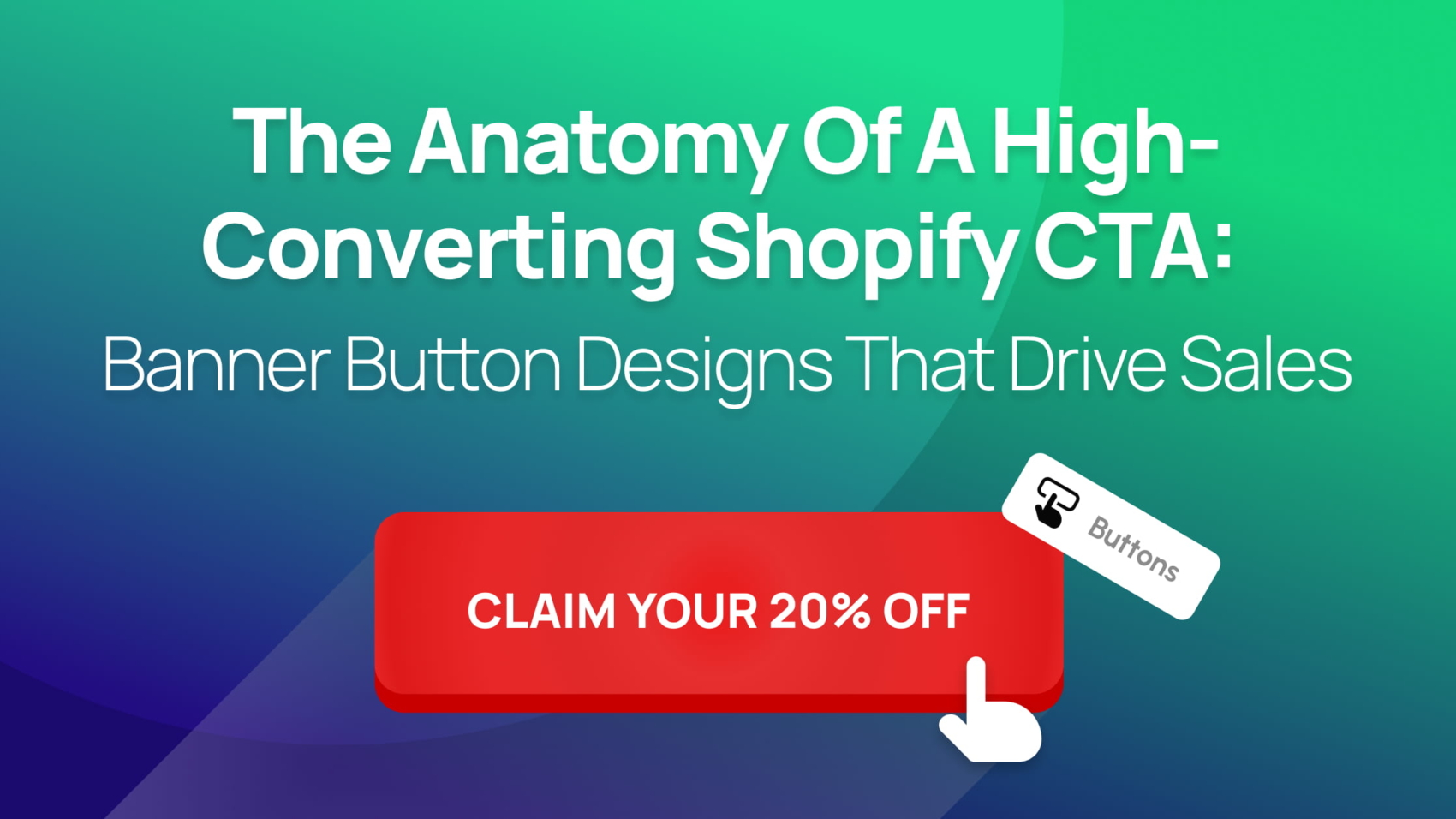
  • Instead of “Buy Now” → “Claim Your 20% Off”
  • Instead of “Subscribe” → “Unlock VIP Perks”

Visual Hierarchy: The Dual-Button Strategy

Sometimes you have two different types of audiences landing on your site simultaneously. One is ready to buy, and the other wants to learn about your brand story.

If you are wondering how to add two buttons on Shopify banner sections effectively, you must establish a visual hierarchy. You cannot have two identical, brightly colored buttons competing for attention. It causes choice paralysis.

Instead, use the “Solid and Ghost” method:

  1. Primary CTA (Solid Color): “Shop Best Sellers”
  2. Secondary CTA (Ghost Button – Outline only): “Watch How It’s Made”

[INTERNAL LINK OPPORTUNITY] > Anchor Text Idea: If you want to see which tools allow you to easily set up dual buttons inside dynamic layouts, check out our guide on the [Best Shopify Banner Slider Apps in 2026].

Mobile UX: Designing for the “Thumb Zone”

Over 70% of your store’s traffic is likely coming from mobile devices. Desktop users navigate with a precise mouse cursor; mobile users navigate with clumsy thumbs.

If you just shrink your desktop Shopify hero section down to fit a phone screen, your button becomes an impossibly tiny target. This leads to the dreaded “fat-finger error,” where users accidentally click the wrong thing (or get frustrated and leave).

To fix this, you need a mobile-first approach. When building a Shopify carousel for mobile, your CTA button needs to be at least 44×44 pixels tall and ideally span the width of the screen. It should sit comfortably in the lower third of the screen—right where the user’s thumb naturally rests while holding their phone.

How to Build Custom CTA Buttons in Shopify (Without Code)

Here is where the theory hits a wall for most store owners: default Shopify themes are incredibly rigid. If you want to change the hover state of a button, move it slightly to the left, or add a subtle glowing animation, you usually have to hire a liquid developer or mess with CSS.

This is exactly why smart merchants use visual builders like Depicter.

With Depicter, you aren’t forced into predefined blocks. You can drag and drop a Shopify slider custom button exactly where you want it. More importantly, it solves the mobile layout problem. You can design a beautifully subtle button for your desktop users, and then switch to the mobile editor to create a massive, thumb-friendly button for phone users—without writing a single line of code.

You also get access to high-end micro-interactions. A button that slightly scales up or changes color when a user hovers over it provides satisfying feedback, making the site feel premium and responsive.

A/B Testing Your CTA: Where to Start

You should never just guess what works. Creating high converting CTA buttons Shopify stores requires a bit of testing.

Start by changing just one variable at a time:

  1. Test the Copy: Try “Get My Discount” vs. “Shop the Sale.”
  2. Test the Color: Try your brand’s primary color vs. a contrasting accent color.
  3. Test the Placement: Try left-aligned vs. center-aligned.

Pro-Tip: You can amplify the urgency of your hero CTA by pairing it with a targeted Shopify announcement bar at the top of the screen, counting down the hours left on a sale, or by using a timed Shopify popup builder that triggers if they hover over the hero button but don’t click.

Wrapping Up

Your Call to Action is the most important pixel real estate on your entire storefront. Stop treating it like an afterthought. By combining contrasting colors, value-driven copywriting, and an interactive Shopify slider built with Depicter, you can guide your visitors exactly where you want them to go—straight to the checkout.

Frequently Asked Questions (FAQ)

What is the best color for a Shopify CTA button?

There is no universal “best” color. The highest-converting color is the one that contrasts most sharply against your specific background image or video, passing the “squint test.”

How many CTAs should be in a hero section?

Ideally, you want one primary focus. If you must use two, ensure you use the solid/ghost button method so the user knows exactly which action you prioritize.

Why is my Shopify button not clickable on mobile?

This usually happens because an invisible element (like a text box’s padding) is overlapping the button, or it simply shrank too much when the theme adjusted to mobile view. Using an adaptive visual builder prevents this layout overlap.

The Ultimate Guide to Shopify Hero Section Design_

The Ultimate Guide to Shopify Hero Section Design: Professional Layouts Without a Developer

Let’s be honest: most Shopify themes are a double-edged sword. They get you online fast, but they often leave your storefront looking exactly like everyone else’s. When a visitor lands on your site, they don’t see your backend code or your logistics. They see your hero section. You have exactly three seconds to convince them they’re in the right place before they hit the “back” button.

If you’ve ever felt limited by the rigid blocks of your theme, this Shopify landing page hero guide is for you.

Why Your Current Theme is Holding You Back

Most standard themes (even the popular Online Store 2.0 ones) treat the “above-the-fold” area as a static box. You might get a headline, a sub-headline, and a button, but that’s where the flexibility ends. To create the best Shopify homepage layout 2026 consumers expect, you need more than just a static image.

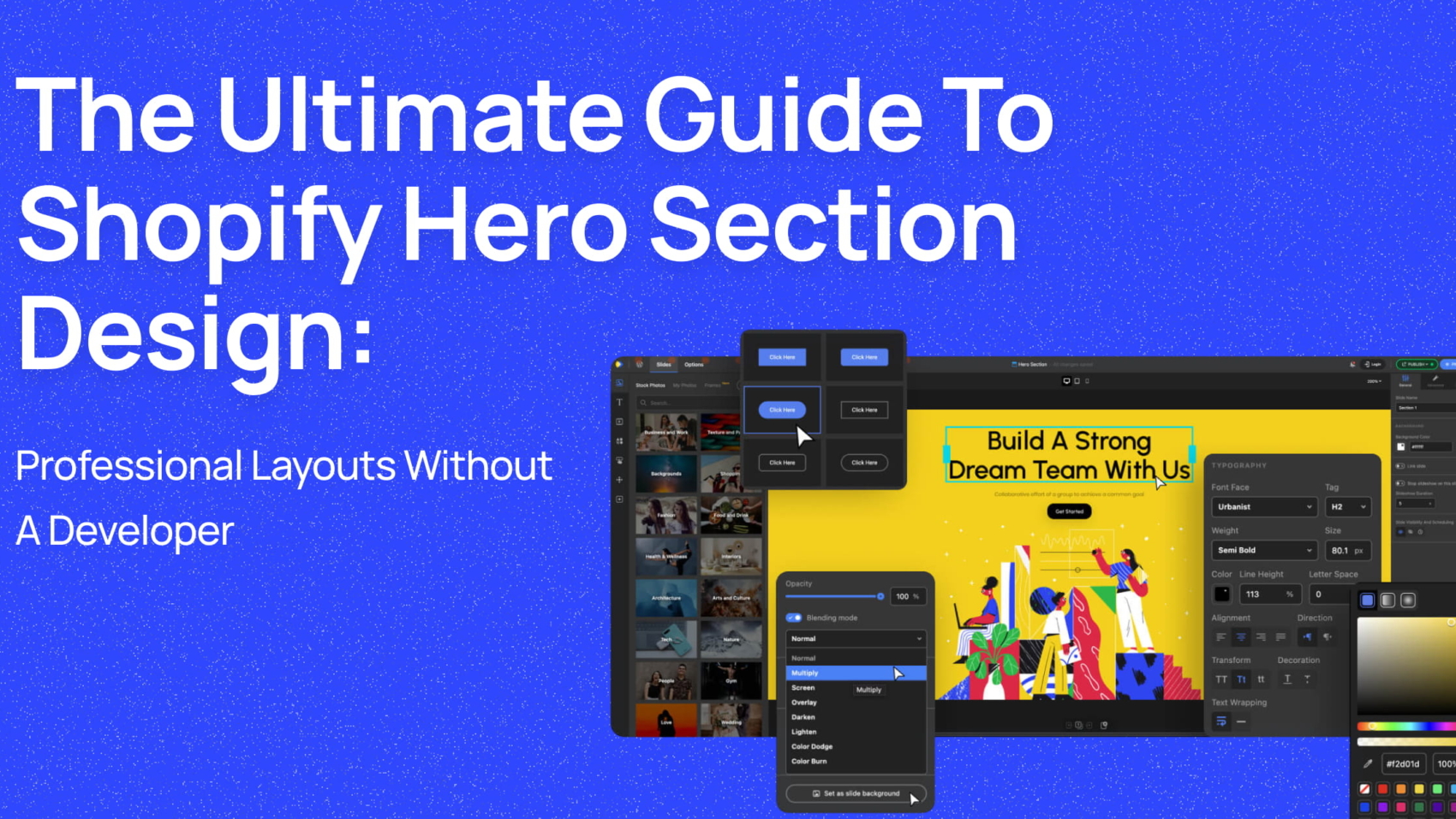
This is where the shift toward an interactive hero section Shopify merchants can customize comes in. Instead of fighting with liquid code or hiring an expensive developer, tools like Depicter allow you to treat your hero area like a professional design canvas. You get total freedom over where your text sits, how your buttons animate, and how your brand story unfolds.

Anatomy of a High-Converting Hero Section

Before we touch any tools, we need to understand the “Conversion Blueprint.” A pretty banner is useless if it doesn’t drive sales.

  • The Clarity Statement: Your H1 shouldn’t be clever; it should be clear. Tell them exactly what you sell in five words or less.
  • The Visual Hook: Whether it’s a lifestyle shot or a muted video background, the quality of your Shopify hero section imagery dictates your perceived brand value.
  • The Frictionless CTA: Your button needs to stand out. If it blends into the background, you’re losing money.

If you’re wondering how to edit Shopify hero section layouts for maximum impact, start by simplifying. Don’t try to say everything at once. Use a Shopify announcement bar for secondary info (like “Free Shipping”) so your hero can focus on the “Big Idea.”

The No-Code Secret: Professional Shopify Banner Templates

The biggest hurdle for most store owners is a lack of design confidence. You don’t need to be a graphic designer to have a stunning site. The secret lies in starting with a solid foundation.

By using professional Shopify banner templates, you bypass the “blank screen” anxiety. 

Depicter offers over 700+ industry-specific templates that are already optimized for visual hierarchy. 

You simply swap the products, tweak the colors, and you have a custom Shopify banner no code required. It’s the fastest way to make a $500/year store look like a $500,000/year brand.

Solving the “Mobile Shrinkage” Nightmare

We’ve all been there: your hero section looks amazing on your 27-inch iMac, but when you open it on an iPhone, the text is tiny and the button is unclickable. This happens because most themes “shrink” the desktop version to fit the screen.

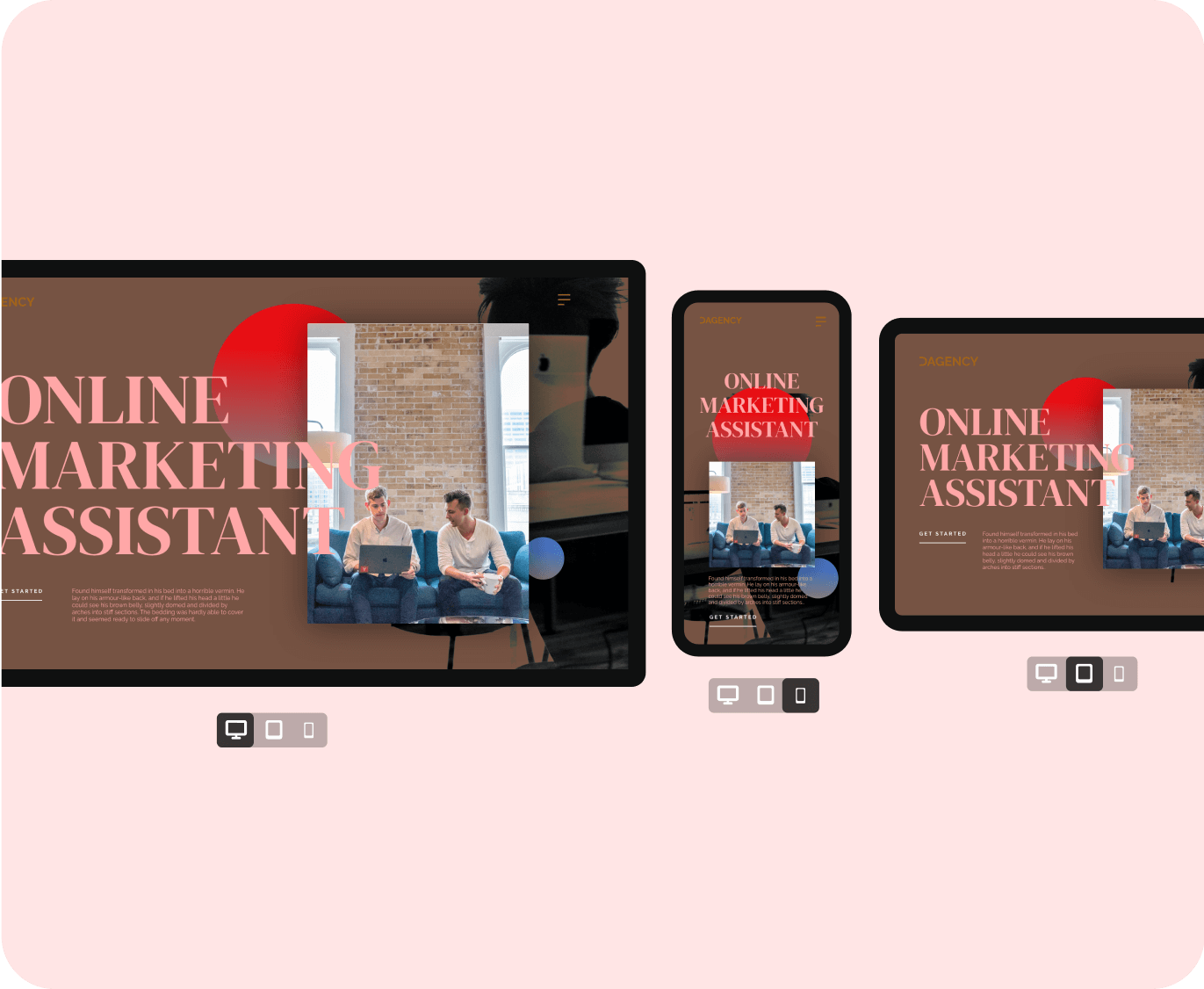
In our Shopify landing page hero guide, we advocate for “Adaptive Design” over simple “Responsive Design.” With a professional Shopify slider tool, you can actually create a separate layout for mobile users. This ensures your Shopify hero image size mobile version is perfectly cropped, the text is large enough to read, and the CTA is right under the thumb.

Beyond Static Images: Using Motion to Sell

In 2026, motion is the key to stopping the “Infinite Scroll.” However, motion shouldn’t be distracting; it should be guiding.

Using a Shopify carousel allows you to showcase different collections or social proof without taking up more vertical space. If you have a flash sale, you can even integrate a Shopify popup builder to trigger a discount code right as the user interacts with the second slide. This creates a cohesive “ecosystem” where the Shopify slider works in tandem with your marketing triggers to maximize the average order value.

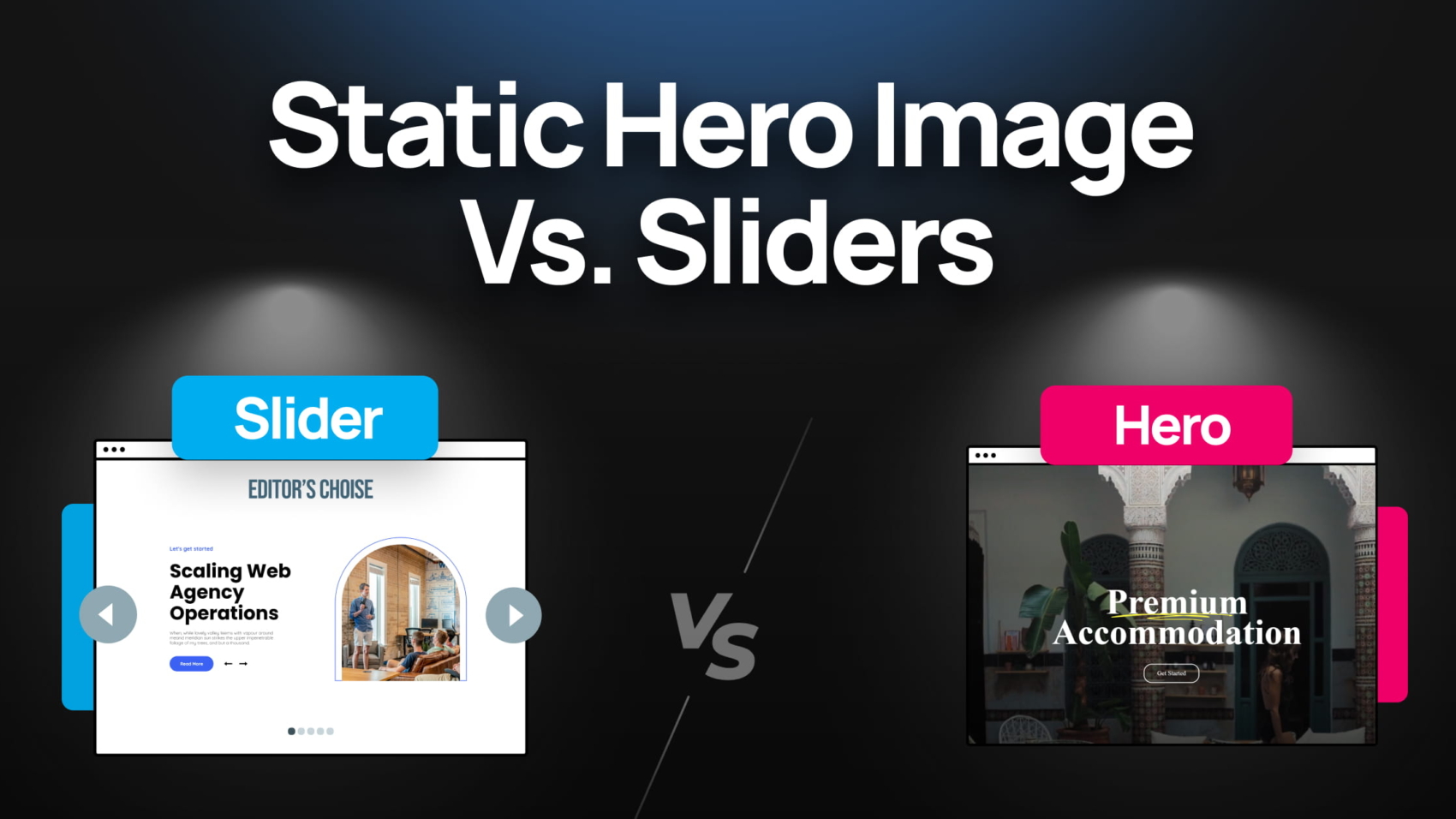
Expert Comparison: Are you still debating if a slideshow is right for your brand? Check out our data-driven breakdown: Static Hero Image vs. Sliders: Which One Converts Better in 2026?

Speed and SEO: The Technical Side of Beauty

A common myth is that high-end designs slow down your store. This is only true if you use outdated apps. Modern Shopify hero section design relies on:

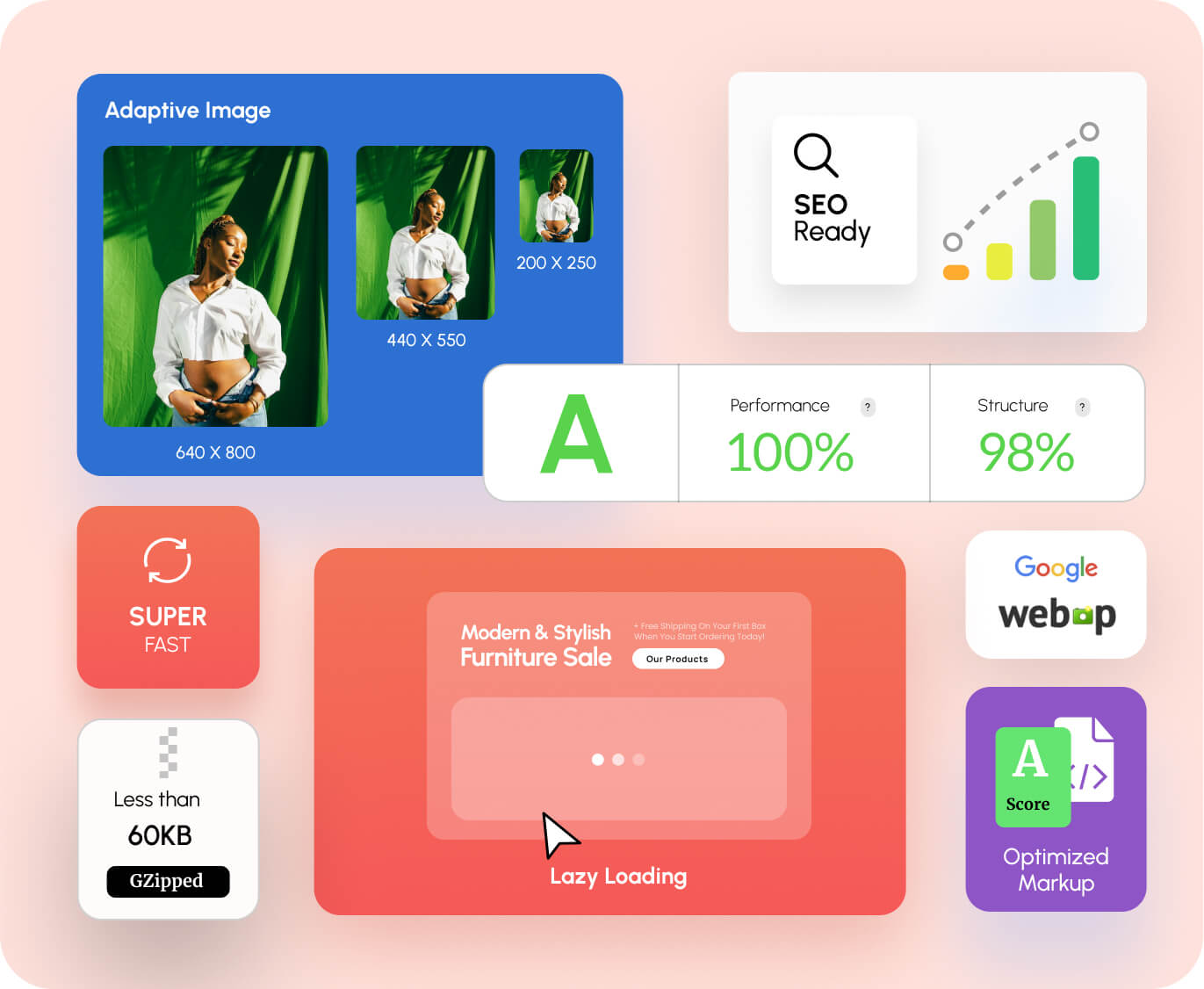
  1. WebP Formats: Automatically serving the lightest image files possible.
  2. Lazy Loading: Ensuring the rest of your page loads while the hero section stays crisp.
  3. Clean Indexing: Making sure Google can actually “read” the text in your slides for SEO, rather than seeing it as a flat, unreadable image.

When you use Depicter, these technical hurdles are handled in the background, keeping your Core Web Vitals in the “Green” zone while your visuals stay in the “Premium” zone.

The Final Checklist Before You Go Live

Before you hit publish on your new custom Shopify banner no code masterpiece, run through this list:

  • Contrast Check: Can I read the white text over a bright image? (Use an overlay if not).
  • Button Test: Does the button click to the right collection page?
  • The Mom Test: Show the mobile version to someone else. Can they figure out what you sell in 3 seconds?
  • Loading Speed: Check your site on a 4G connection. Does it feel snappy?

Wrapping Up: Your Storefront, Reimagined

You don’t need a developer to have a professional storefront in 2026. You just need the right strategy and the right tools. By focusing on an interactive hero section Shopify visitors actually want to engage with, you turn your homepage from a static billboard into a high-performance sales machine.

Ready to stop fighting your theme? Start exploring our professional Shopify banner templates and see how easy it is to build the store you’ve always wanted.

Frequently Asked Questions

How to edit Shopify hero section settings for specific holidays? The best way is to use a tool that allows for “Scheduled Content.” You can design your Black Friday banner today and set it to replace your current Shopify slider automatically at midnight.

Does a Shopify carousel hurt my conversion rate? Not if it’s manual. “Auto-sliding” carousels can be annoying, but user-controlled carousels that show variety (like New Arrivals) actually improve product discovery.

What is the ideal Shopify hero image size mobile users need? Instead of one size, use a 16:9 ratio for desktop and a 4:5 or 9:16 ratio for mobile. This ensures your products stay the “hero” of the screen regardless of the device.

Static Hero Image vs. Sliders

Static Hero Image vs. Sliders: Which One Converts Better in 2026?

In the high-stakes world of e-commerce, your homepage is your digital storefront. As Shopify themes evolve with Online Store 2.0, the most effective interactive hero section Shopify stores use has shifted from passive viewing to active engagement.

Within three seconds, a visitor decides to stay or bounce. In 2026, the answer isn’t about “moving pictures” versus “still images.” It’s about conversion layers.

For years, the Shopify slider vs static image debate has raged among merchants: Should you use a single, clean hero image, or a dynamic motion-based layout?

The Case for Static Hero Images: Clarity and Speed

Many minimalist brands and high-end luxury boutiques swear by a simple Shopify hero section to maintain a clean aesthetic.

The Pros:

  • Instant Clarity: A single message with one clear Call to Action (CTA).
  • Perceived Speed: There is no “waiting” for the next slide.

The Cons:

  • Banner Blindness: Repeat visitors often ignore static images they’ve seen before.
  • Limited Real Estate: A static banner makes it impossible to show multiple high-priority campaigns simultaneously.

The Modern Interactive Slider: The Depicter Era

The old criticism that “sliders are slow” is officially dead in 2026. Modern tools have transformed the traditional slideshow into a high-performance Shopify carousel.

When merchants ask, “Are sliders bad for SEO Shopify?”, the answer in 2026 is a resounding no, provided you use a tool that optimizes for Core Web Vitals.

Why Modern Sliders Win:

  • Sequential Storytelling: Introduce your brand, show a best-seller, and offer a discount code in a coordinated sequence.
  • Micro-Interactions: Using a professional Shopify slider allows for hover effects and animations that keep users engaged longer than a flat image.

If you are looking for the top tools to build these sections, check out our definitive guide on the Best Shopify Banner Slider Apps in 2026.

Data Deep-Dive: Which One Actually Converts?

Improving your Shopify hero section conversion rate isn’t tied to the format, but to the “Intent Map.”

  • The Paradox of Choice: A slider with 10 slides will fail. However, a Shopify announcement bar paired with a 3-slide interactive hero section increases CTR (Click-Through Rate) by an average of 18% compared to static images alone.
  • Engagement Metrics: Interactive layers encourage “active browsing.” When a user interacts with a Shopify carousel, they are mentally “committing” to your brand’s story.

Merchant Insight 2026: Recent data from March 2026 Shopify benchmarks shows that while the average store converts at 1.4%, elite brands hitting 4.7%+ are doing so by replacing static banners with interactive, ‘mobile-first’ hero sections. By reducing ‘Banner Blindness,’ these interactive layers can increase Click-Through Rates (CTR) by up to 18-25% compared to non-interactive templates.

The Technical Check: SEO & Speed Impact

As a merchant, your biggest fear is tanking your site performance. In the past, poorly coded apps led many to believe “Are sliders bad for SEO Shopify?” because of slow load times.

Today, a professional Shopify hero section built with Depicter uses WebP formats and Lazy Loading. Furthermore, a well-coded Shopify slider is now fully indexable by Google, meaning your slide text actually helps your SEO rankings.

The 2026 Decision Matrix: Which One Should YOU Choose?

Choosing the best Shopify homepage layout 2026 depends on matching your storefront to your business model. Use this matrix to identify your store’s “DNA.”

The High-Volume Lifestyle Boutique

  • The Solution: The Interactive Shopify Carousel. 
  • Strategic Rationale: Use 3 high-impact slides to show diversity (New Arrivals, Best Sellers, Seasonal Sale).
  • Merchant Result: Lower bounce rates as users find their specific interest faster.

The Single-Product Inventor (DTC Powerhouse)

  • The Solution: Static Hero Image with Video Background.
  • Strategic Rationale: A high-quality, muted video background shows the product in action while the static text remains fixed. This is often considered the best Shopify homepage layout 2026 for single-product brands.

The Growth-Hacker (Aggressive Scaling)

  • The Solution: The delayed Shopify popup builder Integration.
  • Strategic Rationale: Let the hero section do the initial selling. If a user spends more than 10 seconds without clicking, trigger a Shopify announcement bar or a sleek popup.

Summary Table for Quick Reference

Store TypeRecommended LayoutPrimary Goal
Multi-CategoryShopify CarouselProduct Discovery
Single-ProductStatic Hero + VideoEducation & Direct Sale
Flash SaleShopify Slider + Announcement BarUrgency & High CTR
B2BClean Static HeroProfessionalism

Once you’ve identified your scenario, learn how to build it perfectly in our Ultimate Guide to Shopify Hero Sections.

Conclusion

The final verdict for the Shopify slider vs static image debate? The winner is the Hybrid Approach. An interactive hero section Shopify stores can rely on is one that looks like a clean static image but behaves like a dynamic layer, providing the best speed and engagement.

Frequently Asked Questions (FAQ)

  • Do sliders slow down my Shopify store? Only if they are poorly coded. Modern apps have a negligible impact on load speed.
  • What is the best Shopify homepage layout 2026 for mobile? We recommend an “Adaptive” approach: a carousel for desktop and a simplified version for mobile to prevent unreadable text.
  • How can I improve my Shopify hero section conversion rate? Limit your slides to the “Magic Number” of 3 and ensure your CTA (Call to Action) is always visible and high-contrast.

Best Shopify Banner Slider Apps in 2026

Best Shopify Banner Slider Apps in 2026

If you’ve ever tried adding a slider to your Shopify store, you’ve probably faced at least one of these issues: slow loading speed, limited customization, or poor mobile performance.

Most traditional slider apps solve one problem but create another. You either get decent design options with heavy scripts or fast performance with very limited flexibility.

In 2026, that trade-off is no longer acceptable. Store owners need tools that combine speed, design control, and conversion optimization.

In this guide, we’re going to find the best Shopify slider app. We’ll break down what makes a great solution and why one option stands out from the rest.

Quick Comparison of Top Shopify Slider Apps (2026)

There are several Shopify apps that offer slider functionality, but most of them are built around very specific use cases rather than being complete design solutions.

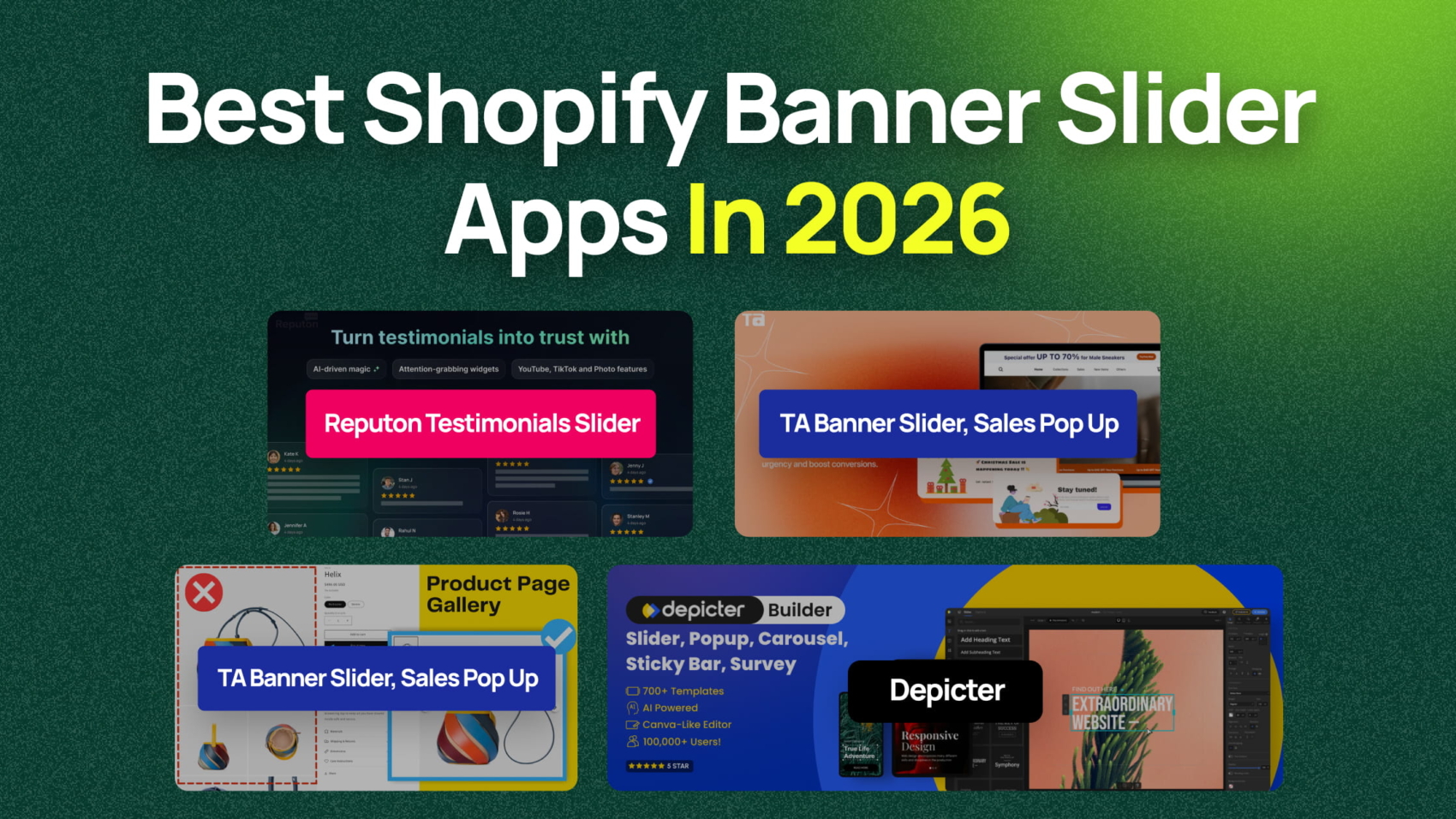
For example, TA Banner Slider, Sales Pop up focuses heavily on promotional elements. It allows you to create rotating banner sliders and popups. It’s especially useful if your main goal is marketing campaigns, urgency (via timers), and announcement bars rather than building flexible layouts.

Another option is GG Product Page Image Slider, which is designed specifically for product pages. It replaces the default gallery with a slider that supports image zoom, video slides, variant-based images, and carousel layouts. This makes it a strong choice if you want to improve how products are displayed, but it’s limited to product media rather than full-page design.

Then there’s Reputon Testimonials Slider, which serves a completely different purpose. Instead of traditional sliders, it focuses on displaying customer reviews and social proof in slider or carousel formats. You can embed photo reviews and other items from platforms like Amazon or Google, making it useful for trust-building rather than visual design.

What’s important to notice here is that each of these apps solves a narrow problem:

TA Banner Slider: promotions and popups
GG Product Page Image Slider: product image galleries and Shopify carousel displays
Reputon Testimonials Slider: social proof and reviews

They are all useful in their own context, but none of them is built as a complete solution for creating banners, sliders, Shopify hero sections, and Shopify carousel layouts across your entire store.

This gap is exactly where a more flexible tool becomes necessary.

Why Depicter Is the Best Shopify Slider App

Depicter is designed as a next-generation visual builder rather than just a slider tool.

Instead of limiting you to basic slides, it allows you to create everything from a Shopify banner slider to a fully customized Shopify hero section, full-width Shopify slider layouts, and even advanced Shopify carousel designs, all while keeping performance in check.

Performance and Speed

Performance is one of the main concerns with sliders, but it doesn’t have to be a problem. With the right approach, you can create a Shopify slider without slowing site performance.

Speed depends on multiple factors such as how assets are loaded, how images are optimized, and how efficiently the builder renders content. Depicter is designed to keep resource usage minimal, avoiding heavy scripts and unnecessary requests to maintain fast load times.

A big part of performance comes down to best practices. Using properly sized images, modern formats like WebP, and compression helps reduce load without sacrificing quality.

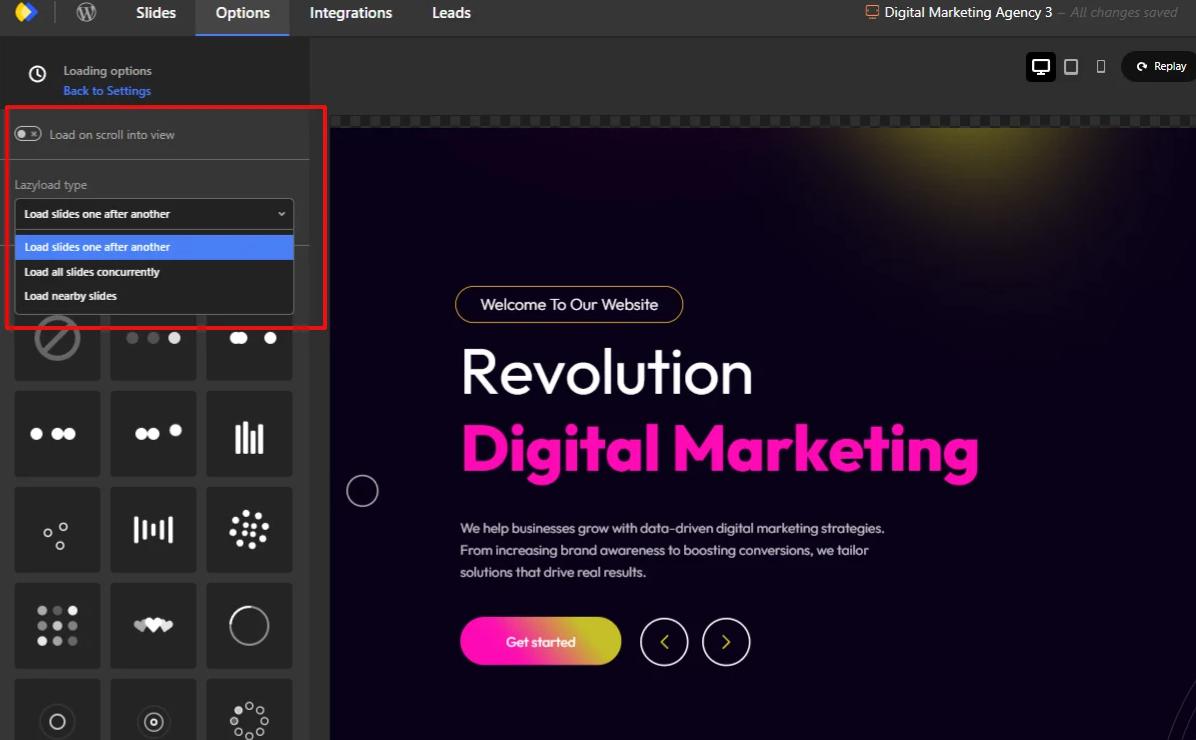
Lazy loading is also essential. Only the first slide loads immediately, while off-screen slides are deferred. This reduces initial page weight and improves overall performance.

Animations should be used carefully. Simple transitions like fades or slides are more efficient, while heavy layered animations can slow things down.

By combining these techniques, Depicter delivers a balance between design flexibility and speed, making it a strong choice for performance-focused Shopify stores.

Advanced Visual Builder

Depicter goes far beyond what you would expect from a typical Shopify image slider app.

Instead of limiting you to predefined layouts, it gives you full control through a completely drag-and-drop editor. This makes it easy for beginners to create professional designs, while still offering the flexibility that advanced users need.

You can build:

  • A fully customized Shopify hero section
  • Interactive Shopify carousel layouts
  • High-converting Shopify banner slider designs
  • And much more

The Depicter’s Canva-like editor allows you to place elements freely in any structure you want, without being restricted to rigid templates. At the same time, it includes powerful features that make the design process smoother and more precise.

For example, features like snapping, resize, and rotate help you align and adjust elements easily. You can also group multiple elements together, which unlocks several important advantages. It allows you to move and resize multiple elements at once, keeps their relative positions consistent, and makes complex layouts much easier to manage.

One of the most powerful capabilities is Auto Layout. By enabling it, you can create structured layouts based on flex and grid systems, making your designs more responsive and scalable without extra effort.

Beyond features, the overall editor experience feels modern and intuitive. The layout of the canvas, asset panel, settings, and controls is designed to reduce friction and help you focus on building. Even small details like the right-click menu and quick access options contribute to a smoother workflow.

The result is a builder that doesn’t just help you create sliders, but enables you to design complete sections, including Shopify announcement bar layouts, promotional banners, and interactive Shopify carousel components with precision and ease.

Fully Responsive Design

Responsive design is one of the most critical aspects of any modern slider or visual builder. It’s not just about making elements smaller on mobile. It’s about having full control over how your design behaves and looks across different screen sizes.

Depicter is built to function as a fully responsive Shopify slider app, giving you precise control over layouts, elements, and behavior on every device.

Instead of forcing a single layout to adapt to all screen sizes, Depicter allows you to create completely independent designs for each responsive mode. This means your mobile, tablet, and desktop versions can each have their own structure, layout, and visual hierarchy.

You can adjust every detail per device, including:

  • Element size, position, and spacing
  • Colors and styling
  • Rotation and alignment
  • Background images for each slide

This level of control makes it possible to truly optimize the experience for each screen size, rather than relying on automatic scaling.

Another powerful feature is the ability to manage how elements behave when the slider resizes. You can choose between responsive resize behavior or fixed positioning, depending on your design needs.

Depicter also allows you to customize the width and height of individual slides for different responsive modes, making it ideal for building mobile-optimized Shopify hero sections and compact Shopify carousel layouts.

Templates

Ready-made templates play a major role in speeding up the design process. They allow you to skip building layouts from scratch and move directly into customization.

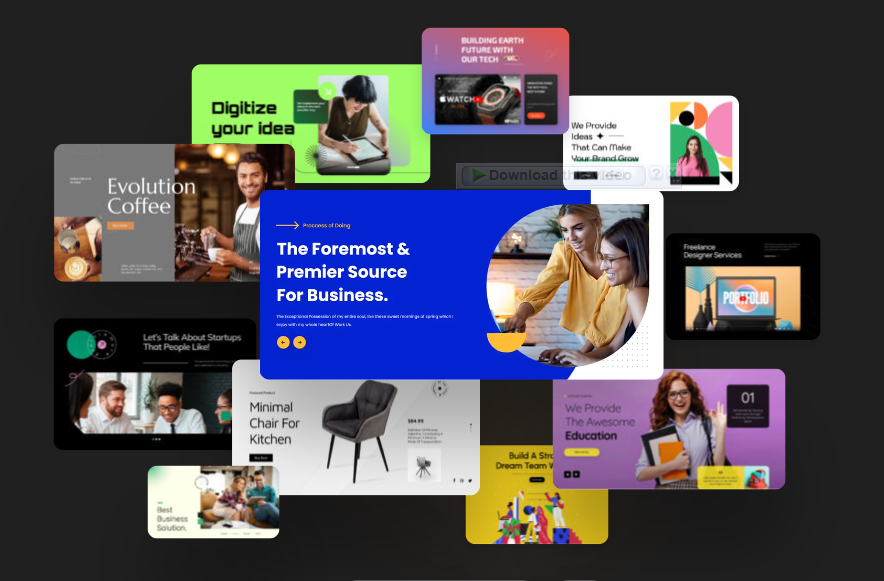
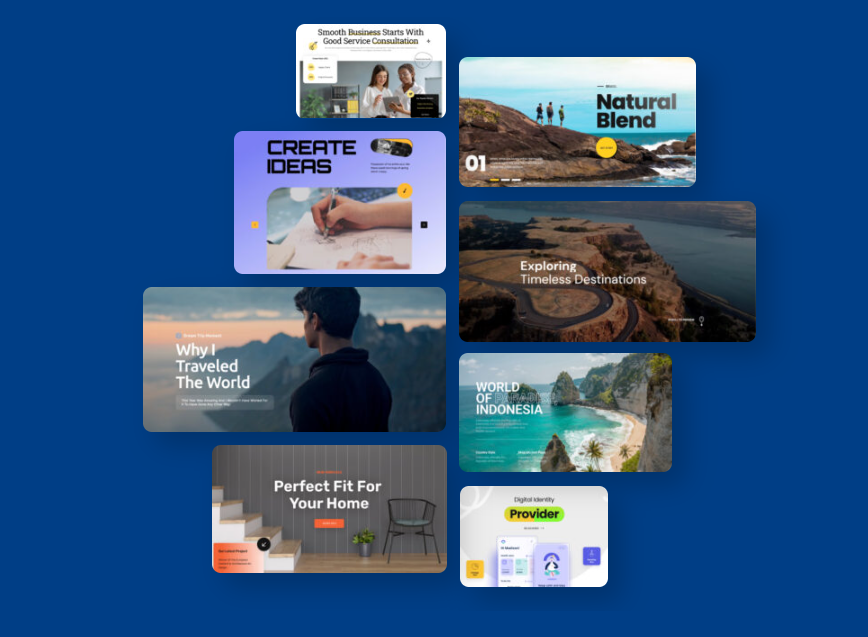
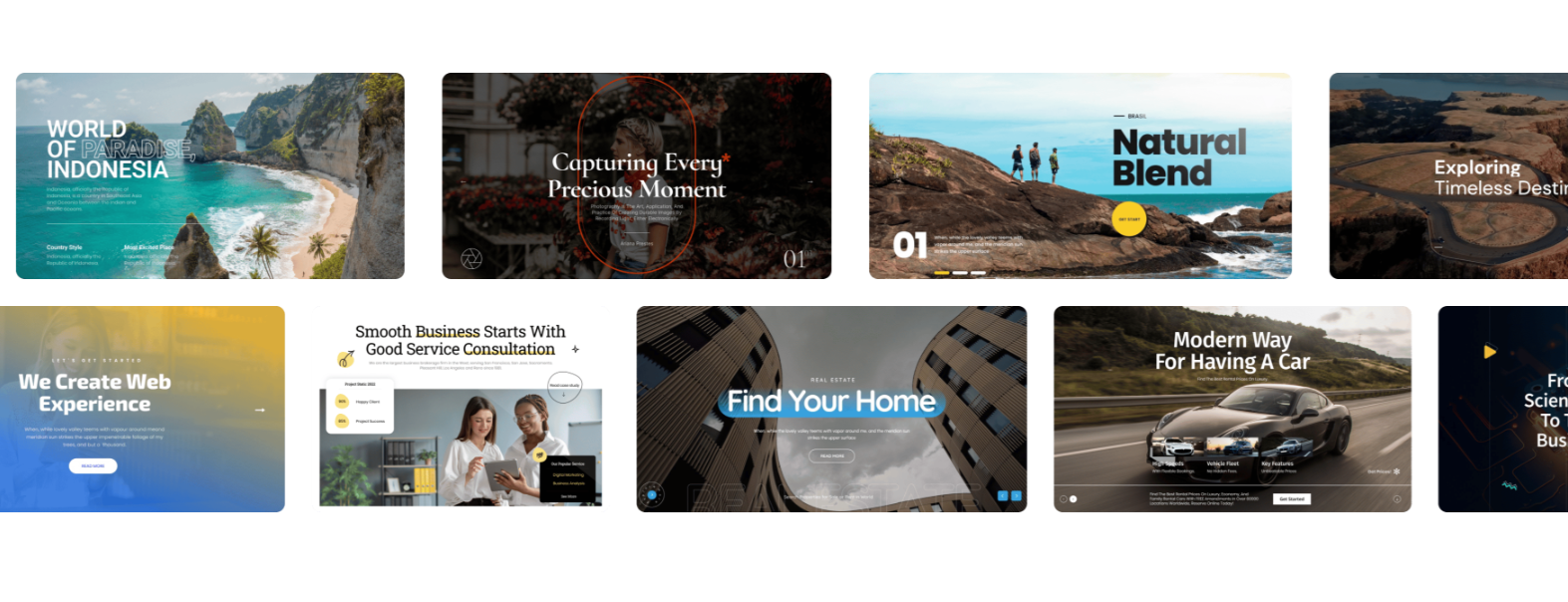
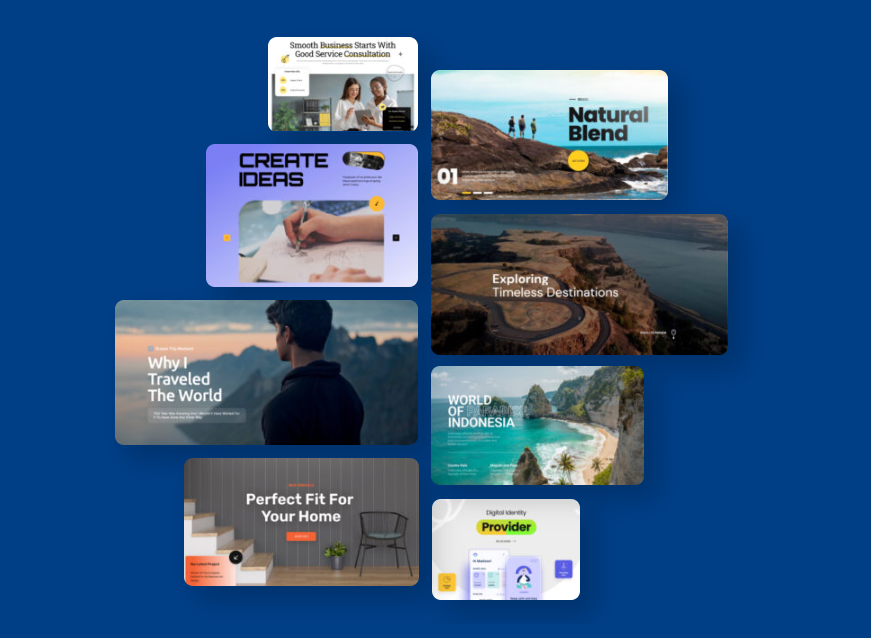
Depicter offers a library of 700+ Shopify slider templates, covering a wide range of use cases and design styles. These templates are organized into categories, making it easy to create anything from a Shopify banner slider to a Shopify hero section or promotional campaign.

The collection includes templates for product showcases, seasonal promotions, landing sections, Shopify announcement bar designs, and more.

Another important advantage is that the template library is continuously updated, ensuring access to modern and relevant layouts.

When You Should and Should Not Use a Slider

Sliders can be a powerful tool when used correctly.

They work best for highlighting promotions, showcasing multiple products, or creating engaging Shopify hero section experiences. A well-designed Shopify carousel or banner can guide users and improve engagement.

However, overusing sliders or adding too many slides can reduce clarity and hurt conversions. Poorly optimized sliders can also slow down your site.

That’s why choosing a fast and efficient Shopify slider solution is essential.

Final Verdict

Choosing the best Shopify slider app in 2026 comes down to what you actually need: a simple slideshow or a complete visual solution.

Many apps can handle basic slider functionality. But as your store grows, you’ll need more flexibility to build banners, Shopify carousel sections, and full Shopify hero section layouts while keeping performance optimized.

This is where Depicter stands out.

It combines a modern drag-and-drop builder, a large and constantly updated template library, advanced responsive controls, and strong performance optimization. Instead of relying on multiple tools, it allows you to manage sliders, banners, Shopify announcement bar elements, and more in one place.

If your goal is to create high-quality visuals without slowing down your store, Depicter is one of the most complete solutions available today.

FAQs

What is the best Shopify slider app

The best app depends on your needs, but tools that balance performance, flexibility, and ease of use tend to deliver the best results.

Do sliders slow down Shopify stores

They can, especially if they are not optimized. Using lightweight tools and best practices helps prevent performance issues.

What is a Shopify banner slider

A Shopify banner slider is a rotating section that displays promotional content, images, or messages on your store.

What is the difference between a slider and a carousel

A Shopify slider typically shows one slide at a time, while a Shopify carousel can display multiple items and allows horizontal scrolling.

Do I need coding skills to add a slider in Shopify

No, most modern tools use drag-and-drop editors, making it easy to create and publish sliders without coding.

Best Shopify Apps 2026

Best Shopify Apps 2026: The Only Must-Have List for Success

If you’ve spent even a few minutes browsing the Shopify App Store, you’ve probably realized something quickly: there are a lot of apps.

Some solve real problems. Others just add more scripts and complexity to your store.

For many merchants, especially those launching a store for the first time, the real challenge is figuring out which apps actually help the business grow.

This guide covers some of the best Shopify applications in 2026, focusing on tools that help merchants improve operations, build trust with customers, manage orders, and scale their stores. Many merchants search for things like best Shopify apps for small stores, essential Shopify apps for new stores, and Shopify tools for ecommerce growth, so the goal here is to highlight tools that truly support those outcomes rather than just adding more features.

Depicter,  Popup and Visual Content Builder

Depicter is designed as a visual marketing and engagement builder that helps merchants create interactive experiences directly inside their store. Instead of relying on multiple separate tools for things like a Shopify popup builder, a Shopify announcement bar, or a Shopify carousel, the idea is to manage these elements from a single visual interface. This approach can make campaign management significantly easier, especially for merchants who want more control over how promotions appear across their site.

The platform focuses on turning static store pages into more dynamic marketing spaces. Shop owners can design high-impact elements like a custom Shopify hero section or attention-grabbing Shopify slider displays that highlight specific offers or collections. Rather than editing theme code or installing several specialized apps, the goal is to allow store owners to build these experiences visually without technical friction.

Another aspect of tools like Depicter is behavioral control. Campaigns can be triggered based on visitor actions, timing, or specific pages within the store. This allows merchants to experiment with different engagement strategies without constantly adjusting multiple tools. Instead of stacking several apps for different marketing features, merchants may prefer using one platform that can handle various campaign formats and onsite experiences. This simplifies store management and makes it easier to run coordinated campaigns across the entire storefront.

Judge.me,  Product Reviews

Judge.me is one of the most widely used Shopify review applications. It allows merchants to collect and display product reviews directly on their product pages, helping build trust with potential buyers.

Customer reviews are extremely important in ecommerce because shoppers often rely on the experiences of others before making a purchase. When a product page includes verified ratings and customer feedback, it reduces uncertainty and helps new visitors feel more confident.

Judge.me makes it easy to automatically request reviews after a purchase and display them in various formats on the storefront. Merchants can highlight star ratings, written feedback, or photo reviews submitted by customers.

For new stores in particular, review apps often become one of the first tools installed because they help establish credibility quickly. Even a small number of authentic reviews can make a store appear more trustworthy and active.

ReConvert, Post-Purchase Upsells

ReConvert focuses on the moment right after a customer completes a purchase. Instead of ending the shopping experience at the checkout confirmation page, it allows merchants to present additional offers or recommendations.

Post-purchase upsell strategies can be powerful because customers have already demonstrated purchasing intent. At that stage, they may be more open to adding another item to their order.

Merchants often use ReConvert to promote complementary products, limited-time offers, or bundle discounts immediately after checkout. These offers appear on the order confirmation page or similar areas within the purchase flow.

Apps like this are often used to increase average order value without needing to bring more traffic to the store. By encouraging existing buyers to add items to their purchase, merchants can improve overall revenue efficiency.

Smile.io,  Loyalty and Rewards Programs

Smile.io is a loyalty platform designed to reward repeat customers. Instead of focusing only on new customer acquisition, it helps merchants build long-term relationships with their existing audience.

The app allows stores to create points-based systems where customers earn rewards for actions such as making purchases, referring friends, or engaging with the brand. These points can then be redeemed for discounts or other incentives.

Referral programs are another common feature. Customers who recommend the store to friends can earn rewards, which encourages organic growth through word-of-mouth marketing.

Loyalty programs are especially valuable for ecommerce businesses because retaining customers is often more cost-effective than constantly acquiring new ones. Over time, these programs can significantly increase customer lifetime value.

Shopify Search & Discovery

Shopify Search & Discovery is an official app built by Shopify to improve product discovery within a store. It focuses on helping customers find the products they are most likely to purchase.

The app allows merchants to customize search results, add product filters, and create recommendation rules. This can make browsing easier for customers, especially in stores with larger catalogs.

Product recommendations are another key feature. Merchants can highlight related items, complementary products, or popular items within certain categories.

Improving how customers find products often has a direct effect on conversion rates. When shoppers can easily locate relevant items, they are more likely to continue browsing and complete a purchase.

Tidio,  Live Chat and Customer Messaging

Tidio provides live chat functionality that allows merchants to communicate directly with visitors while they browse the store. This can help answer questions in real time and remove obstacles that might prevent a purchase.

Customer support is a crucial part of ecommerce, especially for stores selling products that require explanation or comparison. If a visitor has a question about sizing, shipping, or product details, instant support can make the difference between a sale and an abandoned cart.

Tidio combines live chat with automated chatbots, which can respond to common questions even when a merchant is not online. This ensures that customers still receive quick answers.

For smaller teams, live chat tools can dramatically improve customer experience without requiring a large support staff.

ShipStation,  Shipping Management

Shipping logistics become more complex as ecommerce stores grow. ShipStation is designed to simplify shipping operations by allowing merchants to manage orders and shipping carriers from one dashboard.

The platform connects with multiple carriers and allows merchants to create shipping labels, track packages, and manage fulfillment processes more efficiently.

Automated workflows are another key feature. Merchants can create rules that automatically select shipping carriers or print labels based on order details.

For stores handling a high volume of orders, tools like ShipStation help reduce manual work and streamline fulfillment processes.

Better Reports,  Advanced Shopify Analytics

Better Reports provides deeper insights into store performance by expanding on Shopify’s built-in reporting tools.

The app allows merchants to create custom reports that analyze data such as customer behavior, sales trends, product performance, and revenue sources.

Many ecommerce businesses rely heavily on analytics to understand what is working and what needs improvement. Having detailed reports can help merchants make better decisions about pricing, inventory, and marketing strategies.

Custom reporting tools become especially useful for growing stores that want more control over how they analyze business performance.

Matrixify,  Data Import and Export

Matrixify is a powerful tool for managing large amounts of Shopify store data. It allows merchants to import and export products, orders, customers, and other store information in bulk.

This can be extremely helpful when migrating stores, managing large product catalogs, or performing data backups.

Merchants can also use Matrixify to automate certain data management tasks or update product information across multiple listings at once.

For stores with complex inventories or frequent updates, tools like this can save a significant amount of time.

Gorgias,  Customer Support Platform

Gorgias is a customer service platform designed specifically for ecommerce businesses. It centralizes customer communication from multiple channels into a single support dashboard.

Merchants can manage messages from email, live chat, social media, and helpdesk tickets without switching between platforms.

The platform also integrates with Shopify data, allowing support agents to view order details and customer information directly within conversations.

Efficient customer support can have a strong impact on customer satisfaction and repeat purchases. For stores that receive a high volume of customer inquiries, tools like Gorgias help maintain organized and responsive support workflows.

Why Page Speed Matters When Installing Shopify Apps

One challenge that many Shopify stores face is app bloat. Installing too many apps can slow down the storefront because each app adds scripts and resources that must load on the page.

Page speed has become an increasingly important factor in both user experience and search engine rankings. Slow pages can frustrate visitors and increase bounce rates.

Google has also emphasized metrics like Core Web Vitals, which evaluate how quickly and smoothly pages load. Stores that perform poorly on these metrics may struggle to rank for competitive queries.

Because of this, merchants should carefully evaluate every app they install. Choosing fewer, well-selected apps often leads to better performance than stacking many tools that overlap in functionality.

Final Thoughts

The best Shopify applications in 2026 are not necessarily the ones with the longest feature lists. Instead, they are the tools that help merchants run their stores more effectively, build customer trust, and manage growth.

For new merchants, starting with a small set of reliable tools is usually the best approach. As the store grows, additional apps can be added to support more advanced operations.

By focusing on apps that improve customer experience, streamline operations, and support long-term growth, merchants can build a Shopify store that scales efficiently over time.