

Trust is one of the biggest factors influencing online purchases. No matter how attractive your products are, many visitors won’t buy until they see proof that other customers had a positive experience.
That’s why testimonials, reviews, and customer stories play such a critical role in ecommerce success.
While static review sections can be effective, many Shopify merchants prefer a testimonial slider that showcases multiple reviews in a compact and engaging format. A well-designed Shopify testimonial slider can highlight customer feedback, build credibility, and strengthen social proof without taking up excessive space on the page.
In this guide, we’ll compare the best testimonial slider Shopify apps available today and help you find the right solution for displaying reviews, testimonials, and customer success stories.
A testimonial slider is only one piece of a successful ecommerce stack. Check out our roundup of the best Shopify apps for additional tools that help drive sales and improve store performance.
Why Testimonial Sliders Matter for Shopify Stores
Reviews influence purchasing decisions because they reduce uncertainty.
When visitors see positive feedback from real customers, they become more confident in your products and brand.
A Shopify testimonial slider helps merchants display multiple customer stories without overwhelming the page. Instead of forcing visitors to scroll through dozens of reviews, sliders allow merchants to present social proof in a clean and engaging format.
Many brands also use a testimonial carousel Shopify layout to showcase customer experiences alongside product images, ratings, and purchase outcomes.
The result is a more persuasive storefront experience that supports higher conversion rates.
1. Depicter
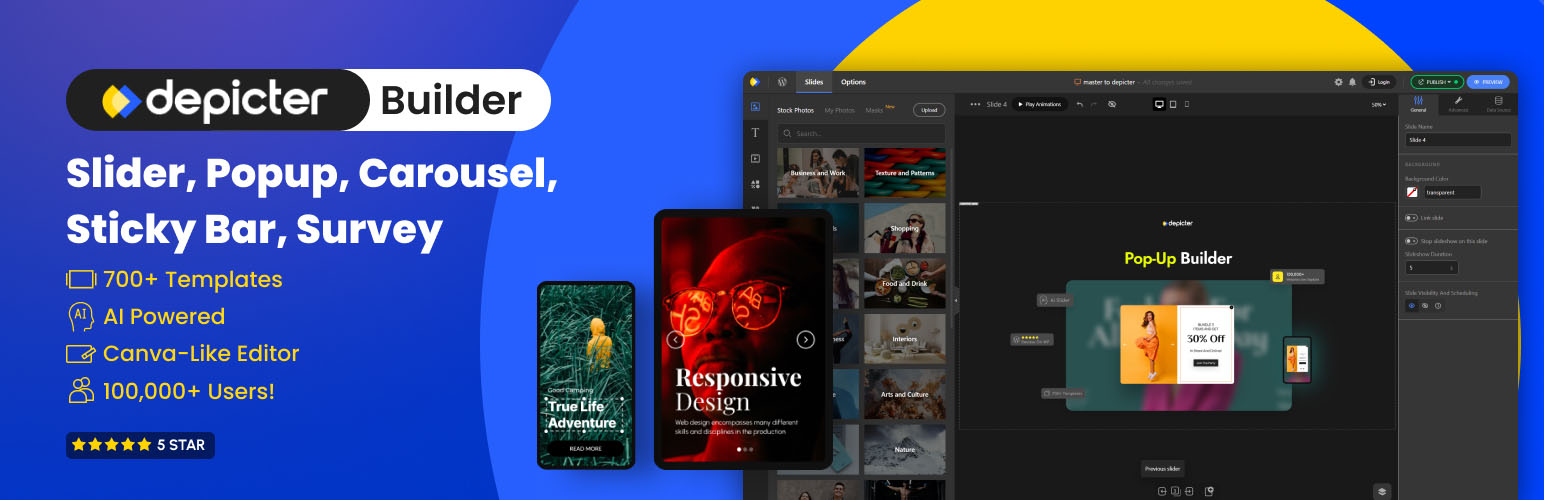
Best for Interactive Testimonial Sliders and Customer Stories
Depicter is a flexible visual design platform that allows Shopify merchants to build highly customized testimonial sections, review showcases, and social proof experiences.
Unlike many traditional review apps, Depicter focuses on presentation and design flexibility. Merchants can create fully responsive testimonial sliders with custom layouts, animations, images, ratings, and calls to action.
For merchants searching for a Shopify testimonial slider that looks unique and matches their brand identity, Depicter offers significantly more creative freedom than most alternatives.
Key Features
- Canva-like drag-and-drop editor
- Testimonial slider templates
- Custom animations
- Responsive layouts
- Review showcase sections
- CTA integration
- Advanced styling controls
- Mobile optimization
Pros
- Highly customizable
- Easy visual editing
- Works with existing reviews
- No coding required
- Excellent mobile experience
Cons
- No lifetime deal
Best For
- Premium brands
- Design-focused stores
- Homepage testimonials
- Landing pages
- Customer success stories
Depicter can function as a Shopify testimonial slider, a testimonial carousel Shopify solution, or even a customer review slider Shopify merchants can use across product pages, landing pages, and homepages.
Many merchants also use Depicter as a testimonial widget Shopify solution because it allows complete control over how reviews are displayed and integrated into the customer journey.
2. Judge.me
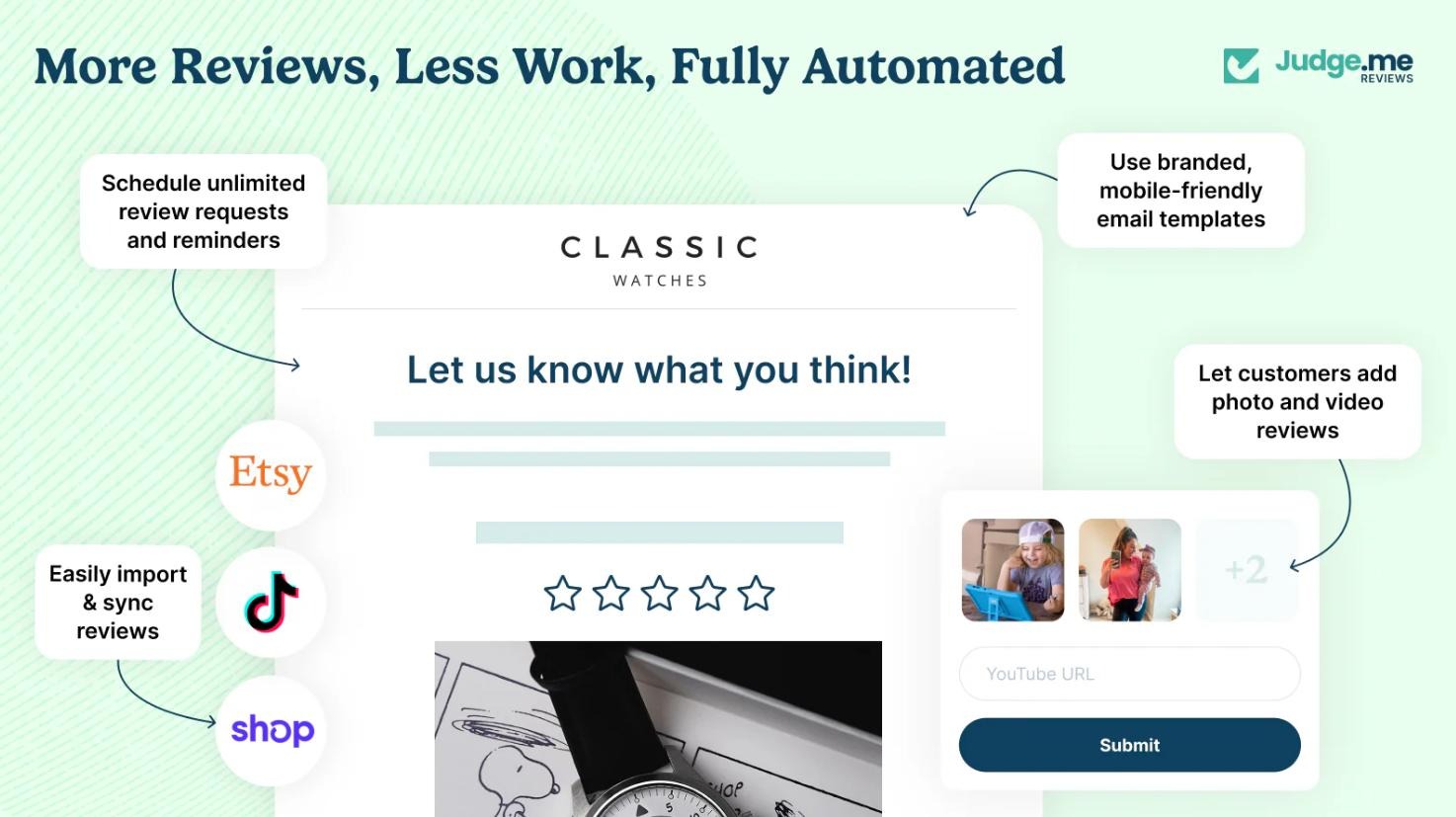
Judge.me is one of the most popular Shopify review platforms available today.
Its primary strength lies in collecting, managing, and displaying customer reviews at scale.
Key Features
- Automated review requests
- Star ratings
- Product reviews
- Rich snippets
- Basic review displays
Pros
- Strong review collection tools
- Affordable pricing
- SEO-friendly review features
Cons
- Limited design flexibility
- Testimonial slider layouts are basic
3. Loox

Loox specializes in visual reviews that include customer photos.
For products where appearance strongly influences purchasing decisions, photo reviews can significantly improve trust.
Key Features
- Photo reviews
- Review request automation
- Review widgets
- Visual galleries
Pros
- Strong visual appeal
- Excellent for lifestyle brands
- Easy implementation
Cons
- Limited customization compared to dedicated design tools
4. Fera
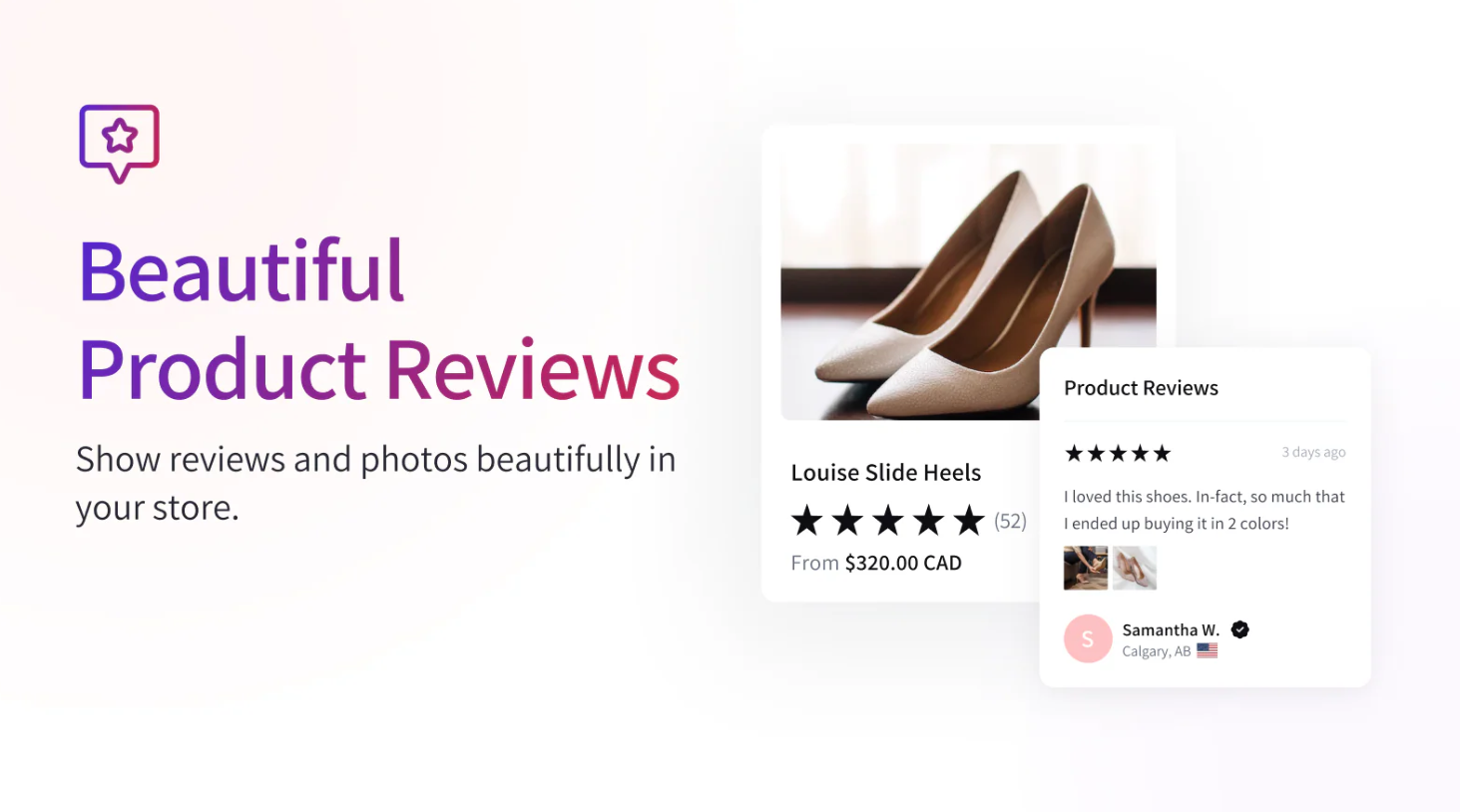
Fera combines review management with various social proof elements such as purchase notifications and customer activity displays.
For merchants looking for a Shopify social proof app, Fera offers a broad feature set.
Key Features
- Reviews
- Testimonials
- Purchase notifications
- Social proof widgets
- Conversion tools
Pros
- Multiple social proof formats
- Easy setup
- Conversion-focused
Cons
- Design customization is somewhat limited
5. TrustWILL(formerly Trustoo)
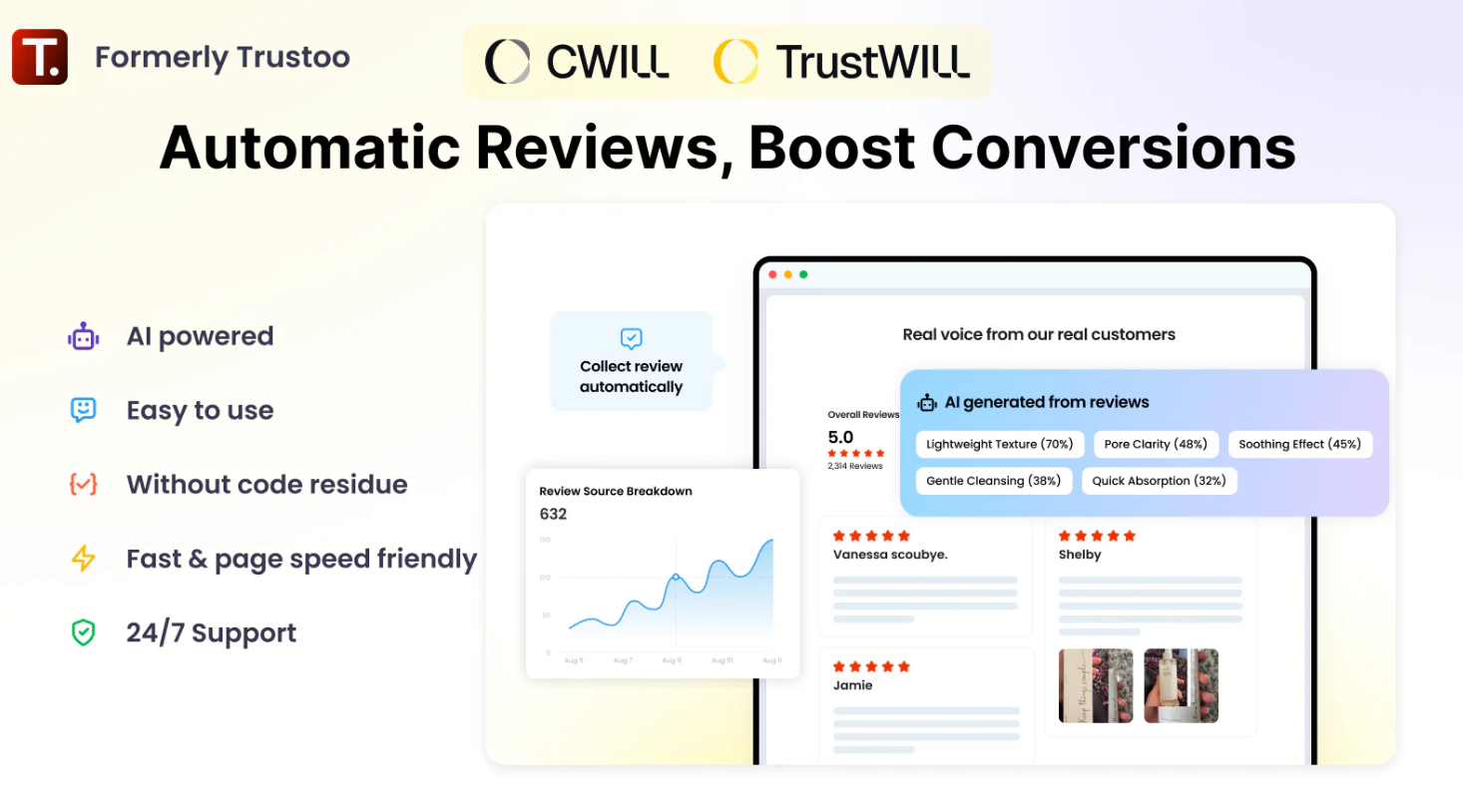
Trustoo combines review collection, testimonials, and social proof tools into a single platform.
It offers merchants a balanced approach to review management and presentation.
Key Features
- Product reviews
- Testimonials
- Photo reviews
- Social proof elements
Pros
- Well-rounded feature set
- Easy implementation
Cons
- Less specialized than some competitors
Why Use a Testimonial Slider Instead of Static Reviews?
Static review sections often become long and difficult to navigate.
A Shopify testimonial carousel creates a more engaging experience by displaying reviews one at a time while preserving valuable page space.
Benefits include:
- Better visual organization
- Improved engagement
- More efficient use of screen space
- Cleaner mobile experience
- Greater emphasis on individual customer stories
Many merchants also use a Shopify review carousel to highlight their strongest testimonials rather than displaying every review equally.
When implemented correctly, a social proof slider Shopify strategy can increase trust while maintaining a modern storefront design.
How to Choose the Best Shopify Testimonial Slider App
The right testimonial slider app should do more than display customer reviews. It should help you present social proof in a way that builds trust, matches your brand, and supports conversions.
Many solutions focus mainly on collecting reviews or displaying them through pre-built templates. While that may be enough for some stores, brands that want testimonials to play a bigger role in their marketing often need greater design flexibility and customization.
Why Depicter Is a Strong Choice
Depicter gives merchants full control over how testimonials are presented, making it a great option for stores that want more than a basic review widget.
With Depicter, you can:
- Create fully responsive testimonial sliders and carousels.
- Customize layouts, colors, typography, and spacing.
- Combine reviews with images, ratings, videos, and CTAs.
- Add animations and transitions to increase engagement.
- Display testimonials on homepages, landing pages, and product pages.
- Use the same tool for hero sections, promotional sliders, and testimonial showcases.
Unlike many review-focused solutions that rely on fixed layouts, Depicter allows you to create testimonial experiences that align with your brand and conversion goals. Whether you’re highlighting customer success stories, product feedback, or featured reviews, it provides the flexibility to turn testimonials into a powerful trust-building element.
Best Practices for Testimonial Sliders
Keep Testimonials Authentic
Genuine customer experiences are significantly more persuasive than generic marketing copy.
Include Customer Photos
Visual proof often increases trust and engagement.
Limit the Number of Slides
Too many slides can reduce effectiveness.
Focus on your strongest reviews and success stories.
Optimize for Mobile Devices
A customer review slider Shopify users view on mobile should remain readable and easy to navigate.
Place Testimonials Near CTAs
Testimonials are most effective when they support a conversion opportunity.
Displaying customer feedback close to a purchase button can reinforce confidence and reduce hesitation.
Internal Link Opportunity: The Anatomy of a High-Converting CTA
Prioritize Performance
Heavy sliders can negatively affect site speed.
Follow proper slider optimization practices to ensure smooth performance across devices.
Internal Link Opportunity: The Technical Guide to Shopify Slider Optimization
Frequently Asked Questions
What is a Shopify testimonial slider?
A Shopify testimonial slider is a section that rotates customer reviews, testimonials, or success stories in a slideshow or carousel format.
Are testimonial sliders effective?
Yes. When used strategically, testimonial sliders help strengthen social proof, improve trust, and support conversion goals.
What’s the difference between a testimonial slider and a review app?
A Shopify testimonial app typically focuses on collecting and managing reviews.
A testimonial slider focuses on how those reviews are presented visually.
Many merchants use both together.
What is a testimonial carousel Shopify merchants use?
A testimonial carousel Shopify layout displays multiple customer reviews in a rotating carousel format that helps save space while maintaining visibility.
Which testimonial slider app is best for Shopify?
For merchants prioritizing visual design, branding, and presentation flexibility, Depicter is one of the strongest options available.
Final Thoughts
Customer reviews remain one of the most powerful forms of social proof in ecommerce.
Whether you’re looking for a Shopify testimonial slider, a Shopify reviews slider, a customer review slider Shopify solution, or a complete Shopify social proof app, the right tool can help turn customer feedback into a conversion asset.
For merchants who want complete creative control over testimonial presentation, animations, layouts, and branding, Depicter offers one of the most flexible solutions available.
And while testimonials can improve trust on their own, they deliver even better results when integrated into a broader conversion strategy.
Leave Comment