
Let’s be honest: most Shopify themes are a double-edged sword. They get you online fast, but they often leave your storefront looking exactly like everyone else’s. When a visitor lands on your site, they don’t see your backend code or your logistics. They see your hero section. You have exactly three seconds to convince them they’re in the right place before they hit the “back” button.
If you’ve ever felt limited by the rigid blocks of your theme, this Shopify landing page hero guide is for you.
Why Your Current Theme is Holding You Back
Most standard themes (even the popular Online Store 2.0 ones) treat the “above-the-fold” area as a static box. You might get a headline, a sub-headline, and a button, but that’s where the flexibility ends. To create the best Shopify homepage layout 2026 consumers expect, you need more than just a static image.
This is where the shift toward an interactive hero section Shopify merchants can customize comes in. Instead of fighting with liquid code or hiring an expensive developer, tools like Depicter allow you to treat your hero area like a professional design canvas. You get total freedom over where your text sits, how your buttons animate, and how your brand story unfolds.
Anatomy of a High-Converting Hero Section
Before we touch any tools, we need to understand the “Conversion Blueprint.” A pretty banner is useless if it doesn’t drive sales.
- The Clarity Statement: Your H1 shouldn’t be clever; it should be clear. Tell them exactly what you sell in five words or less.
- The Visual Hook: Whether it’s a lifestyle shot or a muted video background, the quality of your Shopify hero section imagery dictates your perceived brand value.
- The Frictionless CTA: Your button needs to stand out. If it blends into the background, you’re losing money.
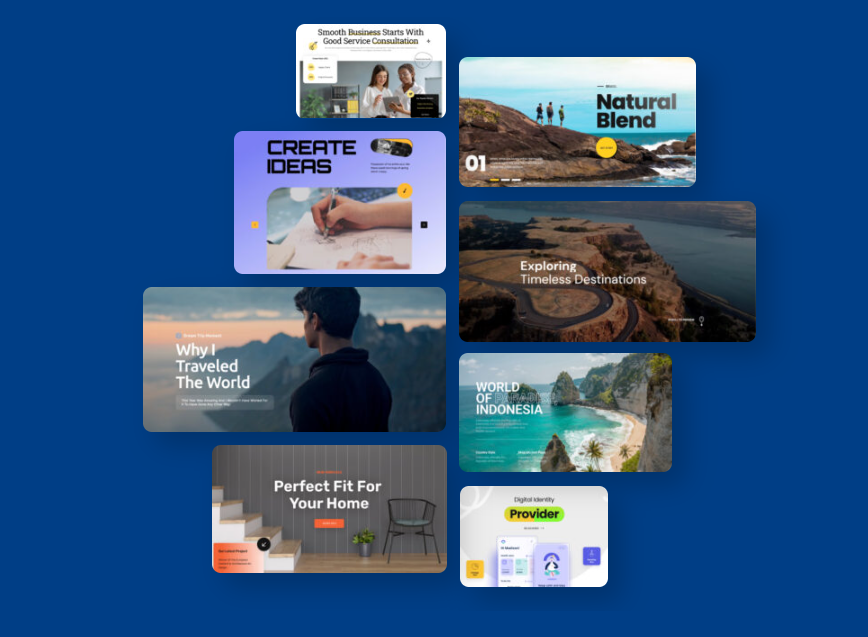
If you’re wondering how to edit Shopify hero section layouts for maximum impact, start by simplifying. Don’t try to say everything at once. Use a Shopify announcement bar for secondary info (like “Free Shipping”) so your hero can focus on the “Big Idea.”
The No-Code Secret: Professional Shopify Banner Templates
The biggest hurdle for most store owners is a lack of design confidence. You don’t need to be a graphic designer to have a stunning site. The secret lies in starting with a solid foundation.
By using professional Shopify banner templates, you bypass the “blank screen” anxiety.
Depicter offers over 700+ industry-specific templates that are already optimized for visual hierarchy.
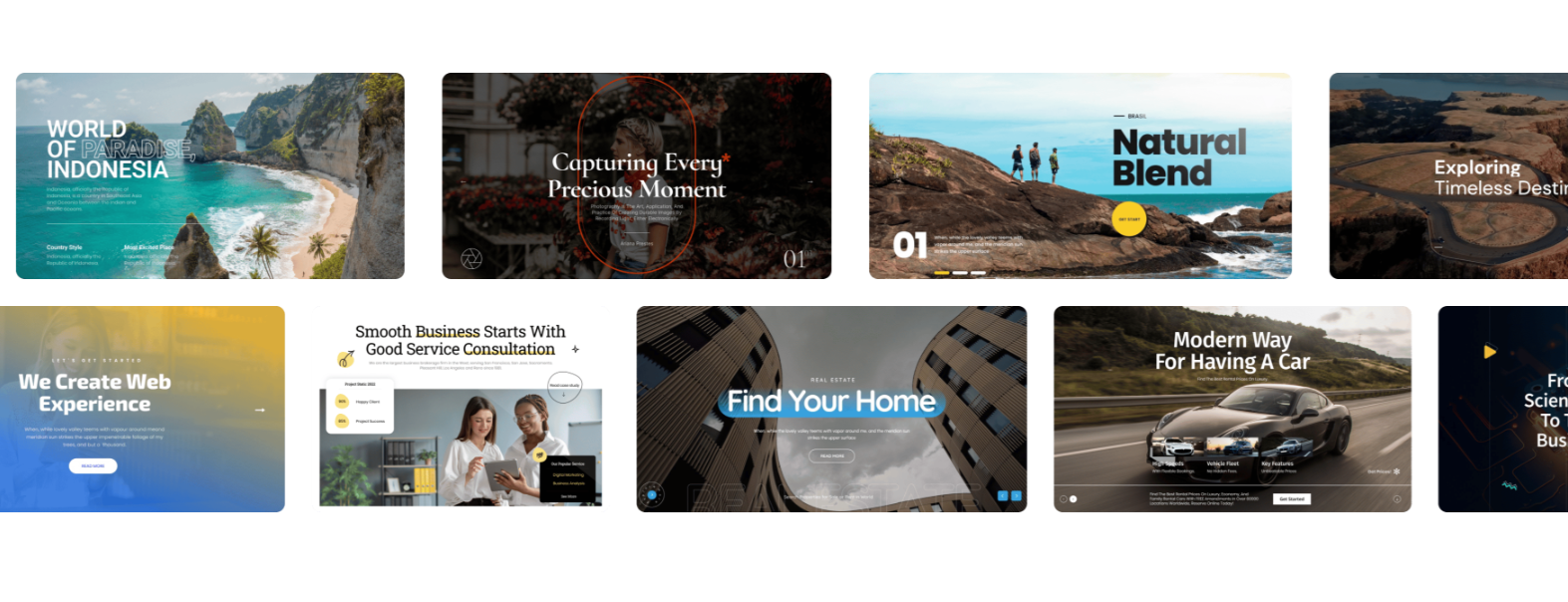
You simply swap the products, tweak the colors, and you have a custom Shopify banner no code required. It’s the fastest way to make a $500/year store look like a $500,000/year brand.
Solving the “Mobile Shrinkage” Nightmare
We’ve all been there: your hero section looks amazing on your 27-inch iMac, but when you open it on an iPhone, the text is tiny and the button is unclickable. This happens because most themes “shrink” the desktop version to fit the screen.
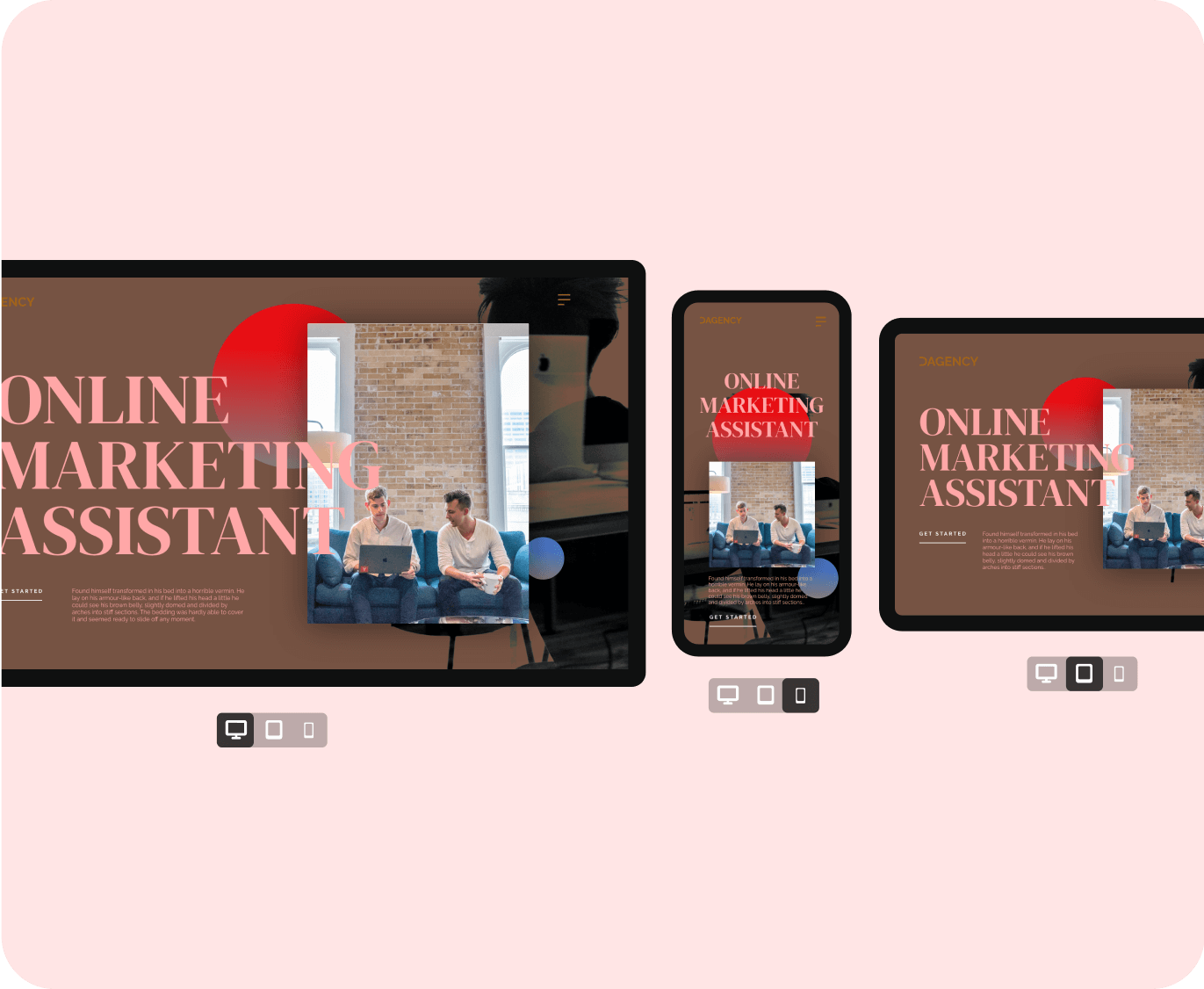
In our Shopify landing page hero guide, we advocate for “Adaptive Design” over simple “Responsive Design.” With a professional Shopify slider tool, you can actually create a separate layout for mobile users. This ensures your Shopify hero image size mobile version is perfectly cropped, the text is large enough to read, and the CTA is right under the thumb.
Beyond Static Images: Using Motion to Sell
In 2026, motion is the key to stopping the “Infinite Scroll.” However, motion shouldn’t be distracting; it should be guiding.
Using a Shopify carousel allows you to showcase different collections or social proof without taking up more vertical space. If you have a flash sale, you can even integrate a Shopify popup builder to trigger a discount code right as the user interacts with the second slide. This creates a cohesive “ecosystem” where the Shopify slider works in tandem with your marketing triggers to maximize the average order value.
Expert Comparison: Are you still debating if a slideshow is right for your brand? Check out our data-driven breakdown: Static Hero Image vs. Sliders: Which One Converts Better in 2026?
Speed and SEO: The Technical Side of Beauty
A common myth is that high-end designs slow down your store. This is only true if you use outdated apps. Modern Shopify hero section design relies on:
- WebP Formats: Automatically serving the lightest image files possible.
- Lazy Loading: Ensuring the rest of your page loads while the hero section stays crisp.
- Clean Indexing: Making sure Google can actually “read” the text in your slides for SEO, rather than seeing it as a flat, unreadable image.
When you use Depicter, these technical hurdles are handled in the background, keeping your Core Web Vitals in the “Green” zone while your visuals stay in the “Premium” zone.
The Final Checklist Before You Go Live
Before you hit publish on your new custom Shopify banner no code masterpiece, run through this list:
- Contrast Check: Can I read the white text over a bright image? (Use an overlay if not).
- Button Test: Does the button click to the right collection page?
- The Mom Test: Show the mobile version to someone else. Can they figure out what you sell in 3 seconds?
- Loading Speed: Check your site on a 4G connection. Does it feel snappy?
Wrapping Up: Your Storefront, Reimagined
You don’t need a developer to have a professional storefront in 2026. You just need the right strategy and the right tools. By focusing on an interactive hero section Shopify visitors actually want to engage with, you turn your homepage from a static billboard into a high-performance sales machine.
Ready to stop fighting your theme? Start exploring our professional Shopify banner templates and see how easy it is to build the store you’ve always wanted.
Frequently Asked Questions
How to edit Shopify hero section settings for specific holidays? The best way is to use a tool that allows for “Scheduled Content.” You can design your Black Friday banner today and set it to replace your current Shopify slider automatically at midnight.
Does a Shopify carousel hurt my conversion rate? Not if it’s manual. “Auto-sliding” carousels can be annoying, but user-controlled carousels that show variety (like New Arrivals) actually improve product discovery.
What is the ideal Shopify hero image size mobile users need? Instead of one size, use a 16:9 ratio for desktop and a 4:5 or 9:16 ratio for mobile. This ensures your products stay the “hero” of the screen regardless of the device.
Leave Comment