
In the high-stakes world of e-commerce, your homepage is your digital storefront. As Shopify themes evolve with Online Store 2.0, the most effective interactive hero section Shopify stores use has shifted from passive viewing to active engagement.
Within three seconds, a visitor decides to stay or bounce. In 2026, the answer isn’t about “moving pictures” versus “still images.” It’s about conversion layers.
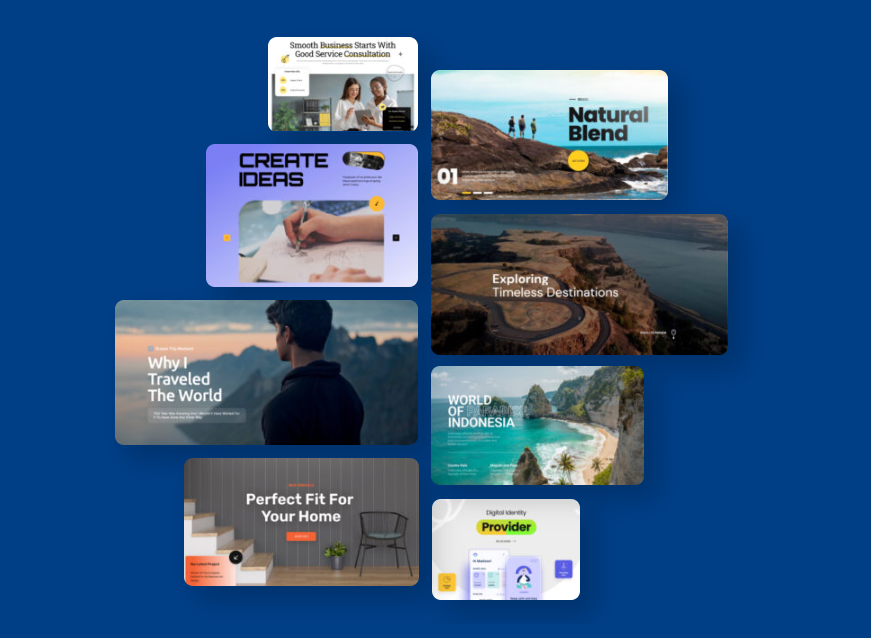
For years, the Shopify slider vs static image debate has raged among merchants: Should you use a single, clean hero image, or a dynamic motion-based layout?
The Case for Static Hero Images: Clarity and Speed
Many minimalist brands and high-end luxury boutiques swear by a simple Shopify hero section to maintain a clean aesthetic.
The Pros:
- Instant Clarity: A single message with one clear Call to Action (CTA).
- Perceived Speed: There is no “waiting” for the next slide.
The Cons:
- Banner Blindness: Repeat visitors often ignore static images they’ve seen before.
- Limited Real Estate: A static banner makes it impossible to show multiple high-priority campaigns simultaneously.
The Modern Interactive Slider: The Depicter Era
The old criticism that “sliders are slow” is officially dead in 2026. Modern tools have transformed the traditional slideshow into a high-performance Shopify carousel.
When merchants ask, “Are sliders bad for SEO Shopify?”, the answer in 2026 is a resounding no, provided you use a tool that optimizes for Core Web Vitals.
Why Modern Sliders Win:
- Sequential Storytelling: Introduce your brand, show a best-seller, and offer a discount code in a coordinated sequence.
- Micro-Interactions: Using a professional Shopify slider allows for hover effects and animations that keep users engaged longer than a flat image.
If you are looking for the top tools to build these sections, check out our definitive guide on the Best Shopify Banner Slider Apps in 2026.
Data Deep-Dive: Which One Actually Converts?
Improving your Shopify hero section conversion rate isn’t tied to the format, but to the “Intent Map.”
- The Paradox of Choice: A slider with 10 slides will fail. However, a Shopify announcement bar paired with a 3-slide interactive hero section increases CTR (Click-Through Rate) by an average of 18% compared to static images alone.
- Engagement Metrics: Interactive layers encourage “active browsing.” When a user interacts with a Shopify carousel, they are mentally “committing” to your brand’s story.
Merchant Insight 2026: Recent data from March 2026 Shopify benchmarks shows that while the average store converts at 1.4%, elite brands hitting 4.7%+ are doing so by replacing static banners with interactive, ‘mobile-first’ hero sections. By reducing ‘Banner Blindness,’ these interactive layers can increase Click-Through Rates (CTR) by up to 18-25% compared to non-interactive templates.
The Technical Check: SEO & Speed Impact
As a merchant, your biggest fear is tanking your site performance. In the past, poorly coded apps led many to believe “Are sliders bad for SEO Shopify?” because of slow load times.
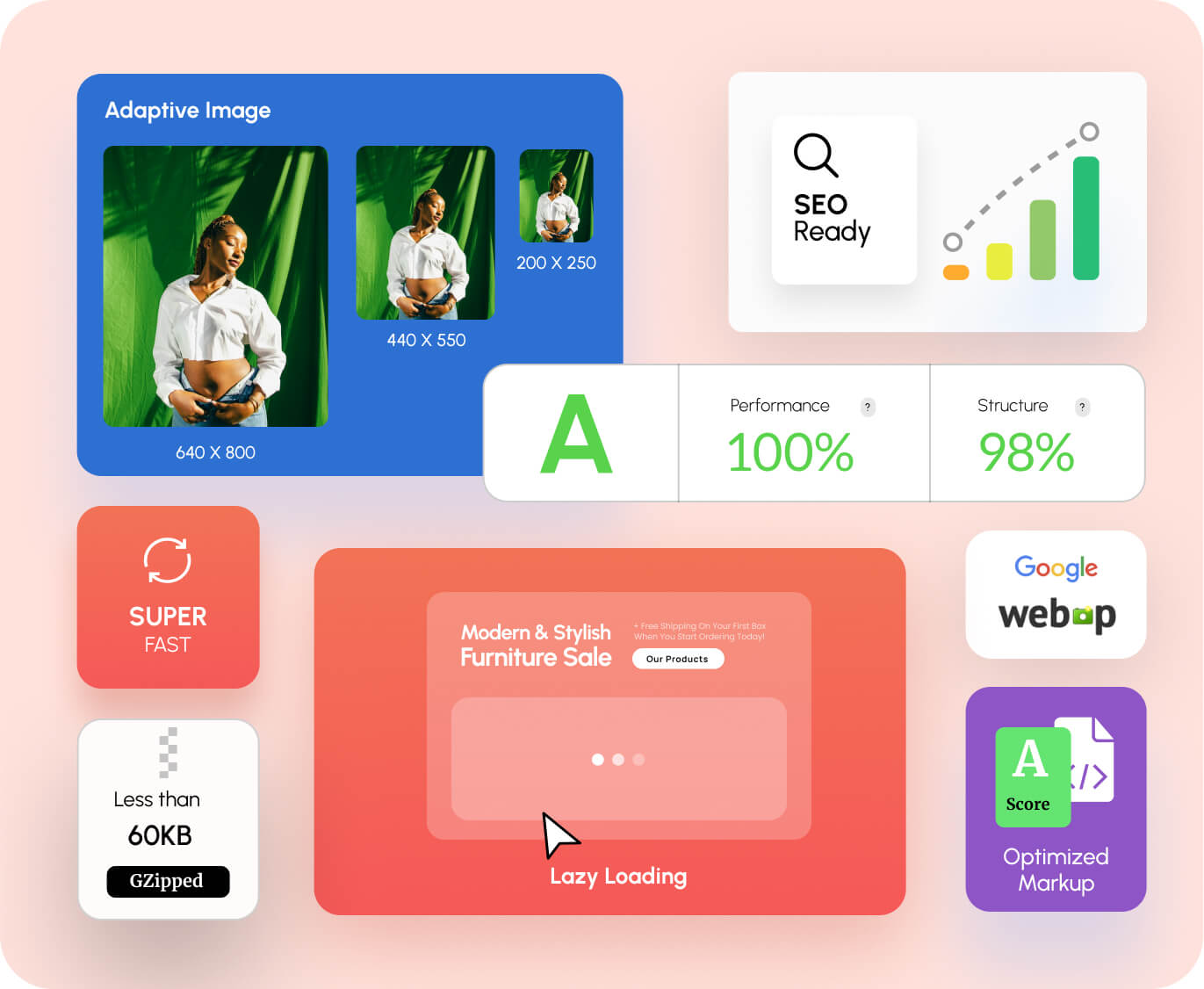
Today, a professional Shopify hero section built with Depicter uses WebP formats and Lazy Loading. Furthermore, a well-coded Shopify slider is now fully indexable by Google, meaning your slide text actually helps your SEO rankings.
The 2026 Decision Matrix: Which One Should YOU Choose?
Choosing the best Shopify homepage layout 2026 depends on matching your storefront to your business model. Use this matrix to identify your store’s “DNA.”
The High-Volume Lifestyle Boutique
- The Solution: The Interactive Shopify Carousel.
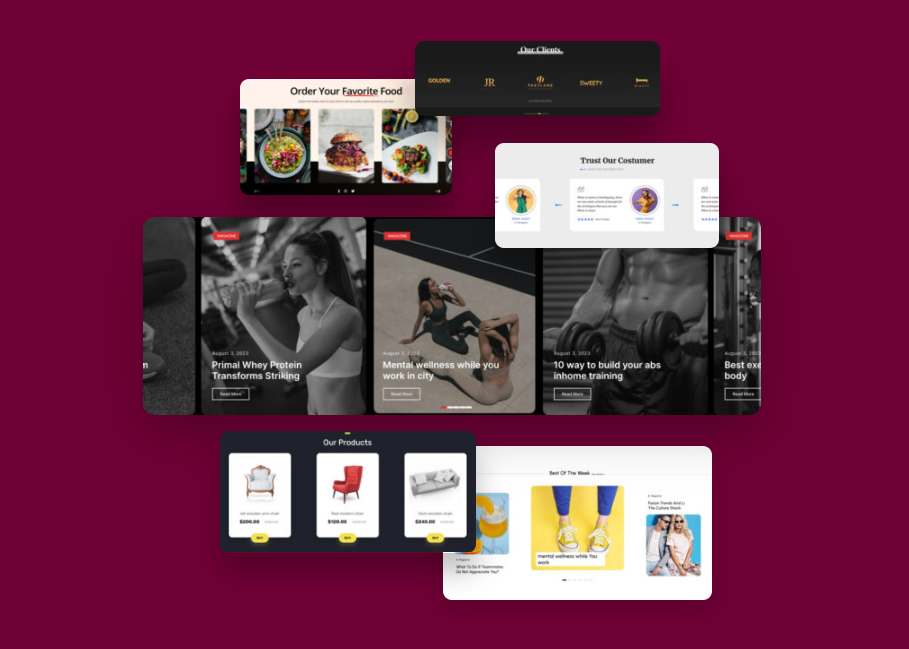
- Strategic Rationale: Use 3 high-impact slides to show diversity (New Arrivals, Best Sellers, Seasonal Sale).
- Merchant Result: Lower bounce rates as users find their specific interest faster.
The Single-Product Inventor (DTC Powerhouse)
- The Solution: Static Hero Image with Video Background.
- Strategic Rationale: A high-quality, muted video background shows the product in action while the static text remains fixed. This is often considered the best Shopify homepage layout 2026 for single-product brands.
The Growth-Hacker (Aggressive Scaling)
- The Solution: The delayed Shopify popup builder Integration.
- Strategic Rationale: Let the hero section do the initial selling. If a user spends more than 10 seconds without clicking, trigger a Shopify announcement bar or a sleek popup.
Summary Table for Quick Reference
| Store Type | Recommended Layout | Primary Goal |
| Multi-Category | Shopify Carousel | Product Discovery |
| Single-Product | Static Hero + Video | Education & Direct Sale |
| Flash Sale | Shopify Slider + Announcement Bar | Urgency & High CTR |
| B2B | Clean Static Hero | Professionalism |
Once you’ve identified your scenario, learn how to build it perfectly in our Ultimate Guide to Shopify Hero Sections.
Conclusion
The final verdict for the Shopify slider vs static image debate? The winner is the Hybrid Approach. An interactive hero section Shopify stores can rely on is one that looks like a clean static image but behaves like a dynamic layer, providing the best speed and engagement.
Frequently Asked Questions (FAQ)
- Do sliders slow down my Shopify store? Only if they are poorly coded. Modern apps have a negligible impact on load speed.
- What is the best Shopify homepage layout 2026 for mobile? We recommend an “Adaptive” approach: a carousel for desktop and a simplified version for mobile to prevent unreadable text.
- How can I improve my Shopify hero section conversion rate? Limit your slides to the “Magic Number” of 3 and ensure your CTA (Call to Action) is always visible and high-contrast.
Leave Comment