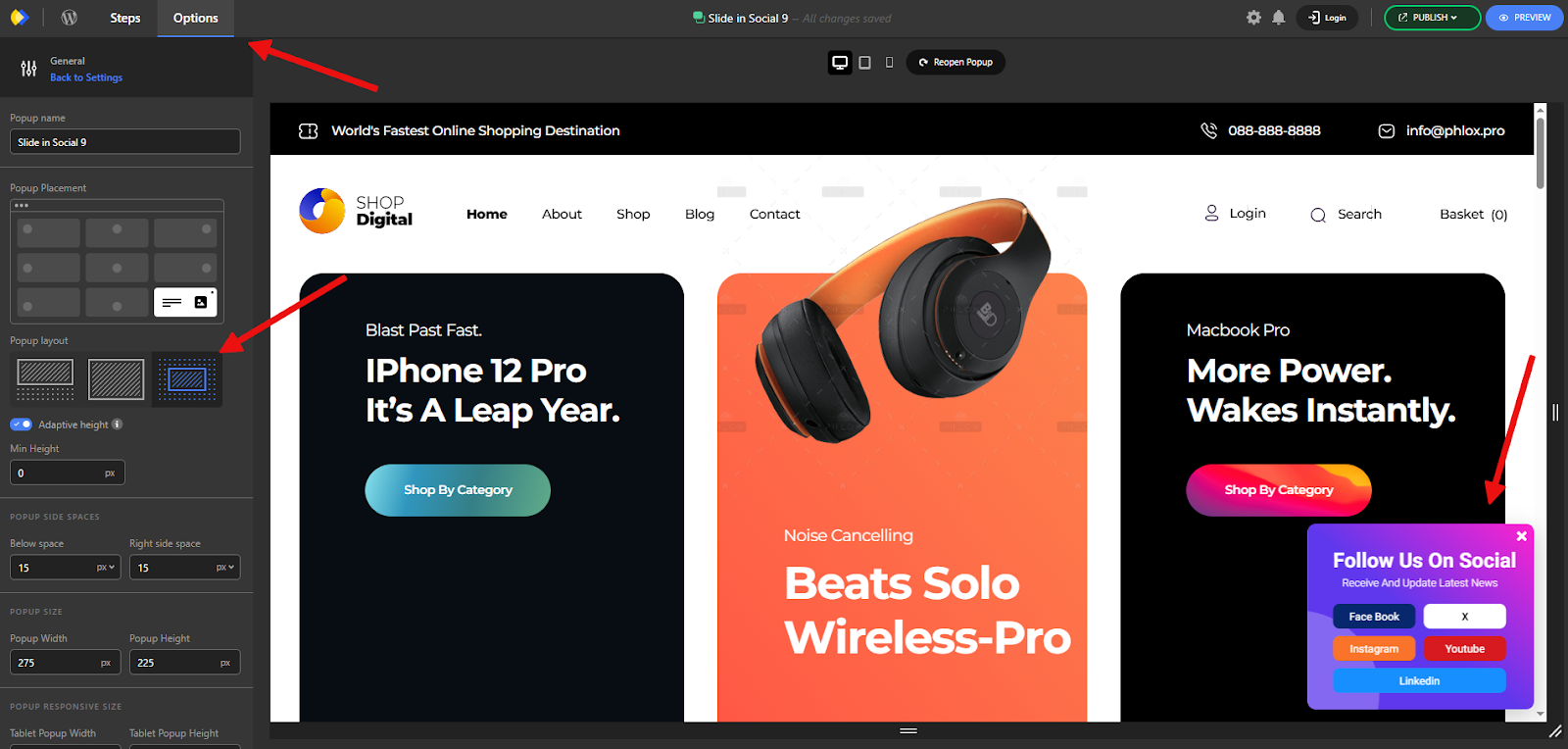
Slide-in popups are a subtle way to engage users by appearing from the side or corner of the screen. They deliver a quick call to action without interrupting the browsing flow, making them ideal for capturing leads or boosting conversions with minimal disruption.
Their flexible design makes them a great alternative to traditional popups, especially when you want to avoid interfering with key pages or the user experience.
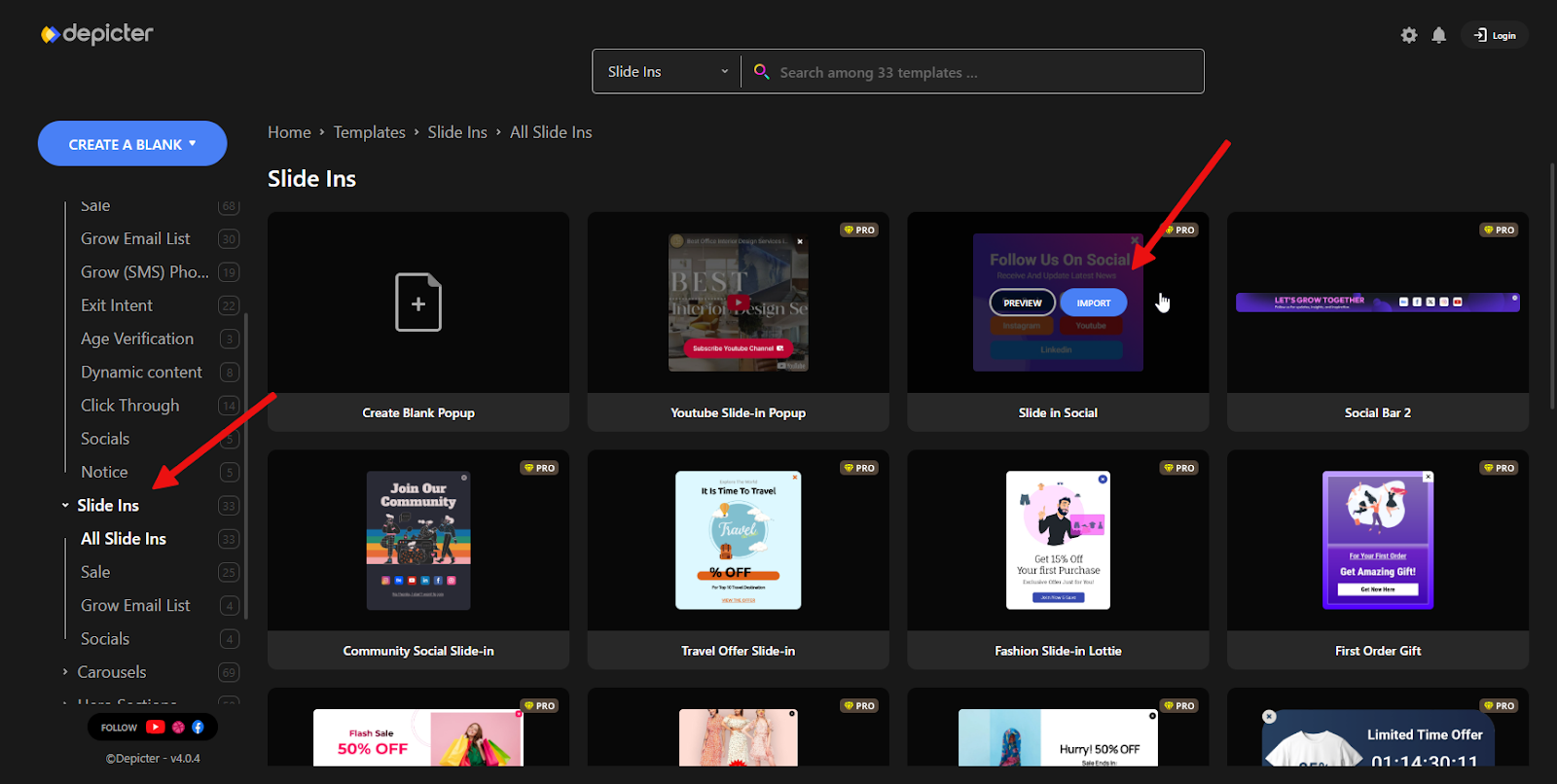
Slide-ins are a specific type of popup, designed to be less intrusive while still delivering targeted messages. To create one, go to the Popups section, select Slide-ins from the left-hand category menu, and click the Import button on your chosen template.
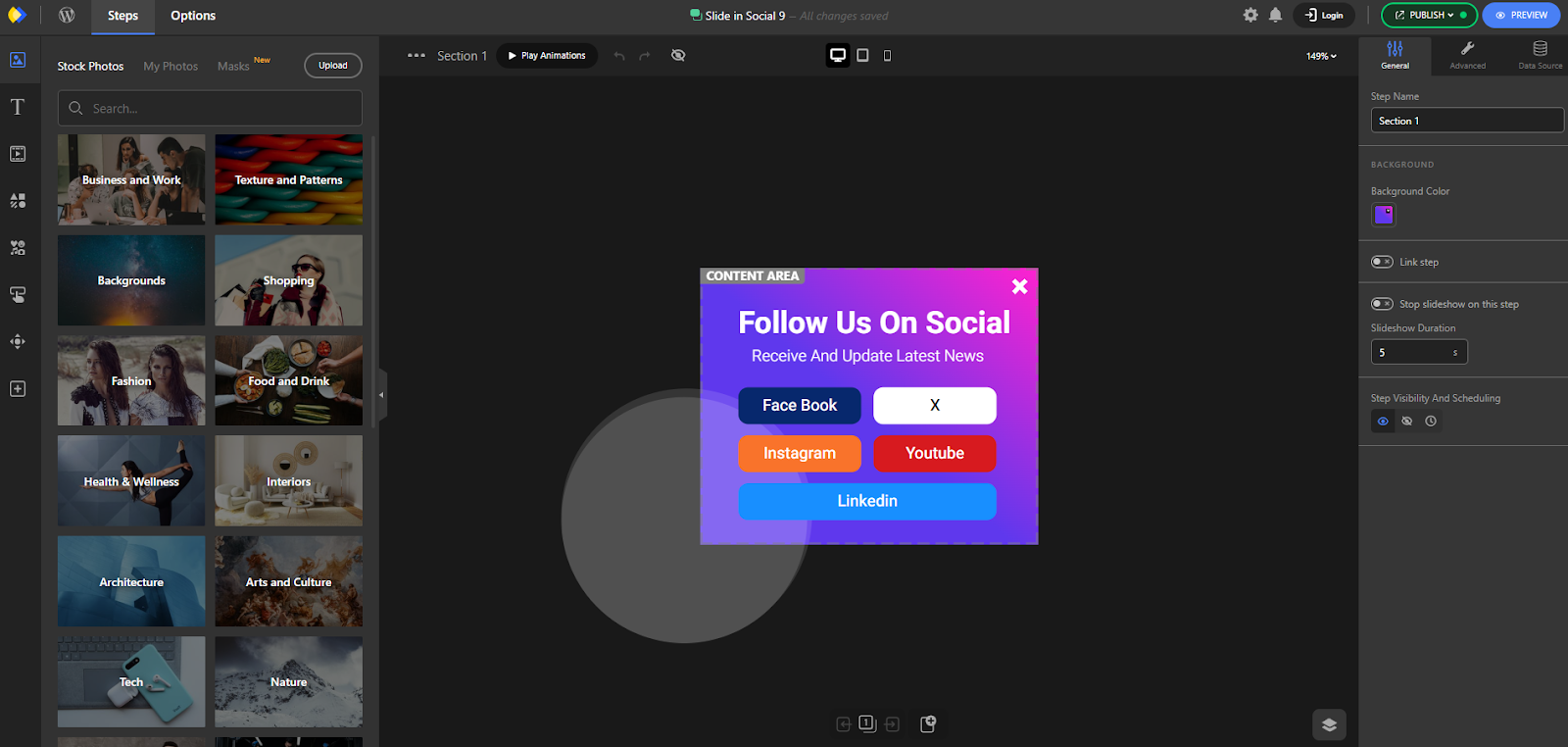
After a few seconds, the template will load in the Depicter editor.
One of the first settings you might want to adjust is the placement of the slide-in. This can be configured under Options > General > Popup Placement, where you can choose the side or corner where the popup should appear.