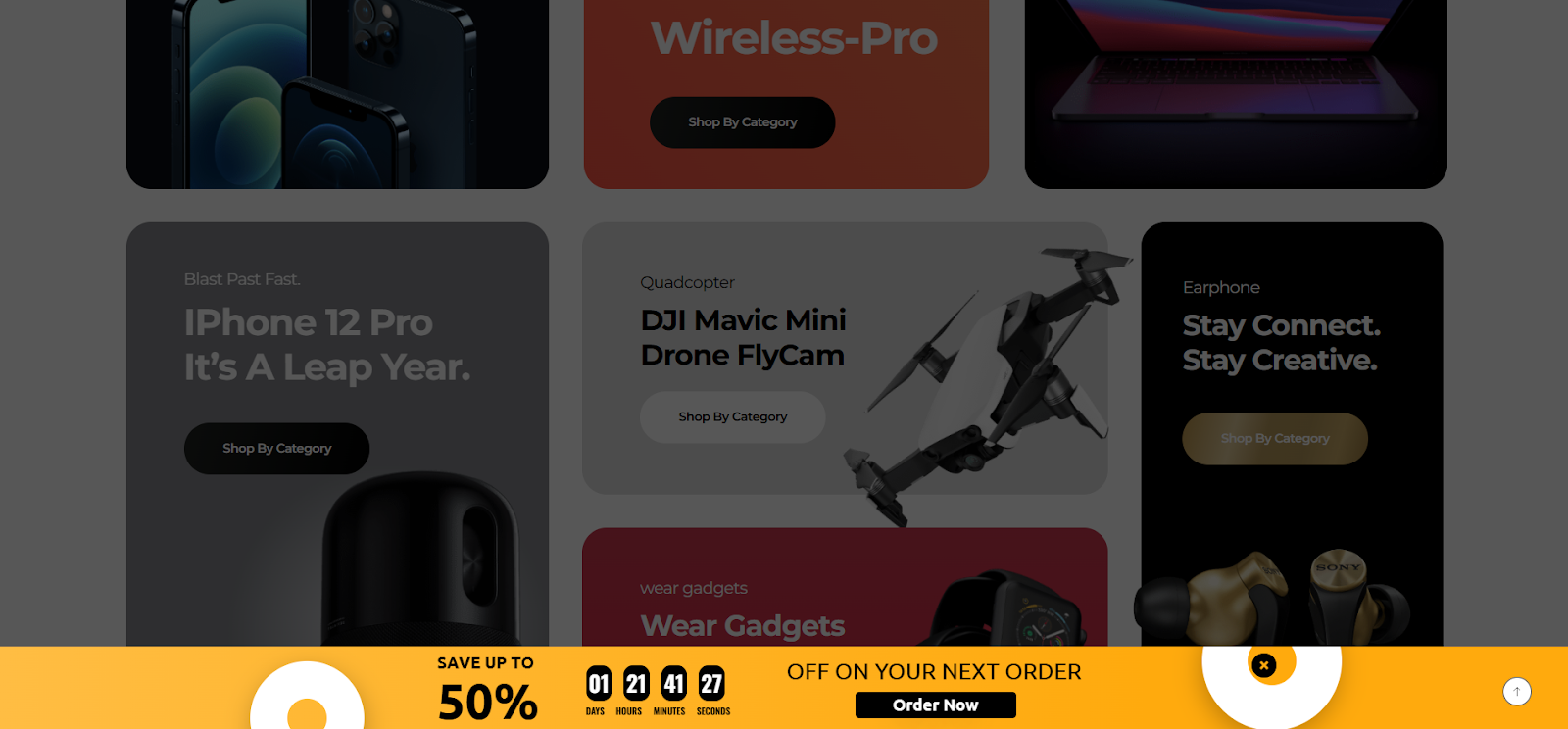
The Notification Bar, or announce bar, is a lightweight message bar typically displayed at the top or bottom of a webpage. It’s designed to deliver high-visibility announcements without interrupting the user experience.
Common use cases include flash sales, product launches, important updates, live events, or urgent alerts.
Place it in a fixed or sticky position at the top of your site, and make sure time-sensitive or high-priority messages are seen immediately by your visitors. This approach helps increase visibility, drive engagement, and ensure important updates don’t get missed.
Fixed or sticky bar at the top or bottom of the screen
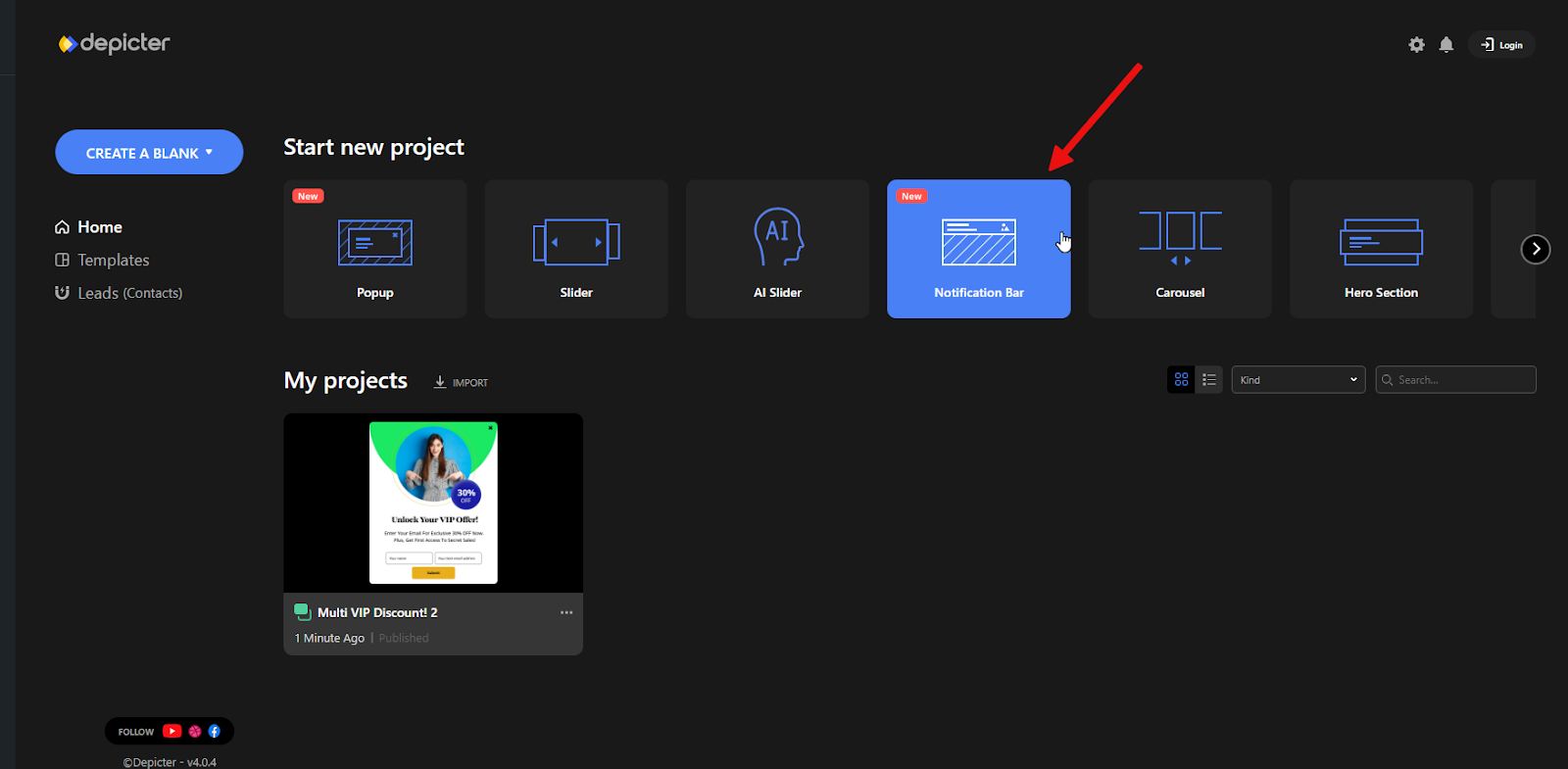
To get started, go to the Notification Bar section in the Depicter dashboard and choose one of the available templates.
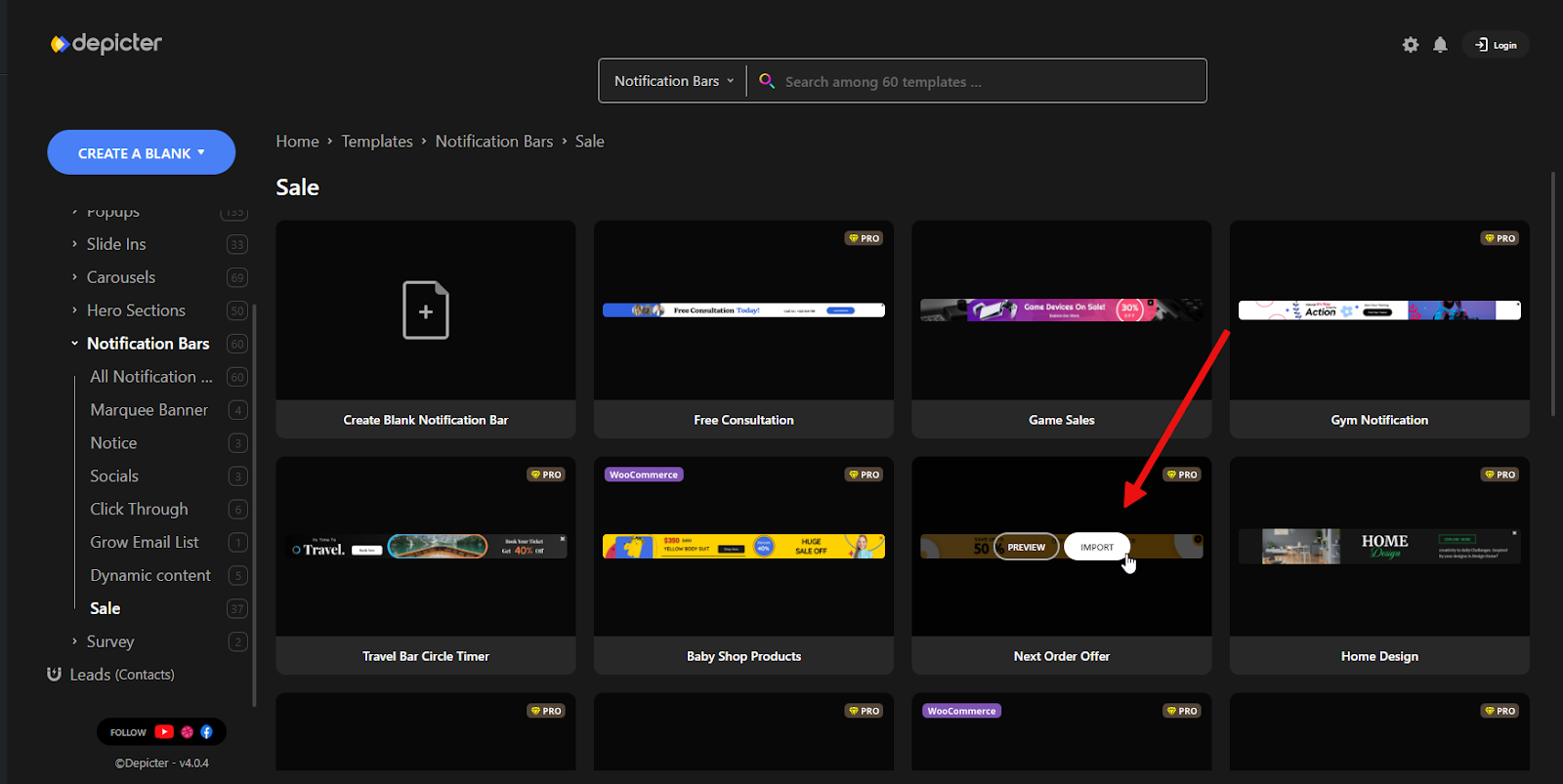
After a few seconds, the template will be imported and opened in the editor.
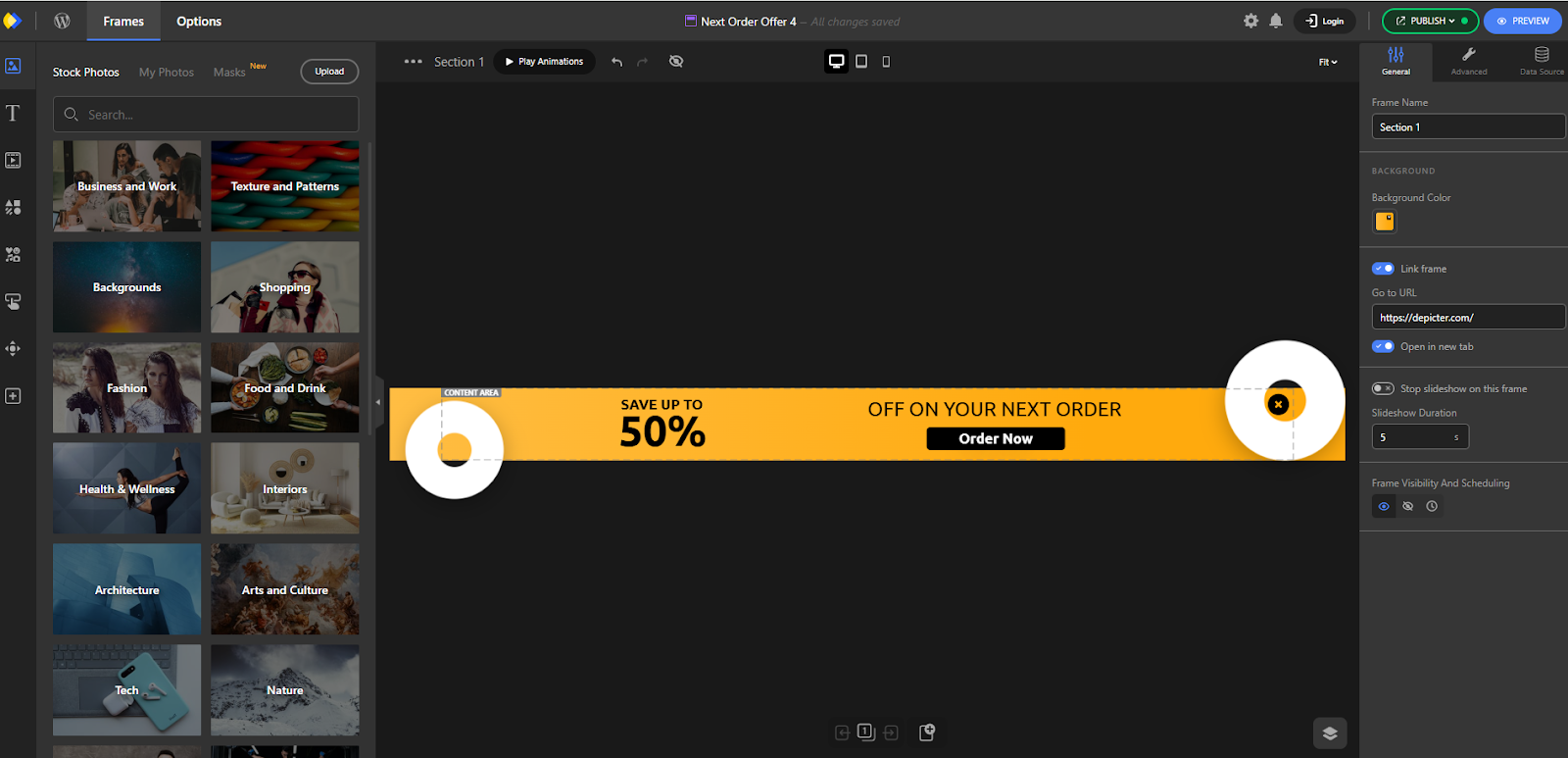
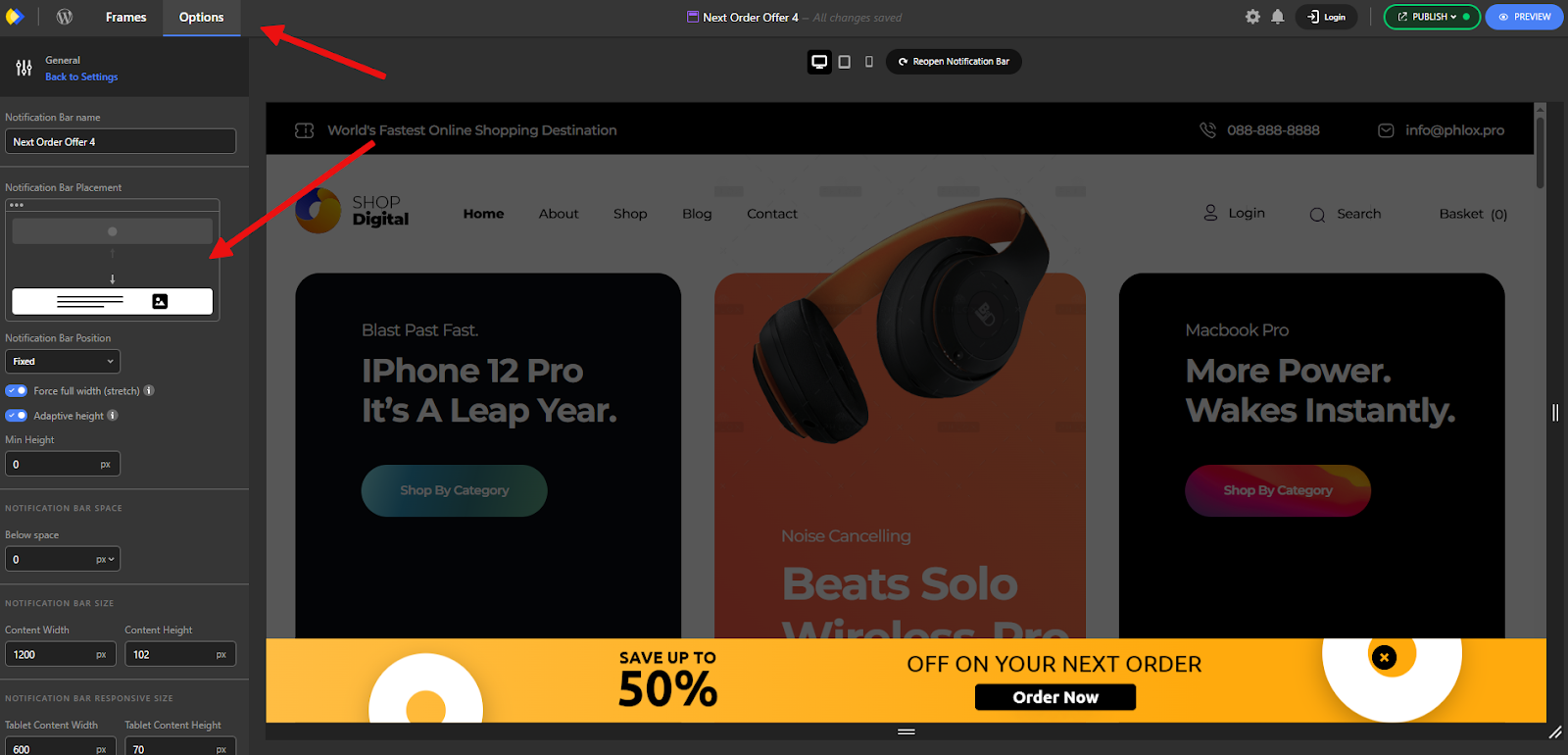
Among the many customization options available, one of the first settings you may want to adjust is the placement of the notification bar.
This can be configured by navigating to Options > General > Notification Bar Placement, where you can choose whether the bar appears at the top or bottom of the page—depending on your design preferences and user experience goals.
Add countdowns, links, and calls to action
Key elements commonly used in notification bars include call-to-action buttons and time counters.
These components align perfectly with the bar’s purpose: to quickly capture attention and prompt user action.
A clearly visible CTA button directs users toward a desired action—such as visiting a sale page or signing up for an offer—while a countdown timer creates a sense of urgency by emphasizing the limited-time offer.
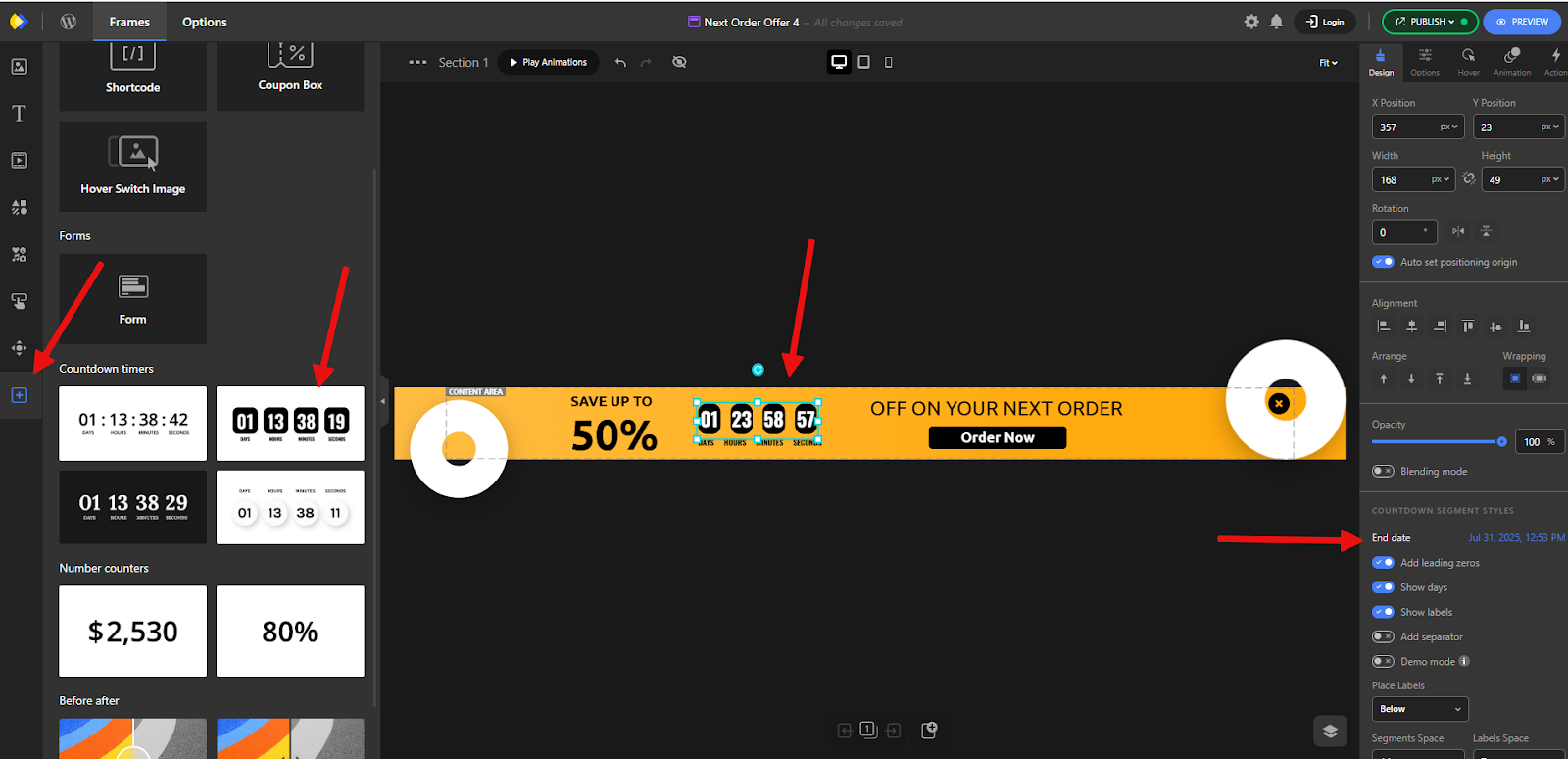
From the Elements panel on the left, you can add a counter by selecting from various available styles and types. Once added, use the settings in the right-hand panel to configure its behavior, appearance, and countdown duration based on your needs.
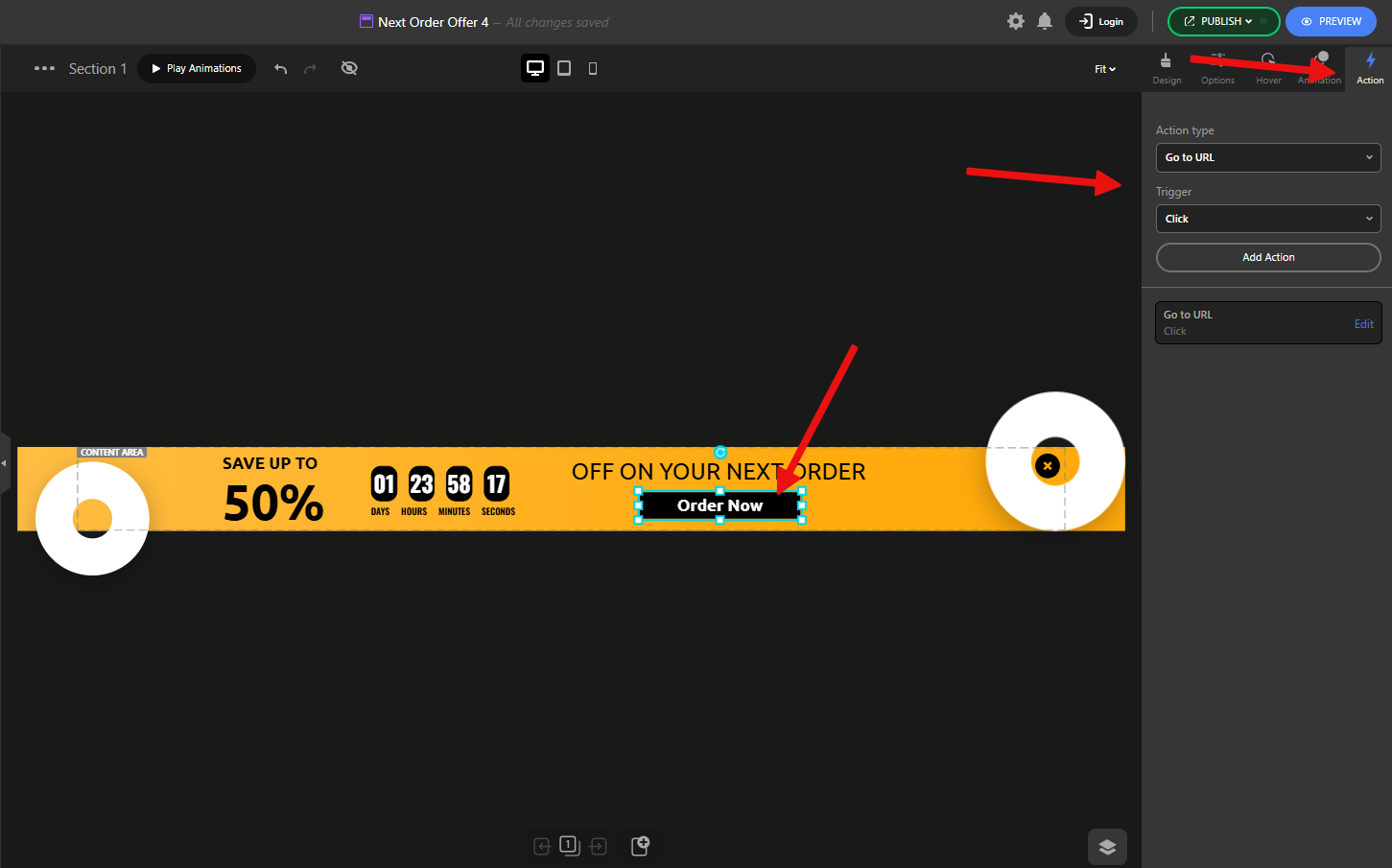
For buttons, you can define their functionality by going to the Action tab. There, you’ll find several options such as Go to URL, Close, Show/Hide Element, and more.
These actions allow you to control what happens when the user interacts with the button, enabling flexible and goal-oriented behaviors within your notification bar.
Together, they help reinforce the idea that the offer is time-sensitive and that immediate action is beneficial, making the notification bar an effective tool for driving conversions.